

A water-damaged homeowner calls three restoration companies in six minutes. The one who answers and gives a clear arrival window usually wins the job. That is why restoration response time marketing drives more booked work than almost any other message on your website or ads.
The problem comes when your ads promise “60 minutes or less” and a hailstorm floods your dispatch board. Now your crews are stretched, customers wait two hours, and your Google reviews take the hit.
This post gives you plug-and-play response-time statements based on your real coverage. You will learn which wording to use, where to place it, and how to protect your reputation during surge events.
Why Restoration Response Time Marketing Backfires
Most restoration owners copy the wording they see from national brands. They slap “We’ll be there in 60 minutes” on every page and ad. That single promise causes more one-star reviews than slow service itself.
A broken time promise reads as a lie, not a delay. The customer remembers the number you advertised, not the storm that blew up your schedule.
General home services marketing can absorb vague timing. A plumber who shows up “same day” rarely gets punished. Restoration is different because the customer is panicking over standing water, smoke, or sewage.
Your emergency response time wording sets an expectation during the worst hour of their year. Miss it, and the anger lands in public, searchable form.
The Hidden Cost of a Bad Time Promise
One missed 60-minute window can cost more than the job itself. Consider the chain reaction:
- One-star review that mentions “said 60 minutes, took 3 hours”
- Lower star rating that drops your Google Business Profile ranking
- Fewer clicks on your map listing during the next storm
- Higher cost-per-lead on paid ads to make up the gap
Insurance adjusters and property managers read those reviews too. A single timing complaint can cost you a referral relationship worth six figures a year.
Three Coverage Models and the Wording That Fits Each
The fix starts with honesty about your dispatch reality. There are three coverage models in restoration, and each one needs its own language.
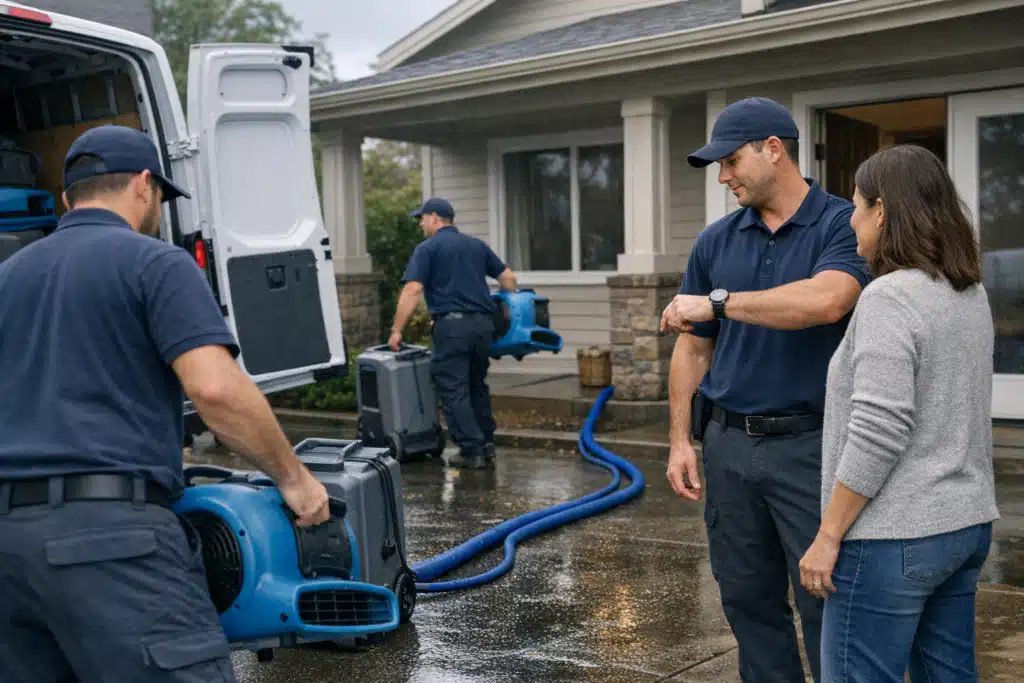
Match your wording to how your crews actually operate, not to what sounds fastest.
1. Guaranteed Response (Only If You Can Back It)
A guaranteed window means you commit to a hard arrival time, every call, no exceptions. Use this only if you have 24/7 staffed dispatch and on-call crews under contract.
Plug-and-play wording:
- “Guaranteed on-site in 60 minutes across [County] — or we waive the first hour of labor.”
- “60-minute arrival, backed in writing. Call now and we start the clock.”
Only one in five small restoration firms can honor a true guarantee during storm season. Do not use this model if a single multi-loss day breaks it.
2. Targeted Response (The Safe Default for Most Firms)
A targeted window states your typical arrival time without a binding promise. This is the right model for most independent restoration companies.
The language stays fast and confident without boxing you in. Plug-and-play wording:
- “Most calls answered live and crews dispatched within 60 minutes.”
- “Fast local response — usually on-site in under 90 minutes.”
- “We aim to reach [City] homes within the hour, 24/7.”
Words like most, usually, and aim keep you honest. Targeted wording still converts because speed and confidence come across clearly.
3. Triaged Response (For Surge and Multi-Loss Events)
A triaged model prioritizes calls by severity when volume spikes. This is the wording you switch to during a named storm or regional flood.
It sets expectations so waiting customers stay calm instead of angry. Plug-and-play wording:
- “Storm response active — active water losses prioritized. We confirm your arrival window when you call.”
- “High call volume in your area. Call now for your place in our priority dispatch queue.”
- “Emergency crews deployed across [Region]. We give you a live time estimate on the phone.”
Notice none of these name a fixed number. During surge events, a confirmed window on the phone beats a broken promise on a billboard.
Where to Place Each Response-Time Statement
The right message in the wrong spot still creates problems. Placement controls who sees which promise and when.
Homepage and Service Pages
Use targeted wording in your hero headline and above the fold. This is the page that ranks and gets the most traffic, so keep it accurate year-round.
Never hard-code a guarantee into a page you rarely update. Storm season will make a frozen “60 minutes guaranteed” headline a liability.
Google Business Profile and Local Listings
Your profile description and posts should use targeted language. Map-pack searchers during an emergency are ready to call within seconds.
Follow these steps to align your profile:
- Set your business as a 24-hour operation if you answer calls around the clock.
- Add a profile description with targeted wording like “crews usually dispatched within the hour.”
- Post a storm-season update that switches to triaged language during surge events.
- Respond to every review that mentions timing, good or bad, within 24 hours.
Google Ads and Local Service Ads
Paid search is where fixed-number promises cause the most damage. Use targeted wording in ad copy and let the phone call set the exact time.
Build two ad groups you can toggle fast:
- Standard group: “Fast local water damage response — call 24/7.”
- Surge group: “Storm response active — priority dispatch. Call for your arrival window.”
When a storm hits, pause the standard group and run the surge group. This one switch protects your reviews during your busiest week.
How to Adjust Response-Time Marketing by Season
Restoration demand swings hard by weather and season. Your wording should move with it instead of staying frozen.
Build a calendar that pairs coverage language with your real crew capacity.
- Slow months: Run targeted or guaranteed wording to win every available call.
- Freeze events and spring thaw: Watch dispatch load and switch to triaged wording when queues build.
- Named storms: Flip to surge ad groups and triaged profile posts before the first call lands.
- Post-storm recovery: Return to targeted wording once crews clear the backlog.
Dispatch volume, not the calendar date, should trigger the switch. A quiet hurricane season means you keep your faster wording live.
Track Which Promise Books the Job
Response-time wording is testable. Use call tracking numbers to tie each phrase to booked work.
Assign a different tracking number to your surge ad group and your standard group. Compare booked-job rates and review scores between them each month.
The wording that books jobs without generating timing complaints is your winner. Keep it, and retire the phrases that drag your rating down.
Repairing Reviews Damaged by Old Time Promises
If broken-window reviews already exist, you can recover. Start by replying to each one with a calm, specific response.
Acknowledge the storm or volume, apologize for the gap, and state your current wording. A thoughtful reply tells future readers you fixed the expectation problem.
Then earn fresh five-star reviews with accurate targeted wording. New, honest reviews push the old timing complaints down the page where fewer people see them.
Conclusion
Restoration response time marketing works when your wording matches your real coverage: guaranteed, targeted, or triaged. Place targeted language on your evergreen pages, keep a surge ad group ready, and let phone calls confirm exact arrival times during storms.
Honest timing language books more jobs and protects the reviews that drive your ranking. The Restoration Marketers builds these campaigns for restoration companies every day. Call or text us at 720‑885‑0749, or visit https://restorationmarketers.com to tighten your response-time marketing before the next storm.