
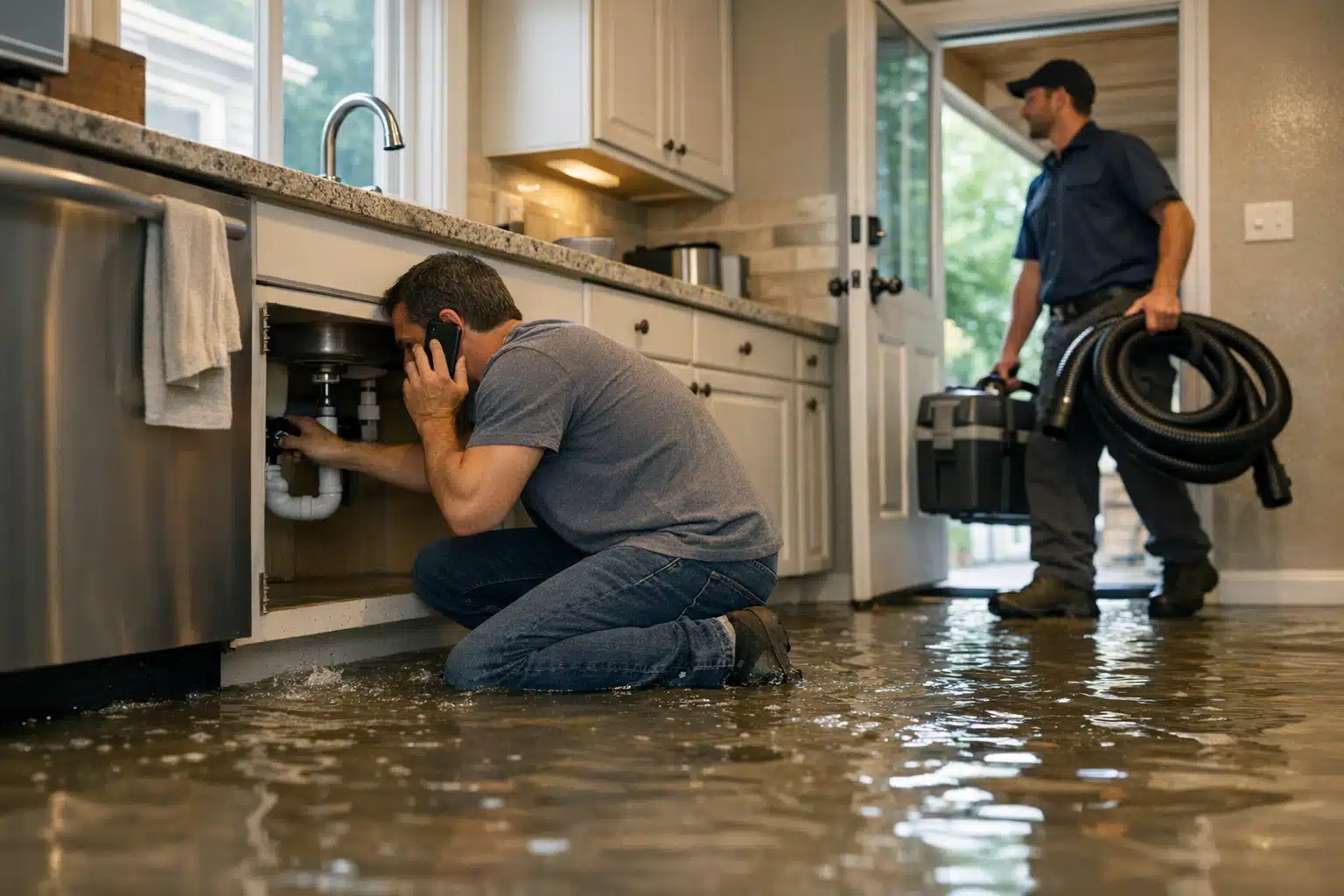
A homeowner with water pouring across their kitchen floor gives your website about eight seconds before deciding to call or bounce. During that window, they are scanning for one thing: proof you can fix this fast. An IICRC certified restoration website that buries its credentials three scrolls down loses that caller to the competitor who put proof up front.
Most restoration owners treat certifications like a trophy shelf. They dump every badge into the footer and hope someone notices. That approach wastes the single strongest asset you have for turning fear into a phone call.
Below, you learn exactly where certifications belong, matched to how a panicked homeowner reads your site. You also learn which placements backfire and make your company look fake.
Why Placement Beats Quantity for IICRC Certified Restoration Websites
Certifications work as restoration certifications trust signals only when they appear at the exact moment a visitor feels doubt. A badge in the footer answers a question nobody is asking yet.
An emergency caller moves fast. Water is spreading. Mold is a fear. Insurance is a question mark. Your credentials must interrupt that panic at each decision point.
The goal is not to list badges. The goal is to answer “can I trust these people right now?” before the visitor even forms the question.
How a Panicked Homeowner Reads Your Site
Restoration marketing differs from regular home services marketing because the buyer is in distress. A homeowner picking a kitchen remodeler browses for weeks. A homeowner with a flooded basement decides in minutes.
That distress follows a predictable path. Understanding it tells you where every credential should sit.
- Panic — “My house is flooding. Who can come now?”
- Scan — “Are these people real and reachable?”
- Vet — “Do they actually know what they’re doing?”
- Commit — “Will insurance cover this and will they handle it?”
Each stage needs a different proof point. Map your certifications to the stage, not to a random sidebar.
Where to Place Certifications at Each Stage of the Panic Flow
Below is the placement map we use when auditing restoration sites. Each spot ties to a moment of doubt.
1. The Mobile Header (Panic Stage)
Over 70% of emergency restoration searches happen on a phone. The mobile header is the first screen a flooded homeowner sees.
Put your click-to-call button and one credibility line here. Something like “IICRC Certified · 24/7 Emergency Response” fits in a sticky bar.
Do not stack five badges in a mobile header. One line of text outperforms a row of tiny logos nobody can read on a 6-inch screen.
2. The First Screen Above the Fold (Scan Stage)
The hero section is prime space for your strongest proof. A panicked visitor scans here to confirm you are legitimate.
Pair your headline with a single IICRC badge and a short claim. Example: “IICRC Certified Firm · Licensed · Insured · On-Site in 60 Minutes.”
Keep the badge next to the phone number. Proximity links the credential to the action you want.
3. The Service Page Intro (Vet Stage)
A visitor on your water damage page wants matched expertise. Generic company badges mean less here than specialty certifications.
On a mold page, show your IICRC Applied Microbial Remediation Technician credential. On a water page, show Water Damage Restoration Technician. Match the certification to the exact problem on the page.
4. The Estimator or Technician Bio (Vet Stage)
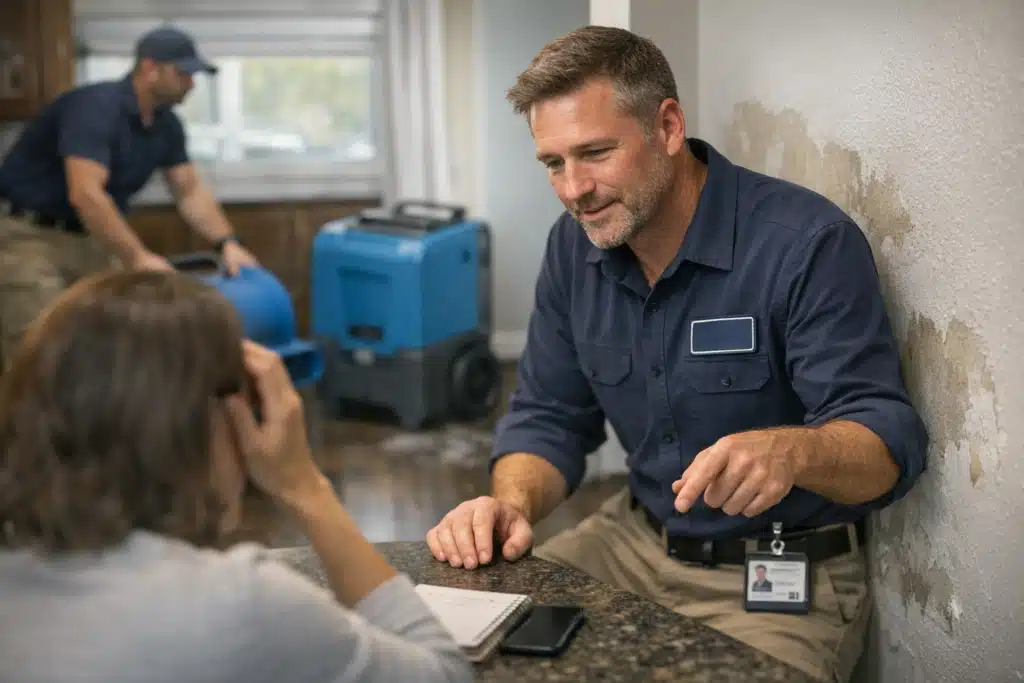
This is the placement most restoration sites skip entirely. A named human with credentials beats a faceless logo every time.
Give your lead estimator a photo, a first name, and their IICRC designations. “Mike has held IICRC Water Damage Restoration certification for nine years” reads as real.
A credential attached to a person feels verifiable. A badge floating in a grid feels like stock art.
5. The Proof Section Near Reviews (Commit Stage)
Place your full certification lineup next to your Google reviews. At the commit stage, the visitor stacks evidence before dialing.
Credentials plus five-star reviews plus “insurance approved” form a tight cluster of reassurance. This is the one place a badge row earns its space.
What Makes Certifications Look Fake (And Kills Calls)
Poorly presented credentials damage trust instead of building it. A homeowner who smells fake proof leaves immediately.
Avoid every mistake below.
- Blurry, pixelated badge images — Low-resolution logos signal a copy-paste job. Use clean vector versions.
- Badges for certifications you no longer hold — Expired IICRC credentials shown as current invite complaints and legal risk.
- A wall of 15 unrelated logos — Chamber of Commerce, BBB, and ten software partners dilute your real expertise.
- Badges that link nowhere — A clickable IICRC logo should link to your verification page or the IICRC registry.
- Generic “certified technicians” with no name or number — Vague claims read as filler. Name the certification.
One verifiable IICRC credential tied to a real technician beats a grid of a dozen logos that link to nothing.
Make Your Claims Verifiable
IICRC maintains a public registry where homeowners confirm a firm’s status. Link to it from your certification section.
When a credential is checkable, it stops being a marketing claim and becomes a fact. That shift matters most to insurance-conscious homeowners.
How Certification Placement Connects to Your Lead Flow
Restoration demand spikes hard during storm season and freeze events. Those spikes bring floods of first-time visitors who never heard of you.
A cold visitor needs more proof than a referral. During a storm surge of traffic, your certification placement does the trust-building a referral normally would.
Firms that depend heavily on insurance referrals get hit hardest when referrals slow. A credential-forward website captures direct homeowner leads that bypass the referral pipeline.
Track Which Placements Drive Calls
Placement is a hypothesis until data confirms it. Measure before you assume a badge spot works.
- Add call tracking numbers to your header and hero section separately.
- Use scroll-depth tracking to see if visitors reach your proof section.
- Run heatmaps on service pages to confirm visitors notice technician bios.
- Compare call rates before and after moving credentials above the fold.
A single A/B test moving an IICRC badge into the hero section commonly lifts call rates. Test it on your busiest service page first.
Reputation Recovery and Certifications
A restoration firm recovering from a run of negative reviews needs every trust anchor available. Certifications give a factual counterweight to subjective complaints.
Pair fresh positive reviews with visible IICRC credentials near them. The pairing tells a visitor the recent bad reviews are outliers, not the pattern.
Credentials cannot fix bad service, but they stabilize trust while you rebuild your review profile.
The Takeaway
Certifications convert emergency callers when they appear at the moment of doubt, not in a footer nobody scrolls to. Map each credential to the panic flow: a text line in the mobile header, a badge in the hero, specialty certifications on service pages, and named technician bios. Keep every claim clean, current, and verifiable.
The Restoration Marketers builds restoration websites that place credentials where they drive calls, not where they collect dust. Call or text us at 720‑885‑0749 for a free placement audit of your current site, or visit https://restorationmarketers.com.