
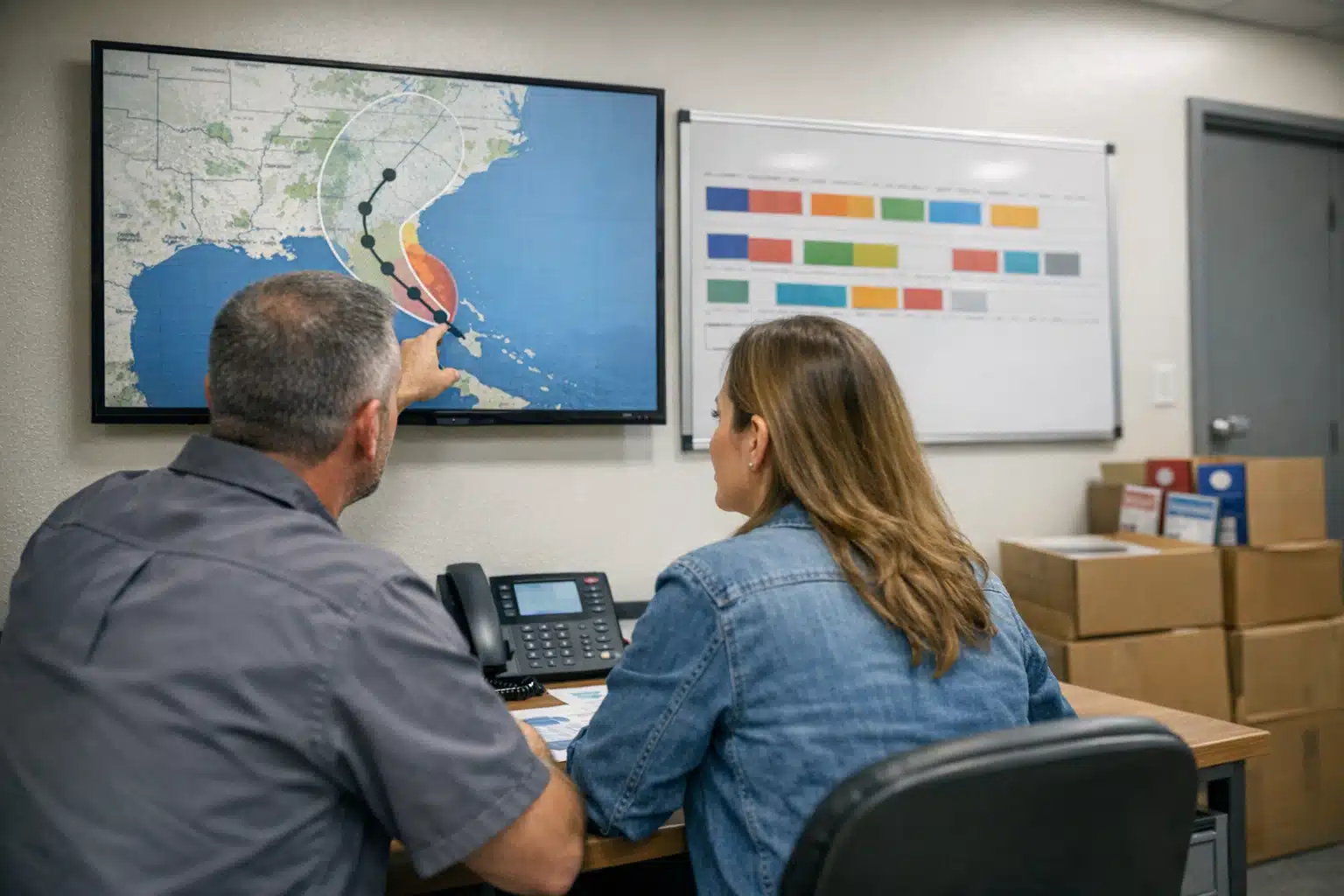
When a hurricane forms in the Gulf, restoration call volume can jump 400% within 48 hours of landfall. The companies that capture those calls are not faster on the phone. They prepared their marketing days before the first cloud appeared. This hurricane season marketing checklist 2026 gives you an hour-by-hour countdown to set up before the storm hits.
Most restoration owners treat pre-storm prep as a physical task: staging equipment, calling crews, fueling trucks. Marketing gets ignored until the phones ring. By then, your competitors already rank higher and their ads are live.
What follows is a timed sequence built around a real storm window. Each phase covers Google Business Profile readiness, ad safeguards, call routing, and site banners. No post-storm cleanup plans here — only the moves that win calls before landfall.
Why Pre-Storm Marketing Beats Post-Storm Scrambling
Storm restoration lead prep works because homeowner search behavior changes fast when a hurricane approaches. People start searching “water damage cleanup near me” and “roof tarping” days before the rain arrives.
Google rewards accounts with recent activity and updated information. If your profile has stale hours or an old service area, you lose visibility right when demand peaks.
The window to prepare is roughly 72 hours before projected landfall. That is when the National Hurricane Center issues watches and homeowners start planning. Your marketing needs to be locked in before that traffic spike.
How Restoration Marketing Differs From General Home Services
A plumber can wait for steady, year-round demand. Restoration demand spikes in violent, short bursts tied to weather events.
That means your ad budget and profile updates must be reactive on a 24-hour clock. A hurricane creates a two-week revenue window that funds months of slower operations.
Insurance referral dependency adds pressure. When you rank and answer fast, you win direct homeowner calls that pay better than adjuster leads.
The Hurricane Season Marketing Checklist 2026: T-72 Hours
At 72 hours out, a watch is issued and forecast cones sharpen. Your goal now is visibility and accuracy across every digital touchpoint.
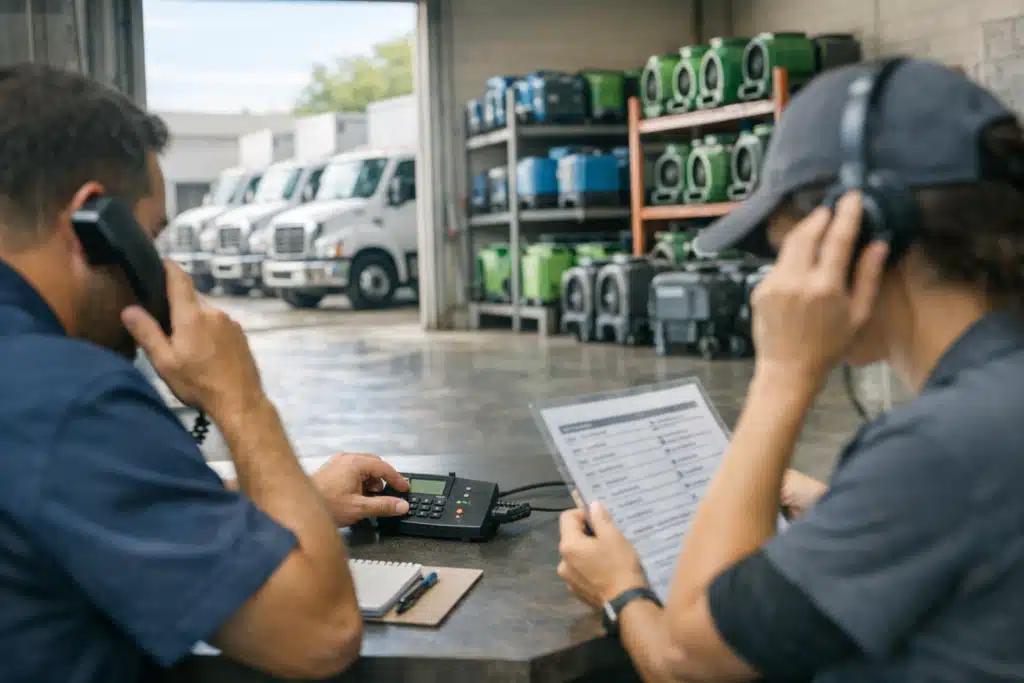
Complete these T-72 tasks first:
- Update your Google Business Profile hours to “Open 24 hours” if you run emergency crews.
- Confirm your service area lists every county in the forecast cone.
- Post a Google update mentioning storm response and your emergency phone line.
- Verify your primary category reads “Water Damage Restoration Service.”
- Add fresh photos of crews, trucks, and equipment staged for deployment.
Google Business Profile drives the map pack, which captures most emergency mobile searches. A profile that looks active outranks a dormant competitor with more reviews.
Prime Your Ad Campaigns Without Wasting Budget
At T-72, raise daily budget caps but keep bids moderate. Search volume is climbing but not at peak yet.
Add storm-specific keywords now: “hurricane water damage,” “emergency roof tarp,” and “flood cleanup [city].” Pause any low-intent maintenance keywords that drain spend.
Set a geo-fence around the forecast cone counties. Serving ads outside the impact zone wastes money you need during the surge.
T-48 Hours: Lock In Call Routing and Landing Pages
At 48 hours, a warning is likely and homeowners are actively hiring. Every lost call now is direct lost revenue.
Call routing failures are the most common leak I see in storm restoration lead prep. A phone that rings to voicemail during a hurricane surge sends that homeowner straight to your competitor.
Set up your call system for volume:
- Route overflow calls to a second staff member or an answering service that books jobs.
- Test your tracking number so every ad-driven call gets attributed correctly.
- Confirm after-hours calls forward to a live person, not a menu.
- Text-enable your main line so homeowners can send photos of damage.
Optimize Landing Pages for Emergency Calls
Your emergency landing page needs one job: get the call. Strip away long paragraphs and multiple form fields.
Put a tap-to-call button above the fold on mobile. Add a headline that names the storm response directly, like “24/7 Hurricane Water Damage Response.”
Speed matters more than polish. A page that loads in under three seconds keeps panicked homeowners from bouncing to the next result.
Track Every Lead by Source
During a storm surge, you cannot improve what you cannot measure. Tag each lead source before the calls flood in.
Use separate tracking numbers for Google Ads, your website, and your Business Profile. This shows which channel funds your best jobs after the storm passes.
T-24 Hours: Deploy Site Banners and Max Bids
At 24 hours, landfall is near and search volume peaks. This is the moment your budget and messaging go full throttle.
Add a visible emergency banner to your homepage. It should state your storm response and link to a tap-to-call button.
Sample banner copy that converts: “Hurricane damage? Our crews are responding now. Call 720‑885‑0749.”
Push Ad Bids to Capture Peak Demand
Raise your Google Ads bids at T-24 to hold top positions. Cost-per-click rises during storms because competitors bid up too.
Accept the higher click cost. One water damage job often covers a full day of aggressive ad spend during a hurricane.
Switch mobile ad extensions to call-only during peak hours. Homeowners want to dial, not browse, when water is rising.
Protect Your Reputation Before the Rush
Storm surges bring volume, and volume brings review risk. Overwhelmed crews and missed callbacks generate one-star reviews fast.
Assign one person to monitor and respond to reviews during the event. A fast, calm reply to a frustrated homeowner protects your rating.
Set up an automatic review request that fires after each completed job. Positive reviews collected during a storm boost your ranking for the next one.
A Quick Reference Countdown Table
Keep this sequence posted where your team can see it when a storm forms.
- T-72: Update Google Business Profile, post storm alert, prime ad keywords, set geo-fence.
- T-48: Configure call routing, test tracking numbers, optimize landing page, enable text.
- T-24: Deploy site banner, max ad bids, switch to call-only extensions, staff review monitoring.
Each phase builds on the last. Skipping T-72 means scrambling at T-24 when there is no time left.
Common Mistakes That Cost Restoration Companies Calls
The biggest error is waiting until landfall to update anything. Google can take hours to reflect profile edits, so late changes miss the surge.
Another mistake is leaving ads running statewide when the storm hits three counties. That burns budget on clicks from homeowners you cannot reach.
The final trap is a phone system nobody tested. Run a live call test at T-48 to catch routing failures before they cost you jobs.
Final Takeaways for Hurricane Season 2026
A timed countdown turns chaos into a repeatable system that captures demand as calls start. Lock your Google Business Profile and ad targeting at T-72, fix call routing at T-48, and deploy banners with max bids at T-24.
Restoration marketing rewards preparation over speed, and this checklist gives you both.
The Restoration Marketers builds pre-storm campaigns for disaster restoration companies that want to own their market when the next hurricane forms. Call or text us at 720‑885‑0749 to set up your storm response plan before the 2026 season begins, or visit https://restorationmarketers.com.
Sources
- National Hurricane Center – NOAA Tropical Cyclone Forecasts and Watches
- Google Business Profile Help – Edit Your Business Information
- FEMA – Flood Maps and Hazard Information