
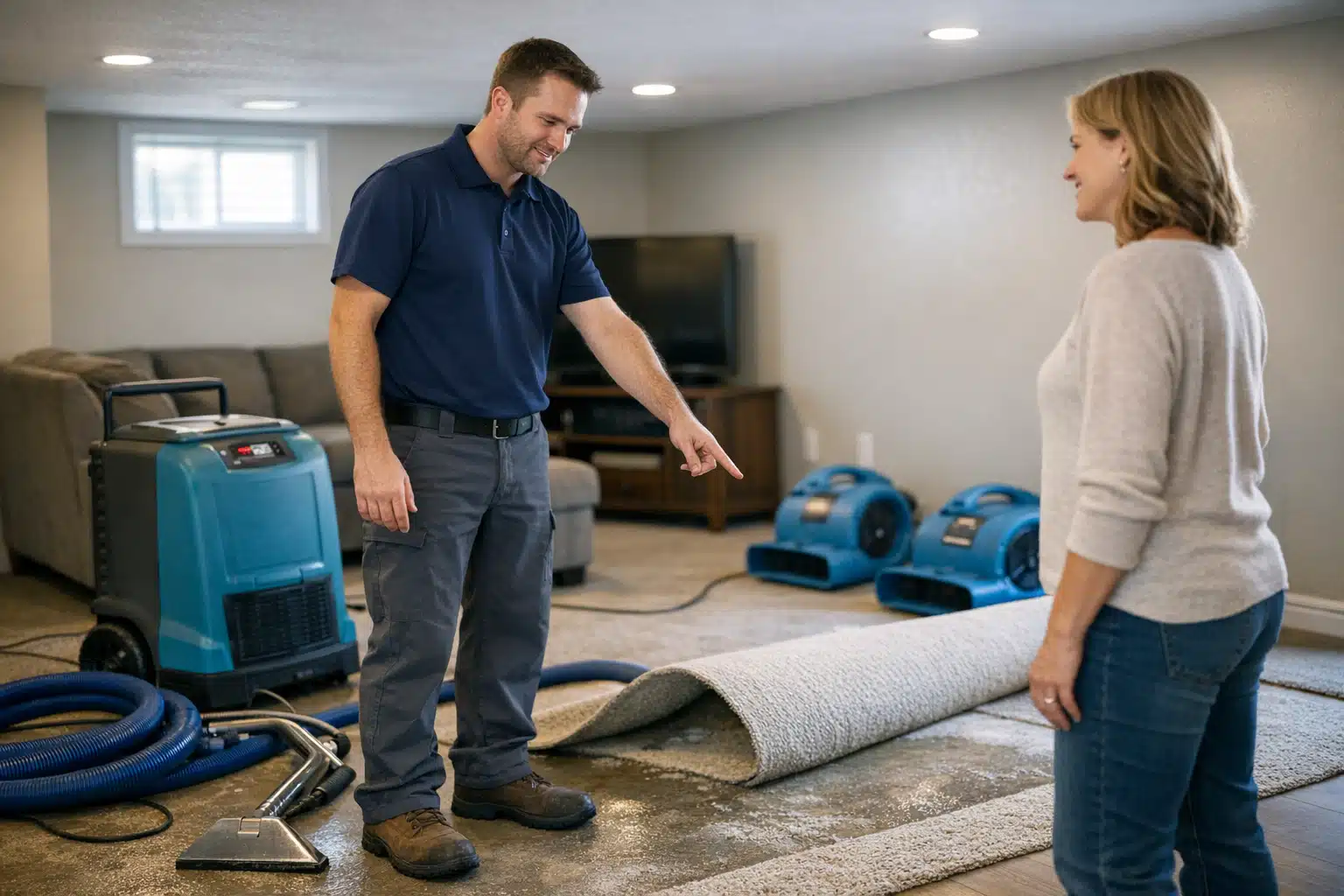
Your top competitor has 300 Google reviews, and you have 42. That gap costs you emergency water damage calls every single week, because homeowners in a panic pick the company with more proof. The good news: you can get more Google reviews for your restoration company without buying fake ones or begging customers awkwardly.
The secret is a repeatable system, not a one-time push. Restoration work gives you two high-emotion moments customers rarely forget—right after mitigation and right after the rebuild.
This post shows you the exact timing, scripts, and templates to capture those moments. Your office staff and field techs can run it starting this week.
Why Review Volume Decides Who Gets the Emergency Call
Restoration is different from typical home repair. A homeowner with three inches of water in their basement does not shop for weeks—they call the top result with strong social proof within minutes.
Google weighs both review count and recency in local rankings. A company with 300 reviews and fresh weekly activity outranks one with 42 stale ratings from two years ago.
Volume plus recency is what wins the map pack. Your goal is a steady stream, not a single burst.
The Math Behind Catching Up
Say your competitor sits at 300 reviews after five years. That averages roughly one review per week.
If you close 15 to 25 jobs a month and ask every customer correctly, you can capture 6 to 10 reviews monthly. At that pace, you close a 250-review gap inside two years—and pass them on recency far sooner.
Most restoration owners never ask systematically. That single change beats any clever trick.
How to Get More Google Reviews for Your Restoration Company at the Right Moment
Timing beats persuasion. Ask when the customer feels the most relief, and the review writes itself.

Restoration jobs have two peak-gratitude windows:
- Post-mitigation: The water is extracted, equipment is placed, and the panic has passed. The homeowner feels rescued.
- Post-rebuild: The final walkthrough, when the kitchen or basement looks new again. This is the strongest emotional peak.
Ask at both points and you double your capture rate. One request often gets missed; two gets remembered.
The Post-Mitigation Field Script for Technicians
Your lead tech has the trust here. Train them to say this before leaving the job on day one or two:
“Mrs. Reyes, we’ve got the water out and the dryers running. Once you feel good about how we handled the emergency, would you mind leaving a quick Google review? I’ll text you the link so it takes ten seconds.”
The tech never demands a five-star rating. That crosses the line into an ethical review request restoration owners must avoid. You ask for honest feedback, nothing more.
The Post-Rebuild Script for Project Managers
At the final walkthrough, the project manager closes the loop:
“Your basement is back to normal. If you were happy with the crew, a Google review helps other families find us during their own flood or fire. Want me to send the link now while we’re standing here?”
Sending the link on the spot, while you both hold phones, is the single biggest lift you can make.
Build Your Field-Ready Review Toolkit
Scripts fail without tools that remove friction. Give every tech and office staffer the same three items.
1. QR Code Cards for the Truck and Job Site
Print a wallet-sized card with a QR code linking straight to your Google review form. Not your homepage—the review pop-up itself.
Create the link using your Google Business Profile “Ask for reviews” short link. Hand the card over at mitigation completion.
A physical card in a customer’s hand converts far better than a promise to “look you up later.”
2. SMS Templates That Get Opened
Text messages beat email for restoration reviews. Open rates run high and the link is one tap away.
Use these two templates, sent from your CRM or a staffer’s phone:
Post-mitigation text: “Hi Mrs. Reyes, this is Dave with [Company]. Glad we could stop the water damage fast. If you’re up for it, here’s a 10-second Google review link: [URL]. Thank you!”
Post-rebuild text: “Hi Mrs. Reyes, great seeing your basement finished today. A quick Google review would mean a lot and helps other flooded homeowners find us: [URL].”
3. A Simple Tracking Sheet
Track who asked, when, and whether the review landed. A shared spreadsheet with these columns works:
- Job number and customer name
- Tech or PM who asked
- Date of mitigation request
- Date of rebuild request
- Review received (yes/no)
What gets measured gets asked. Review your sheet in the Monday meeting and celebrate the crews with the highest capture rate.
Handling Insurance Jobs and Reluctant Customers
Insurance-driven work adds friction. The homeowner sometimes feels the insurer picked you, not them, so gratitude runs lower.
Reframe your ask around their outcome, not the claim:
- Focus on how fast you responded to the emergency.
- Mention how you kept them informed during the claim.
- Ask only after the stress of the claim has settled.
For customers who decline, never push. A polite “no problem at all” protects the relationship and future referrals.
Recovering From Negative Reviews
One angry storm-season review can scare off callers. The fix is not deletion—it is volume and response.
Respond to every negative review within 24 hours. Stay calm, acknowledge the concern, and offer to make it right offline.
A steady flow of new positive reviews buries a single bad one and shows prospects you stay active. Ten fresh five-star reviews next to one complaint reads as a busy, responsive company.
What Never to Do
Skip anything that violates Google’s policies or customer trust:
- Do not offer discounts or gift cards for reviews.
- Do not review-gate by screening for happy customers first.
- Do not post fake reviews from staff or family.
Google removes flagged reviews and can suspend profiles. An ethical review request restoration owner keeps the ask open to every customer, good or bad.
Timing Your Push Around Storm Season
Restoration demand spikes with weather. Your review system should flex with it.
During a storm surge, your job volume triples—and so does your review opportunity. Assign one office staffer to send review texts within 48 hours of each mitigation during peak weeks.
In slow months, mine your recent job history. Text past customers from the last 60 days you never asked, and reclaim missed reviews.
Putting the System on Autopilot
Consistency comes from automation plus accountability. Connect your job management software to trigger review texts at two stages.
- Set a trigger when a job status changes to “mitigation complete.”
- Set a second trigger at “job closed” after the rebuild.
- Route both to an SMS template with your review link.
- Flag any customer who leaves fewer than four stars for a manager call.
A two-touch automated system captures reviews even when your crews forget. The human ask still converts best, but automation covers your gaps.
Conclusion
Catching a competitor with 300 reviews comes down to asking every customer at the two moments they feel most grateful, using scripts, QR cards, and SMS templates your whole team runs the same way. Steady weekly volume plus fast responses to negative reviews closes the gap and wins more emergency calls.
The Restoration Marketers builds these review systems for restoration companies and connects them to your local SEO and lead flow. Call or text us at 720‑885‑0749, or visit https://restorationmarketers.com to start catching up fast.
Sources
- Google Business Profile Help – Prohibited and restricted content for reviews
- Federal Trade Commission – Final Rule Banning Fake Reviews and Testimonials
- Google Business Profile Help – How Google ranks local search results