
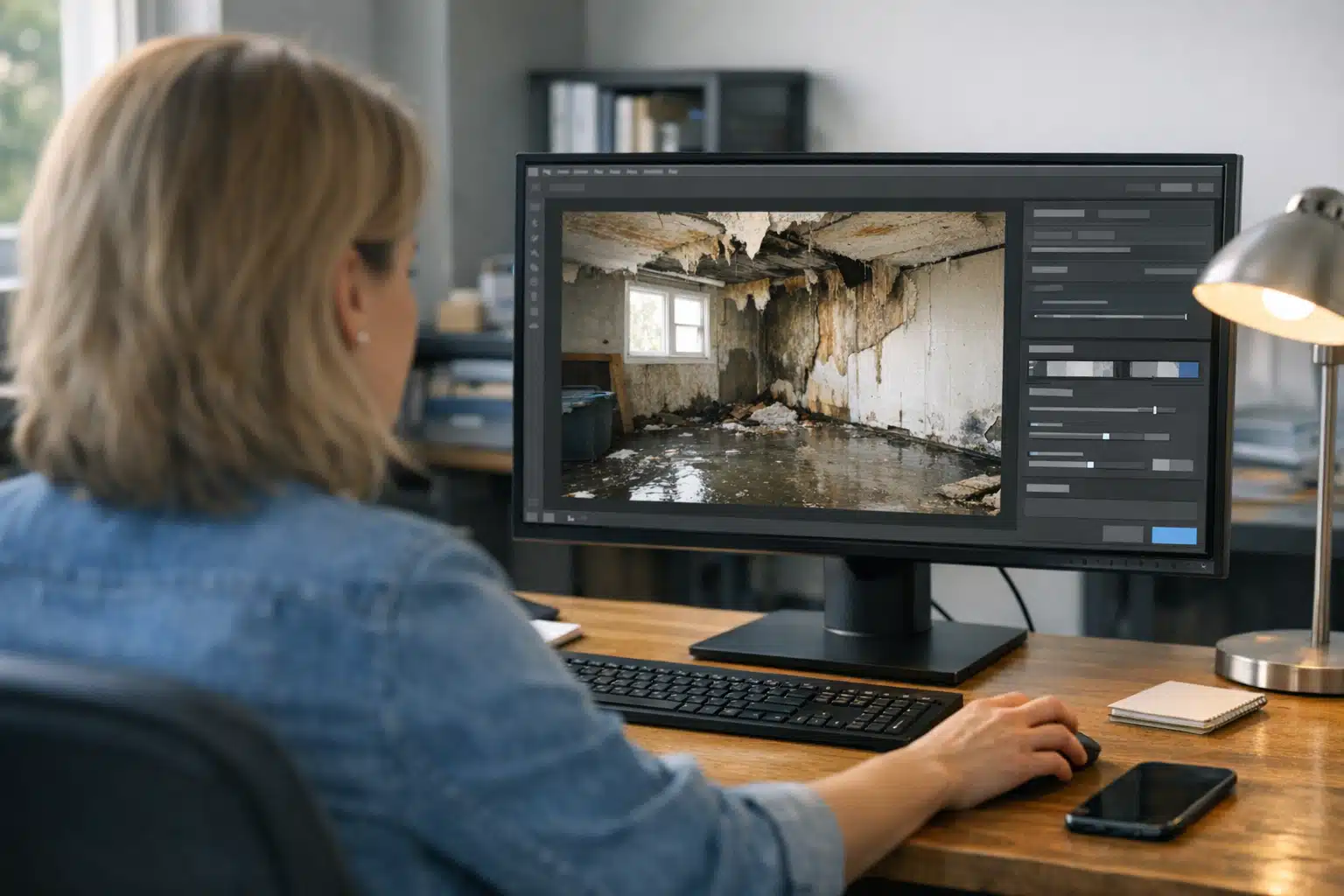
A homeowner with a flooded basement will not wait eight seconds for your site to load. They tap your listing, count to three, and call the next water damage company. That lost call is the real cost of a slow site, and restoration website speed fixes are the fastest way to stop it.
Most restoration owners assume speed problems need a developer. They do not. Your office manager can handle the biggest offenders in an afternoon with no coding.
Below is a prioritized checklist built for restoration businesses, tied to how panicked customers behave on their phones during an emergency.
Why Restoration Website Speed Fixes Beat Almost Every Other Marketing Tweak
Speed matters more for restoration than for general home services. A kitchen remodel lead browses for days. A sewage backup lead decides in under a minute.
Google data shows mobile bounce rates climb sharply as pages slow down. When load time goes from one second to three seconds, the chance of a bounce rises by 32%. Push past five seconds and it doubles.
Your busiest emergency leads arrive on mobile, on cellular data, standing in water. A heavy homepage punishes exactly the person most ready to pay you.
The Storm-Season Stress Test
Picture a regional storm dumping rain across your service area at 2 a.m. Hundreds of homeowners search “water damage near me” on phones with weak signal.
Your ad spend spikes that week. If your site crawls under that traffic, you pay for clicks that never become calls. Speed is what protects your storm-season ad budget from leaking out.
Step One: Fix Your Images (The Biggest Culprit)
Oversized images cause most slow restoration sites. A single before-and-after photo straight off a phone can weigh 6 MB. Ten of those on one page will stall any phone.
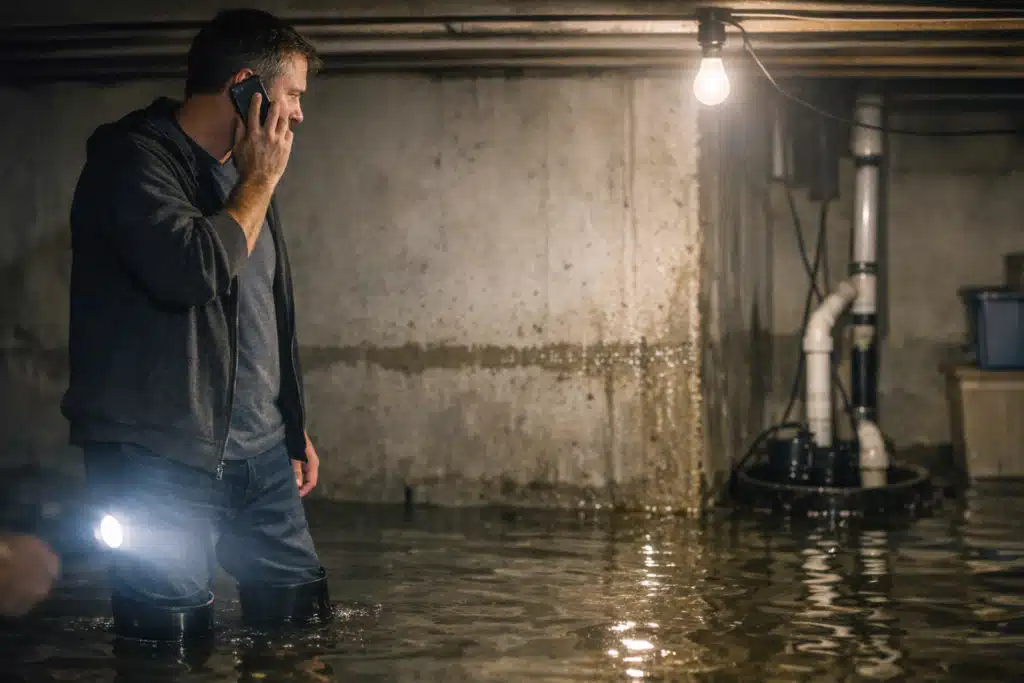
Your office manager can fix this without touching code. Follow this order:
- Resize before upload. No image on your site needs to be wider than 2000 pixels. Phone photos are often 4000+ pixels wide.
- Compress every image. Use a free tool like TinyPNG or Squoosh. A 6 MB photo shrinks to under 300 KB with no visible loss.
- Save as WebP when you can. Most site builders and plugins support this format. It cuts file size further.
- Delete decorative stock photos. Generic flooded-room stock images add weight and build zero trust. Real job photos convert better and can be sized small.
Rule of thumb: no single image file over 400 KB. Hand this one number to whoever uploads your content.
Watch Your Hero Section
The large image or video at the top of your homepage loads first. A background video there can add several seconds alone.
Replace autoplay videos with one compressed still image. Your emergency caller wants your phone number, not a cinematic intro.
Step Two: Trim the Plugins Dragging You Down
Plugins and third-party scripts pile up over years. Each one adds code that runs on every page load. Many restoration sites carry a dozen plugins doing nothing useful.
Have your office manager audit the plugin list against this question: does a customer in an emergency benefit from this?
- Keep: contact form, click-to-call button, review display, basic SEO plugin.
- Question: social media feed widgets, chat popups you never answer, sliders and carousels.
- Remove: abandoned plugins from a past web person, duplicate form tools, visitor heatmaps you never read.
Abandoned sliders and unused page builders are frequent offenders. Each loads fonts, scripts, and styles even on pages that do not use them.
Every plugin you remove is weight lifted off every page. Deactivate one at a time and reload your homepage to confirm nothing breaks.
Chat Widgets Deserve a Second Look
Live chat widgets are heavy. If no one monitors chat after hours, it blocks a booked call for no gain.
A visible phone number outperforms an unanswered chat box for emergency restoration leads. Keep the phone, cut the dead chat.
Step Three: Check for Hosting Red Flags
Cheap shared hosting is a silent conversion killer. If you pay three dollars a month, hundreds of other sites share your server. Their traffic slows your traffic.
Your office manager can spot the warning signs without technical skill:
- The site feels slow even after images are fixed. That points to the server, not the page.
- The site goes down during storms or traffic spikes. Shared hosting buckles under load—the worst time for restoration.
- Support takes days to answer. Bargain hosts have no urgency, and neither will your recovery.
- You cannot name your host. If nobody at your office knows who hosts the site, that is its own red flag.
Managed hosting built for small business sites costs $25–$50 a month. One extra booked water mitigation job pays for a year of it.
Step Four: Speed Up the Path to the Phone Call
Raw load time is half the battle. The other half is how fast a stressed caller reaches your number.
Test your own site on a phone right now. Time how many seconds and taps it takes to call you from your homepage.
- Put a tap-to-call button in the header. It should stay visible as the page scrolls on mobile.
- Make the phone number clickable everywhere it appears. A typed number a caller must memorize costs you leads.
- Cut long emergency forms to three fields. Name, phone, and problem are enough at 2 a.m.
- Move your number above the fold. No scrolling should be required to find how to reach you.
A fast page that hides the phone number still loses the lead. Treat the call button as the point of every emergency page.
How to Measure Whether Your Fixes Worked
You do not need paid tools to track progress. Two free checks confirm your work.
- Google PageSpeed Insights: paste your URL before and after. Watch the mobile score and the largest content load time.
- Your own phone: load the homepage on cellular data, not office wi-fi. Your customers are rarely on wi-fi during a flood.
Run both tests again after each step above. Watching the score climb keeps your office manager motivated to finish the list.
Aim to improve restoration site load time to under three seconds on mobile. Most restoration sites can hit that with images and plugins alone.
Track the Business Result, Not Just the Score
A faster site should show up in call volume, not only in a green number. Note your weekly call count before and after the fixes.
Tie those calls to source with a tracking number on your site. That tells you whether speed turned clicks into booked jobs.
The Prioritized Order for a Busy Office Manager
If time is short, run the list in this order for the biggest gain per hour spent:
- Compress and resize images (biggest impact, lowest effort).
- Remove unused plugins and heavy widgets.
- Add a sticky tap-to-call button and shorten forms.
- Review hosting and upgrade if red flags appear.
Steps one through three cost nothing but an afternoon. Step four is the only one that may need a small monthly spend.
Conclusion
Faster restoration sites book more emergency calls because panicked homeowners refuse to wait. Start with image compression, cut dead plugins, make your phone number instant to tap, and fix bargain hosting. These restoration website speed fixes pay for themselves with a single extra mitigation job.
Want a team that handles the technical side and turns your speed into booked jobs? Call or text The Restoration Marketers at 720‑885‑0749, or visit https://restorationmarketers.com.