

A water damage homeowner calls three restoration companies in six minutes. The first one to answer, or text back, wins the job. If your line rings out to “the person you are trying to reach has not set up their voicemail,” that call is gone forever. A missed call text back restoration workflow catches those lost leads and turns them into booked jobs.
Most restoration owners lose calls at two exact moments: after hours and when dispatch is slammed. This post walks you step by step through a low-tech text-back setup that plugs both gaps without buying a new CRM.
You will learn how to build a simple restoration call tracking setup, write text-back messages that book jobs, and measure how many leads you recover each month.
Why Restoration Companies Lose More Calls Than Other Home Services
Restoration demand spikes without warning. A frozen pipe burst at 2 a.m. does not wait for business hours. A hailstorm can generate 40 calls in a single afternoon.
General home services like landscaping can return a call the next morning. Restoration cannot. A missed emergency call means the homeowner already hired the next company on their list.
Two failure points cause most lost revenue:
- After-hours calls: Nights, weekends, and holidays produce a large share of water and fire emergencies.
- Busy dispatch: During storm surges, one dispatcher cannot answer five ringing lines at once.
Both moments end the same way when nobody responds. The lead calls a competitor and never calls you back.
The Voicemail Problem Nobody Talks About
Many restoration crews run phones from personal cell numbers. When those numbers roll to an unconfigured voicemail, the caller hears a dead-end message.
An automated text reply removes that dead end. The homeowner gets a response in seconds, even when no human is free to pick up.
How a Missed Call Text Back Restoration System Works
A missed call text back restoration system automatically sends an SMS to any caller you fail to answer. It fires within seconds of the missed call, using your tracked business number.
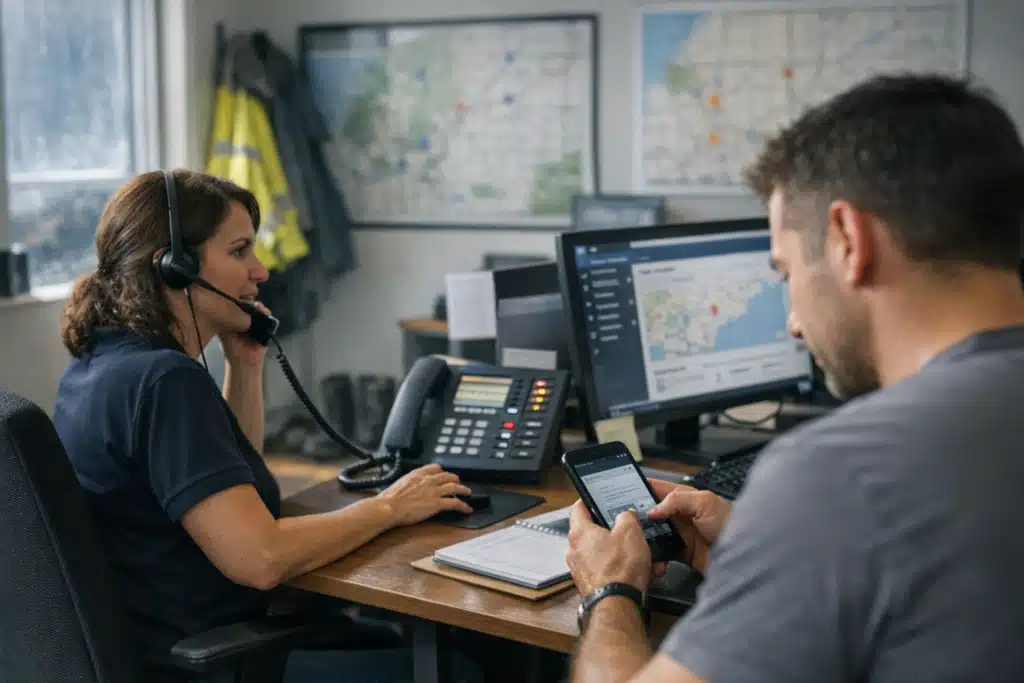
The homeowner sees a message like: “Sorry we missed you. This is Ryan at Summit Restoration. Are you dealing with water or fire damage right now? Text me your address and I’ll dispatch a crew.”
The goal is to hold the lead’s attention before they dial the next company. A reply within 60 seconds keeps you in the running for the job.
What You Need to Build It
You do not need enterprise software. A working setup uses three pieces:
- A call tracking number that forwards to your dispatch line and logs every missed call.
- A text-back trigger that fires an SMS the moment a call goes unanswered.
- A monitored inbox where replies land so a human can jump in.
Providers like CallRail, Twilio, or a text-enabled VoIP line handle all three. Most connect in an afternoon.
Restoration Call Tracking Setup: A Step-by-Step Walkthrough
A restoration call tracking setup starts with routing every marketing source to a trackable number. This tells you which ads, listings, and referrals produce real emergency calls.
Follow this order to get running fast:
- Buy one tracking number per lead source. Use separate numbers for Google Business Profile, Google Ads, and yard signs.
- Forward each number to your dispatch phone. Callers never notice the difference.
- Turn on missed-call detection. The system flags any call that rings out or hits voicemail.
- Connect the text-back trigger. Write the automated first message before you go live.
- Route replies to a shared inbox. Dispatch and one backup should both see incoming texts.
Track calls by source so you know where your best jobs come from. A homeowner from Google Ads may convert differently than an insurance referral.
Set Business Hours and After-Hours Messages Separately
Your daytime message and your 3 a.m. message should read differently. During hours, promise a fast callback. After hours, set the expectation clearly.
An after-hours example: “We got your message. Our on-call tech is being paged now. Reply YES if you need emergency water extraction tonight.”
That single word “YES” tells your on-call tech this is a live emergency, not a next-day estimate.
Writing Text-Back Messages That Book Restoration Jobs
The first text decides whether the homeowner stays or moves on. Weak, generic replies get ignored. Specific, human replies get answers.
Strong text-back messages share four traits:
- A real name: “This is Maria at Front Range Restoration” beats “Thanks for calling.”
- A qualifying question: Ask about water, fire, or mold to sort the emergency fast.
- A clear next step: Request the property address to start dispatch.
- A time promise: “A crew can reach you within 90 minutes” builds trust.
Never send a message that reads like a robot wrote it. Homeowners in crisis want a person, not a form letter.
Handling the Insurance Question Early
Many restoration leads ask about insurance in their first reply. Prepare a saved response that reassures without overpromising.
Something like: “We work with most major carriers and document everything for your claim. Let’s get the water stopped first, then handle paperwork.” This keeps the momentum toward booking the job.
Measuring Recovered Leads and Revenue
The point of this system is booked jobs, not just sent texts. Track the numbers monthly to prove the return.
Watch four metrics:
- Missed calls per month: Your baseline before recovery efforts.
- Text-back reply rate: How many homeowners answer your automated message.
- Booked jobs from text-backs: Direct revenue you would have lost.
- Average job value recovered: Multiply booked jobs by your typical ticket.
One recovered water mitigation job can be worth thousands. If your system saves two jobs a month, it pays for itself many times over.
Reputation Recovery Fits Here Too
A fast text-back reduces the odds of a bad review. Homeowners who feel ignored write “they never called me back” on Google.
After you close a job that started as a missed call, send a review request text. Turning a near-miss into a five-star review protects your local ranking.
Common Mistakes That Kill Text-Back Results
The setup works only if you avoid a few predictable errors. Restoration owners trip on the same ones.
- Nobody monitors the reply inbox. An auto-text without a human follow-up wastes the whole system.
- Using a non-textable landline. Callers cannot reply to a number that does not accept SMS.
- One message for every hour. A 2 p.m. lead and a 2 a.m. lead need different tones.
- No tracking by source. You lose the data that tells you where to spend ad dollars.
Assign one person to own the text-back inbox during every shift. Accountability turns the tool into revenue.
Conclusion
Restoration jobs go to the first company that responds, and a missed call text back restoration system keeps you in that race around the clock. Pair it with a clean call tracking setup, human-sounding messages, and monthly measurement to turn lost calls into booked work.
The Restoration Marketers builds these workflows for water, fire, and mold companies every day. Call or text us at 720‑885‑0749, or visit https://restorationmarketers.com to stop losing emergency calls.