
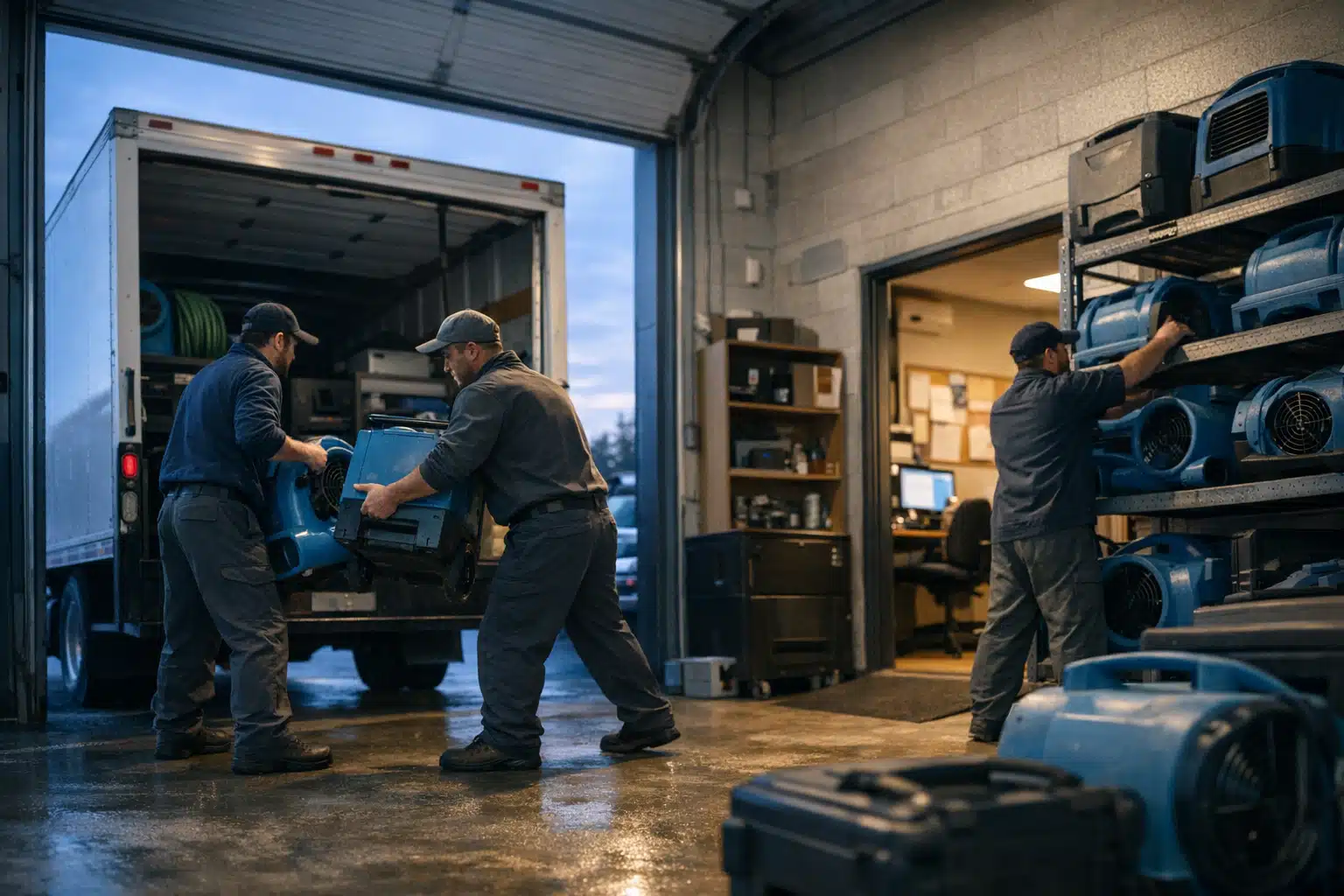
A restoration company with four crews and one Google Business Profile ranks in one neighborhood. The other three crews drive to jobs where nobody can find the company online. This gap costs restoration owners water damage and fire leads every storm season.
Scaling visibility with multi crew restoration local SEO does not mean creating fake office addresses. Google penalizes spam locations fast, and recovery can take months. This post shows a cleaner path to rank across your full coverage area.
You will learn how to use one primary listing, build coverage messaging, publish proof content, and recognize when a real second location makes sense.
Why Multi Crew Restoration Local SEO Is Different From Home Services
Restoration demand spikes without warning. A single hailstorm can flood your phone lines for 72 hours straight. Your marketing must capture that surge across every zip code your crews reach.
Restoration buyers search in panic mode. Someone with three inches of water in a basement types “water damage near me” at 2 a.m. They click the first result that looks close and call immediately.
General home services like landscaping can wait a week. Restoration cannot. That urgency changes how you structure your local presence.
The Fake Address Temptation
Many owners add PO boxes or a cousin’s garage as second locations. They think more pins on the map equal more leads. Google’s spam team disagrees.
A service area business must list the address where staff receives customers or stores equipment daily. A dark office that nobody visits violates Google’s guidelines. Suspensions remove you from the map entirely.
Start With One Primary Listing Done Right
Your strongest asset is a single, fully optimized Google Business Profile. Build this before anything else. One well-run listing beats five thin, risky ones.
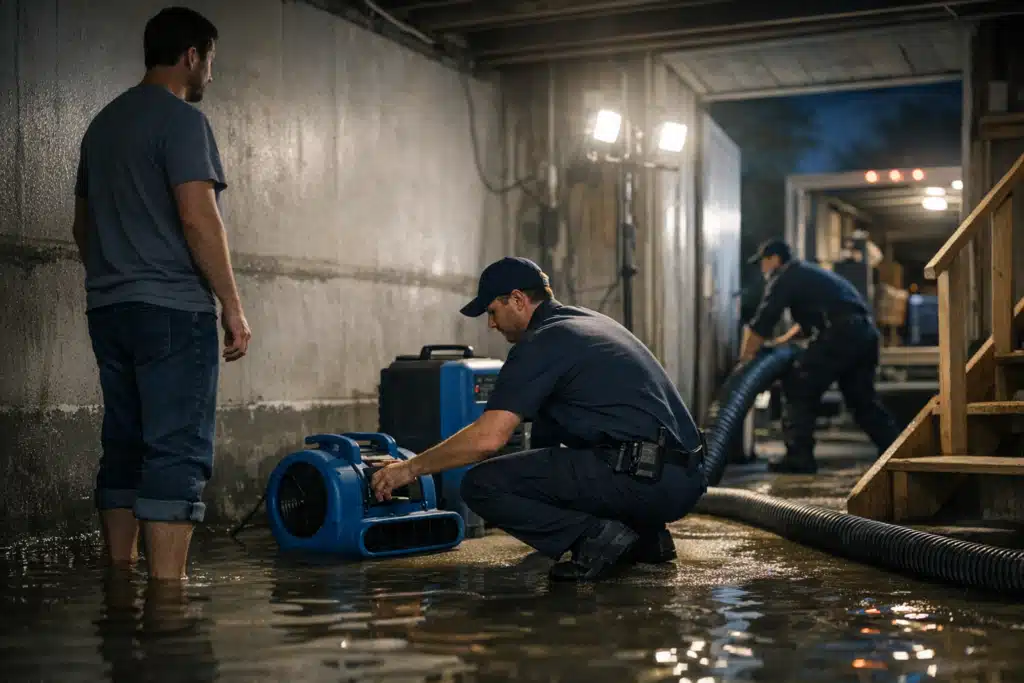
Set your primary listing at your real office or warehouse. This is where crews load trucks and where mail arrives. Verify it with the postcard or video method Google requires.
Optimize that listing for emergency intent with these steps:
- Set your category correctly. Use “Water Damage Restoration Service” or “Fire Damage Restoration Service” as primary, not a generic contractor label.
- Enable messaging and calls. Turn on the call button and respond within five minutes during business hours.
- List all service area zip codes. Google lets a service area business name up to 20 areas. Fill them with your real crew coverage.
- Post weekly updates. Share recent jobs, storm alerts, and seasonal reminders about frozen pipes or flooding.
- Collect reviews by zip code. Ask customers to mention their city in the review text when they can.
Reviews drive map rankings more than any other signal for restoration firms. A listing with 180 reviews outranks one with 40, even from farther away.
Build Coverage Messaging Across Your Service Area
Coverage messaging means telling Google and buyers exactly which cities your crews serve. You do this with pages, not pins. This is the safe backbone of a service area business multi location strategy.
Create one page per major city or suburb you cover. Each page targets that location with real detail. Avoid copying the same text and swapping city names.
What Makes a Coverage Page Rank
Weak city pages read like templates. Google spots duplication and buries them. Strong pages answer local questions a homeowner in that city has.
- Name real neighborhoods and landmarks inside each city page.
- Reference local flood zones or storm history, like a creek that overflows every spring.
- Add response times from your nearest crew base to that specific area.
- Include photos from jobs completed in that city, with captions naming the street or district.
- Answer one local question, such as permit rules for water damage repair in that county.
A Denver restoration client of ours covered seven suburbs this way. Their Aurora page ranked page one in six weeks because it named the Highline Canal and three local HOAs.
Use Proof Content To Win Crew-Level Trust
Proof content shows real work your crews performed in real places. It builds trust that generic claims cannot. It also feeds Google fresh, location-specific signals.
Document every large job with before-and-after photos. Note the city, the damage type, and the turnaround time. Turn each one into a short case study.
Publish three to five of these per month across your coverage area. Spread them so every served city gets attention. This keeps thin pages from looking abandoned.
Match Proof To Season
Restoration demand swings hard by season. Publish proof content that matches what buyers search right now.
- Winter: Frozen pipe bursts and ice dam water damage jobs.
- Spring: Basement flooding and storm runoff cleanups.
- Summer: Mold remediation after humidity and roof leaks.
- Fall: Fire and smoke damage as heating systems restart.
Seasonal proof content lifts rankings right when demand peaks. A June mold case study ranks faster than one published in January.
When A Second Location Is Actually Justified
A real second listing is fine when you open a staffed office in a new metro. The test is simple: can a customer meet your team there during posted hours? If not, skip it.
Signs a second location is legitimate:
- You lease or own a building in a separate metro area.
- Staff or crews report there daily and store equipment on site.
- You can receive customers or mail at that address.
- The address stays staffed during your listed business hours.
One Colorado firm expanded from Denver to Colorado Springs with a real warehouse and three crews. That second listing was valid and ranked well. A fake pin in the same city would have risked their main listing.
Never create a second listing to cover a gap your crews already serve from your main base. Coverage pages handle that job without risk.
Track Leads By Crew And Source
You cannot grow what you cannot measure. Restoration owners waste budget when they guess which city or crew produces leads. Set up tracking before you scale.
Use these tracking steps:
- Assign a call tracking number to each coverage page and your Google listing.
- Tag leads by city in your CRM so you know which pages convert.
- Record which crew ran each job and match it to the lead source.
- Review cost per lead by city monthly and shift budget to winners.
One client found their fire damage page cost $42 per lead while their general page cost $118. They moved budget to fire content and cut cost per lead by a third.
Common Mistakes That Trigger Google Penalties
Many restoration firms get suspended by accident. They follow outdated advice from general marketing blogs. Avoid these traps.
- Keyword-stuffing your business name with “Water Damage Denver Restoration LLC” when that is not your legal name.
- Listing multiple profiles at one address for different restoration types.
- Using virtual offices or UPS stores as crew locations.
- Buying reviews in batches, which Google filters and flags.
A suspended listing can erase months of ranking work overnight. Play by the rules and your coverage pages carry the weight instead.
Conclusion
Effective multi crew restoration local SEO starts with one strong primary listing, city coverage pages, and steady proof content. Add a second listing only when you open a real staffed location. Track every lead by crew and city to spend smart during storm season.
The Restoration Marketers builds these systems for restoration companies across the country. Call or text us at 720‑885‑0749, or visit https://restorationmarketers.com to map your coverage area the right way.