
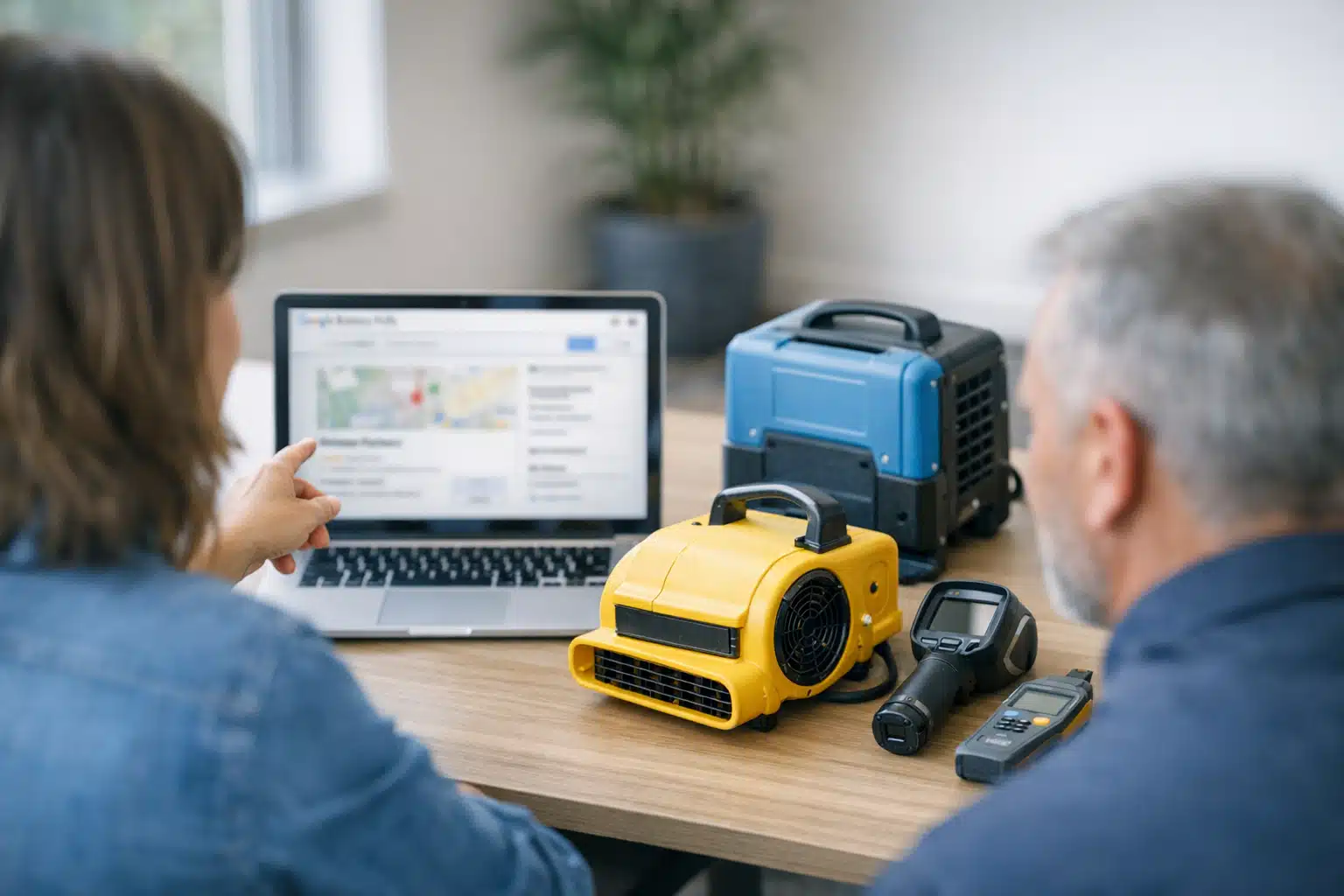
Most restoration owners treat the Products section of their Google Business Profile as dead space. It looks like an e-commerce feature, and you don’t sell items off a shelf. That assumption costs you call quality, and google business profile products restoration tactics can fix it without turning your profile into a store.
The move is simple: use Product cards to pre-sell your drying equipment, moisture monitoring, and insurance documentation before the phone rings. Done right, this filters out tire-kickers and primes serious callers who already trust your methods.
Below you will learn exactly which cards to build, what to write on them, and how this one overlooked feature raises the value of every lead you book.
Why Google Business Profile Products Restoration Cards Beat an Empty Section
Product cards on a restoration profile are visual credibility panels, not checkout buttons. Each card shows an image, a title, a short description, and an optional price. Google lets you leave the price blank, which is the opening most restoration owners miss.
When a homeowner finds you after a basement flood, they are scared and comparing three profiles at once. A card titled “Thermal Imaging Moisture Inspection” signals you own real tools. A generic competitor with a blank Products tab signals nothing.
The goal is not a sale. The goal is a better-qualified phone call.
How Product Cards Differ From Services in GBP
Your Services section lists job categories like “water damage restoration.” It is text-heavy and easy to skim past. Product cards are image-first and show up as a scrollable carousel on mobile.
That carousel is prime screen space during an emergency search. People scroll it because it looks tappable and concrete. Use that attention to show the physical proof of your work.
What to Put on GBP Products for Emergency Services
The safest, highest-converting cards fall into three buckets: equipment, monitoring, and documentation. Each one answers a silent question the panicked caller already has.
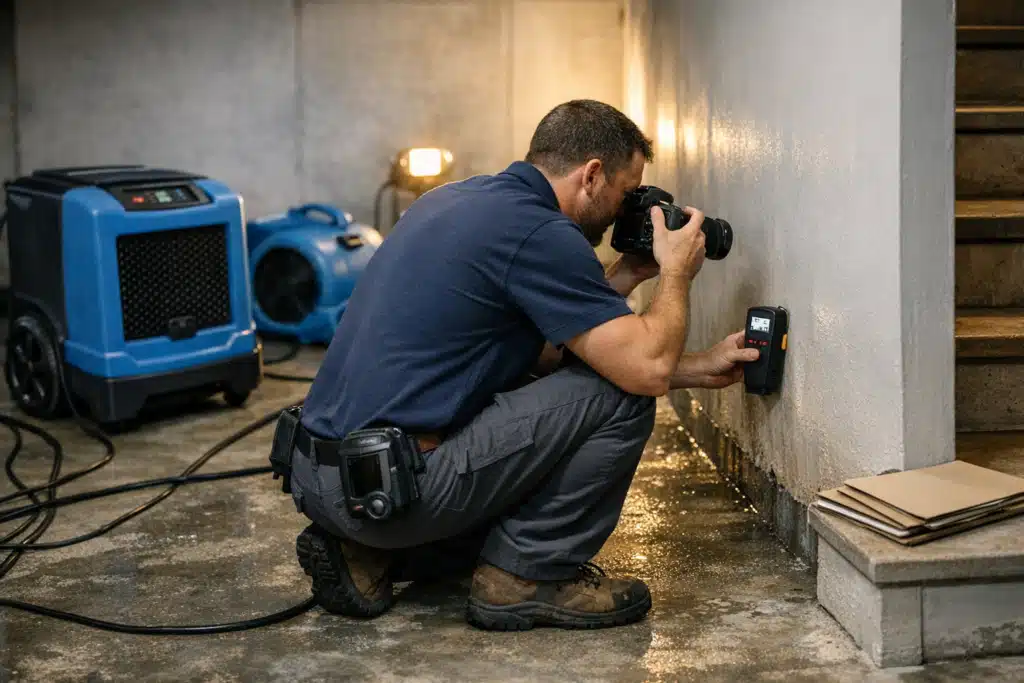
- Equipment cards answer “Do you have enough gear to dry my house fast?”
- Monitoring cards answer “Will you actually check the moisture, or just set fans and leave?”
- Documentation cards answer “Will your paperwork satisfy my insurance adjuster?”
Build gbp products emergency services cards around answers, not features. A card that says “LGR Dehumidifiers” means nothing to a homeowner. A card that says “Industrial Dehumidifiers That Dry Drywall in Days, Not Weeks” lands.
Equipment Cards That Signal Capacity
Photograph your real gear staged in a finished job, not a stock image. Blurry warehouse shots hurt you. Clean, labeled equipment in a dried-out home builds confidence.
Try cards like these:
- Truck-Mounted Water Extraction — “We pull standing water in one visit, before mold starts at the 48-hour mark.”
- Air Movers and LGR Dehumidifiers — “Commercial drying setups sized to your square footage, not a rental-store guess.”
- Negative Air Machines — “HEPA filtration that keeps mold spores out of the rest of your home during cleanup.”
Each card ends with a benefit tied to a real fear. The 48-hour mold window is a specific detail that makes you sound like you have done this a hundred times.
Monitoring Cards That Prove You Stay on the Job
Homeowners have heard the horror story: a company drops fans, disappears, and bills for a week. Monitoring cards kill that objection before the call.
Build cards around your daily verification routine:
- Daily Moisture Readings — “We log moisture levels every day and show you the drop on paper.”
- Thermal Imaging Inspection — “Infrared scans find water behind walls your eyes can’t see.”
- Psychrometric Drying Logs — “Documented drying data that proves the job is done right, not guessed.”
Monitoring cards attract callers who value a job done correctly over the cheapest bid. Those are the customers who do not haggle and do not leave angry reviews.
Documentation Cards That Speak the Insurance Language
A huge share of restoration revenue flows from insurance claims. Adjusters reject sloppy paperwork, and that delay burns both you and the homeowner.
Documentation cards tell a stressed homeowner you handle the claim side cleanly:
- Xactimate Estimates — “We write estimates in the format adjusters expect, speeding your claim.”
- Photo and Moisture Documentation — “Every affected area photographed and logged for your insurer.”
- Direct Insurance Billing — “We work with your carrier so you avoid upfront surprises.”
Mentioning Xactimate by name signals you run a real claims workflow. That single word separates you from a handyman with a shop vac.
How to Build These Cards the Right Way
The feature is easy to set up, but the writing decides whether it works. Follow this order.
- Open your Google Business Profile and find the Products editor from your business dashboard.
- Create one card per concept — equipment, monitoring, or documentation items.
- Upload a sharp photo of your real gear, team, or paperwork mockup.
- Write a title with a benefit, not a spec sheet term.
- Leave the price field blank so nobody treats it like a cart.
- Link the card button to your emergency contact page or booking form.
Keep every description under 1,000 characters and front-load the benefit in the first line. Mobile users see only the opening words before tapping.
Avoid the E-Commerce Trap
Do not list fixed prices for drying services on cards. Restoration pricing shifts with square footage, water category, and insurance scope. A locked price invites arguments and refund demands you never agreed to.
Treat each card as a trust panel that ends in a call, never a direct purchase.
How This Raises Lead Quality During Storm Season
When a storm hits, your profile gets a flood of searches at once. Volume is easy. Filtering that volume into bookable, insurance-backed jobs is the hard part.
Credibility cards pre-educate the surge. The homeowner who reads your monitoring and documentation cards calls ready to schedule, not to interview you. That shortens your phone time per lead during the busiest weeks.
Better pre-sold callers mean your intake team books more jobs with the same number of calls. During a storm spike, that efficiency is the difference between a booked week and a chaotic one.
Rebuilding Trust After a Rough Review Patch
If a few bad reviews hit your profile, Product cards give new visitors proof that outweighs one complaint. A homeowner reading your thermal imaging and daily-log cards sees a company with systems. That context softens the sting of an old one-star rating.
Pair these cards with fresh review responses, and your profile tells a recovery story without saying a word about the bad reviews.
Measure Whether the Cards Are Working
Track two things after you publish your cards:
- Profile interactions in your Google Business Profile performance report — watch for taps on Product buttons.
- Call quality notes from your intake team — ask whether callers mention your equipment or documentation.
If callers start referencing your moisture logs or Xactimate estimates, the cards are doing their job. That feedback tells you which cards to expand and which to rewrite.
Conclusion
Google Business Profile Products are not an online store for restoration companies—they are free credibility panels that pre-sell your equipment, monitoring, and insurance paperwork. Used this way, they raise call quality, filter price-shoppers, and steady your intake during storm surges. Build equipment, monitoring, and documentation cards with benefit-driven titles and no fixed prices.
Want help turning your profile into a lead-qualifying machine? Call or text The Restoration Marketers at 720‑885‑0749, or visit https://restorationmarketers.com.