
A single five-star review pointed at the wrong business can cost a restoration company real jobs. When a google review mentions wrong company names, homeowners searching for water damage help get confused about who to call. That confusion sends leads to a competitor, a franchise sibling, or a subcontractor who never earned the credit.
This happens more than most owners realize. Shared crews, co-branded trucks, and overlapping franchise territories all create mismatched reviews. Below is a step-by-step response playbook plus prevention tactics built for restoration businesses.
Why Google Review Mentions Wrong Company Names in Restoration Work
Restoration review confusion happens when a customer credits a name that is not your legal business name. The mold job was yours, but the review praises the franchise brand, the sub you hired, or a crew member’s old employer.
Restoration is prone to this for reasons general home services never face. Three patterns cause most of the damage:
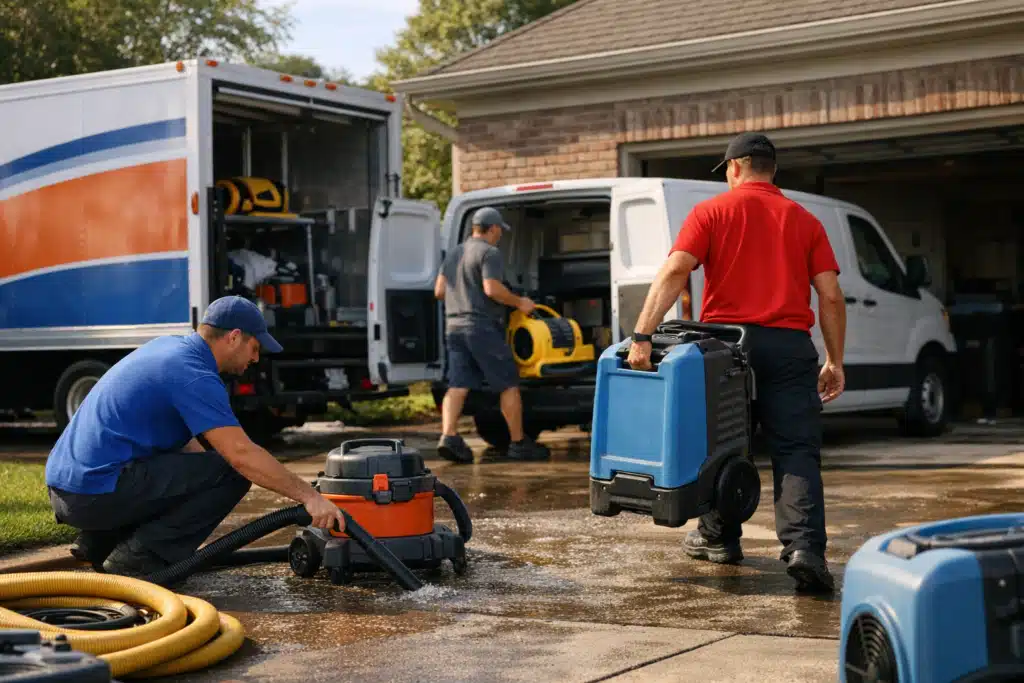
- Shared crews: Two local firms split a large storm loss and one crew shows up in mixed uniforms. The homeowner names whichever logo they saw first.
- Subcontracted work: You handle water extraction, then a sub does the rebuild. The customer reviews the rebuild company for the whole job.
- Franchise confusion: A homeowner searches the national brand name, lands on the corporate profile, and reviews it instead of your local location.
Storm season makes this worse. When call volume spikes after a hail event, crews move fast and branding gets sloppy. A misdirected review during peak season means lost leads during your highest-revenue months.
The Step-by-Step Response Playbook
Act within 48 hours of spotting a misdirected review. Speed protects both the reviewer relationship and your search ranking. Follow this order.
Step 1: Confirm Whether the Review Belongs to You
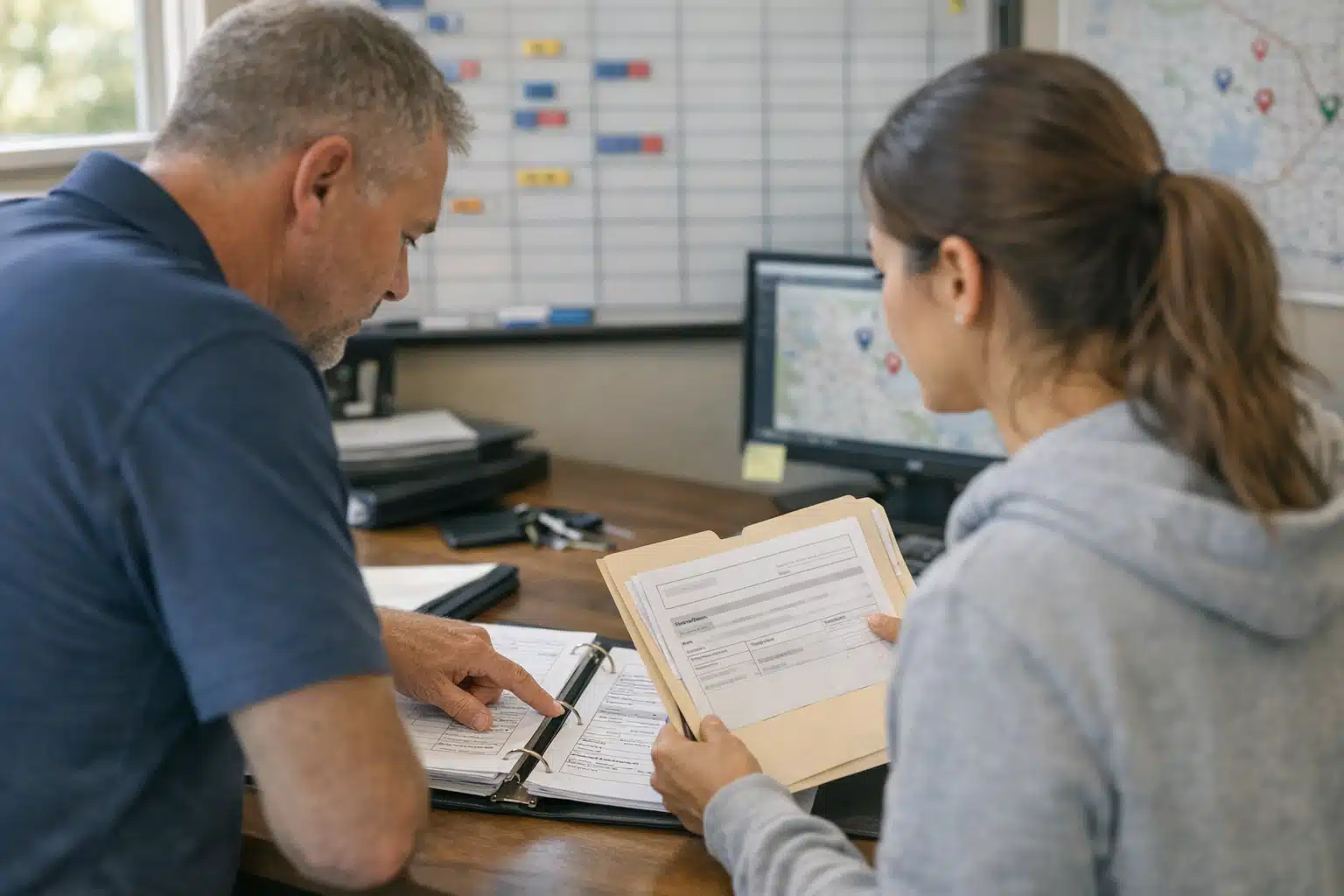
Check the job record before touching anything. Match the reviewer name, address, and service date against your invoices.
If the job was truly yours but credited to another name, you have a strong case to fix it. If the job belonged to the sub or franchise sibling, a different route applies.
Step 2: Reply Publicly and Claim the Work Politely
Respond to every misdirected review, even glowing ones. Your reply signals to future readers and Google who did the work.
Keep it warm and factual. A strong reply reads:
“Thank you, Sarah. Our team at [Your Legal Name] handled the water extraction and drying at your Maple Street home in March. We are glad the basement dried out fast.”
This does three things at once:
- Corrects the record for future homeowners reading the review.
- Plants your real business name inside the review thread for search.
- Confirms the job details so the reviewer can self-correct.
Step 3: Ask the Reviewer to Update It
Reach out privately if you have contact info. Most customers happily fix a review once they understand the mix-up.
Send a short text: “Hi Sarah, quick favor. Google listed your kind review under the wrong company. Could you edit it to name [Your Business]? Here is the direct link.”
Include the exact edit link. Friction kills follow-through. Make the fix a two-tap task.
Step 4: Flag or Dispute When Needed
If a review sits on a competitor’s or franchise sibling’s profile and describes your job, contact that business first. Many franchise locations will move or acknowledge the mix-up.
When cooperation fails, use Google’s review flagging tool. Report reviews that violate placement rules or misrepresent the business.
How to Escalate Franchise and Territory Disputes
Franchise territory overlap is the hardest form of restoration review confusion to fix alone. A homeowner two towns over may review corporate, not your franchise unit.
Escalate in this order:
- Contact the other franchise owner directly. Most disputes settle owner-to-owner within a week.
- Loop in your franchisor’s marketing coordinator. They can adjust profile boundaries and review routing.
- Request a Google Business Profile support case. Ask for help separating duplicate or mislabeled listings.
- Document every job with photos and signed work orders. Proof of who did the work wins disputes.
Keep a shared record of which reviews were reassigned. Repeat problems point to a listing setup issue, not a one-time slip.
Prevention: Stop Review Confusion Before It Starts
Fixing misdirected reviews is slow. Preventing them protects your lead flow year-round. Build these habits into every job.
Standardize Crew Branding on Shared Jobs
When you split a loss with another firm, agree on branding upfront. Decide whose shirts, signage, and yard signs the homeowner sees.
The company whose name the customer sees is the company they will review. Own that visibility on jobs you lead.
Set the Review Ask at the Right Moment
Ask for the review yourself, before a sub finishes the rebuild. Timing controls attribution.
Hand the customer a card or text with your direct review link at job completion. Say your business name out loud twice during the walkthrough.
Clarify Sub Relationships to Customers
Tell homeowners plainly who does what. A one-line explanation prevents the sub from absorbing your credit.
Example: “We handle the water damage and drying. Our partner crew rebuilds the drywall after.” Clarity now saves a misfiled review later.
Audit Your Google Business Profile Monthly
Read every new review the week it posts. During storm season, check twice a week.
Watch for these red flags:
- Reviews naming a brand or crew that is not yours.
- Jobs at addresses outside your service area.
- Duplicate profiles for your location or franchise unit.
Track the Revenue Impact of Review Confusion
Misdirected reviews are not just annoying. They shift measurable lead value to another company. Quantify it.
Tie your review sources to lead tracking. If you run paid ads or local SEO, watch whether misattributed reviews drag your map ranking or call volume.
A restoration firm losing three storm-season reviews to a franchise sibling can drop several map positions. Fewer positions means fewer emergency calls when demand peaks. That gap shows up directly in booked jobs.
Conclusion
Misdirected reviews steal credibility and leads, but a fast public reply, a direct reviewer ask, and clear crew branding fix most cases. Prevent future problems by owning job-site visibility, timing your review requests, and auditing your profile every month.
The Restoration Marketers helps restoration owners repair reputation damage and win more emergency leads from local search. Call or text us at 720‑885‑0749, or visit https://restorationmarketers.com.
Sources
- Google Business Profile Help – Reply to Reviews
- Google Business Profile Help – Remove Reviews and Report Policy Violations
- Institute of Inspection, Cleaning and Restoration Certification (IICRC) – Standards and Certification