
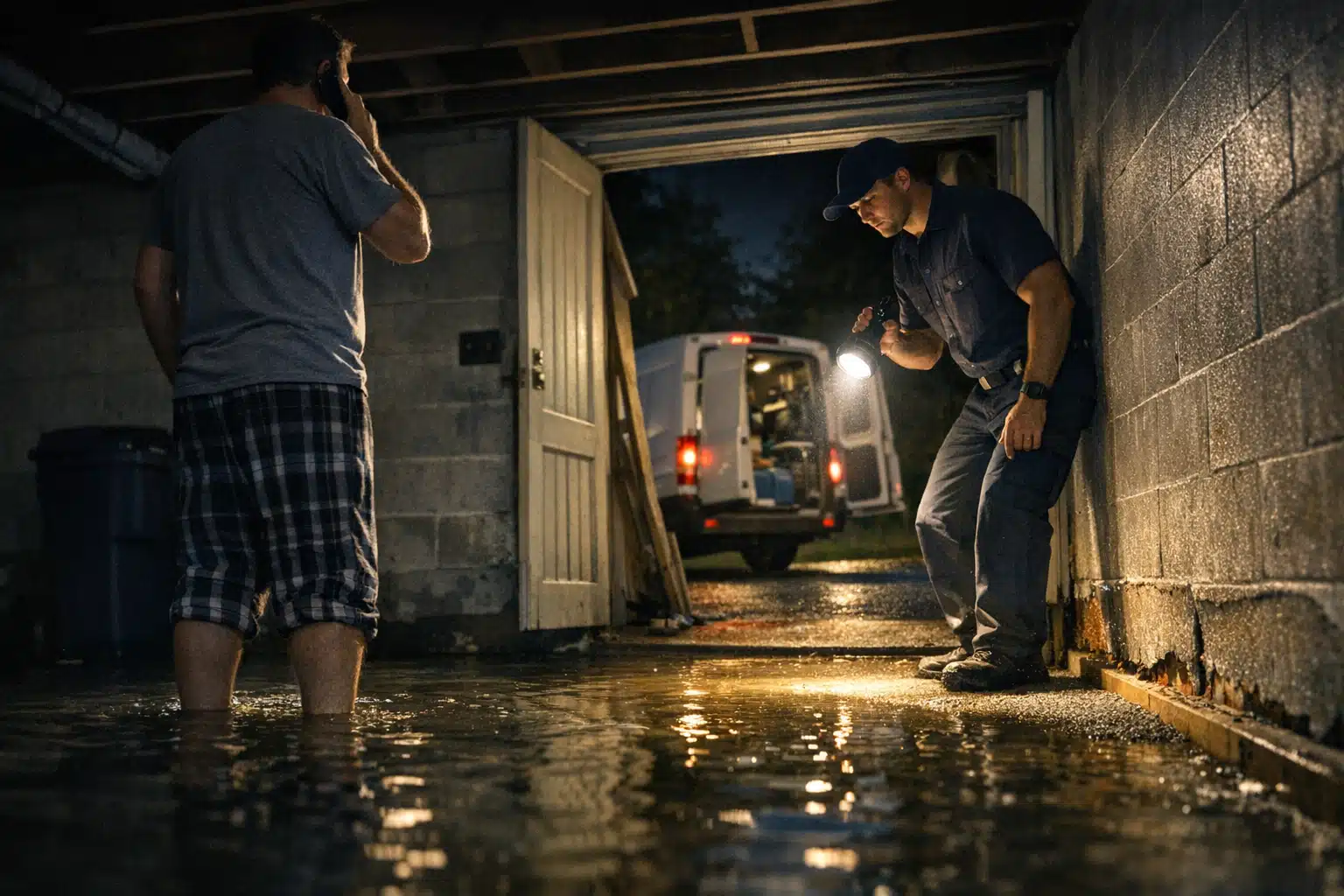
A homeowner with three inches of water in their basement does not read your website. They tap your Google Business Profile, scan the Q&A, and call whoever answers a question first. That single moment is where the google business profile q&a restoration section decides who gets the emergency call.
Most restoration owners never touch that Q&A tab. Competitors and lead-generation companies know it. They plant misleading answers, drop their own phone numbers, and quietly reroute your calls.
This post shows you what to add, what to pin, and what to monitor. You will learn how to control the conversation before a stranger does.
Why the Google Business Profile Q&A Restoration Section Gets Hijacked
The Q&A section on any Google Business Profile is public and open. Anyone with a Google account can post a question. Anyone can post an answer.
Google does not verify who answers. A competing water damage company can respond to a question on your listing. A lead broker can paste their own number under “Do they offer 24/7 service?”
Whoever controls the answers controls the first impression. For emergency work, that first impression happens at 2 a.m. during a burst pipe.
How This Differs From General Home Services
A landscaping company loses little if a Q&A answer sits unanswered for a week. Restoration is different. Water spreads, mold forms in 24 to 48 hours, and callers pick the first credible option.
Storm season makes it worse. When a hailstorm hits Denver, hundreds of homeowners search at once. Your Q&A gets flooded with questions and, sometimes, with spam from out-of-town chasers.
What to Add to Your GBP Q&A Before Anyone Else Does
Seeding your own questions is the smartest move available. Google allows business owners to post questions and answer them from the same account. You control both sides of the exchange.

Post the questions your emergency callers ask most. Answer them clearly, with your phone number and response time stated plainly.
Here are the questions worth seeding for a restoration company:
- Do you offer 24/7 emergency water damage service? Answer with your exact response window, like “Yes. We arrive within 60 minutes across the metro area. Call 720‑885‑0749.”
- Do you work directly with insurance companies? State that you bill insurers directly and help document the claim.
- How fast can you start water extraction? Give a real number. Vague answers lose calls.
- Do you handle mold remediation and fire damage too? List your actual service lines so callers know you fit their emergency.
- What areas do you cover? Name your cities and counties. This reinforces local relevance for search.
- Do you offer free inspections or estimates? Answer directly. Price uncertainty stalls panicked homeowners.
Seed six to eight questions minimum. A full Q&A tab leaves less blank space for someone else to fill with misinformation.
Write Answers a Panicked Caller Can Scan
People in a flooding emergency do not read paragraphs. Keep each answer to two short sentences. Lead with the action, then the number.
Example: “Yes, we extract water 24/7 and arrive within an hour. Call or text 720‑885‑0749 now.”
How to Pin the Best Answers So They Show First
Google ranks Q&A answers partly by upvotes. The answer with the most thumbs-up shows at the top of each question. You can influence this.
After you post your official answer, upvote it from a separate Google account. A few genuine upvotes push your answer above any competitor reply.
Follow this order for each seeded question:
- Post the question from one account.
- Answer it from your verified business account.
- Upvote the correct answer from two or three team members’ personal accounts.
- Check weekly that your answer still sits on top.
The top answer is the one callers act on. Keeping yours pinned by upvote is free and takes minutes.
Setting Up Notifications So You Catch New Questions Fast
Speed decides everything in restoration. A question sitting unanswered for two days is a lead handed to a competitor.
Google does not always send strong alerts for new Q&A activity. Build a backup system.
- Open the Google Maps app on a company phone and sign in as the business.
- Turn on notifications for your Business Profile inside the app settings.
- Assign one team member to check the Q&A tab every morning during storm season.
- Add a recurring calendar reminder for a Monday Q&A review during slow months.
Answer every real question within a few hours. Fast replies signal reliability to both searchers and Google.
Storm Season Demands Daily Monitoring
During a major weather event, question volume climbs fast. So does spam from lead resellers targeting the surge.
Switch to daily checks the moment a storm hits your area. One planted answer with a rival number can cost you a week of emergency calls.
Removing Competitor and Lead-Gen Spam From Your Listing
Spam answers on restoration profiles usually take three forms. Knowing the pattern helps you spot and kill them fast.
- Redirect spam: An answer that posts a different phone number or “call this line instead.”
- Fake doubt: Questions like “Are they licensed?” answered with “Not sure, try another company.”
- Broker bait: Answers pushing a “free national hotline” that sells your lead to the highest bidder.
You cannot delete another user’s answer directly. You flag it and escalate.
- Tap the three dots next to the spam answer and select “Report.”
- Choose the violation type, usually spam or off-topic.
- Post your own correct answer immediately, then upvote it above the spam.
- If Google ignores the report after 72 hours, escalate through Google Business Profile support chat.
Never wait for spam to disappear on its own. Outrank it with your pinned answer while the report processes.
Document Before You Report
Screenshot every spam answer before flagging it. If a competitor repeats the behavior, a record strengthens your case with Google support.
Repeat offenders can be reported as a pattern. Named evidence moves reviews faster than a single complaint.
Tracking Whether Your Q&A Actually Drives Calls
Optimizing the Q&A section only matters if it produces booked jobs. Measure it like any other lead source.
Use a tracking number in one or two Q&A answers. Compare call volume to your website and Maps listing numbers.
Watch these signals inside your Business Profile insights:
- Calls from your listing during weeks you refreshed the Q&A.
- Direction requests after seeding location-based questions.
- Question views, if surfaced, to see which answers get attention.
A well-managed Q&A quietly raises your emergency call volume. The gain compounds during peak weather months.
A Simple Monthly Q&A Routine for Restoration Owners
You do not need hours each week. A short, repeatable routine keeps your listing clean and your calls protected.
- Review all questions and answers on the first Monday of each month.
- Flag and outrank any spam or competitor answers found.
- Add one new seeded question based on recent caller questions.
- Re-upvote your official answers to keep them pinned.
- Switch to daily checks whenever a storm hits your service area.
Handling your google business questions answers restoration company section this way blocks the gaps competitors count on.
Conclusion
The Q&A tab is a live billboard that anyone can edit until you take control. Seed your own questions, pin the right answers, set alerts, and remove spam before it steals a single call. Restoration owners who manage this section win the emergency lead that goes to whoever looks most ready.
The Restoration Marketers manages Google Business Profile Q&A restoration strategy for water, fire, and mold companies across the country. Call or text us at 720‑885‑0749, or visit https://restorationmarketers.com to protect your listing before the next storm.
Sources
- Google Business Profile Help – Use questions and answers
- U.S. Environmental Protection Agency – Mold Cleanup in Your Home
- Google Business Profile Help – Prohibited and restricted content