

Your LSAs Are Working. Your Close Rate Is the Problem.
Restoration owners tell us the same thing every week: their Google Local Service Ads phone rings, but half the callers are renters, tire-kickers, or people wanting a free estimate they never intend to book. When your local service ads restoration leads unqualified rate climbs past 30%, your cost-per-job doubles even when your cost-per-lead looks fine.
The fix is not turning LSAs off. The fix lives inside settings most owners never touch: service type selection, job type language, business hours, and the intake notes you write before disputing a charge.
Below is the exact playbook we use to raise LSA lead quality and win more dispute credits back from Google.
Why Restoration LSAs Attract the Wrong Callers
Google matches your LSA to searcher intent using your selected service types and job types. Pick broad categories, and you invite broad callers.
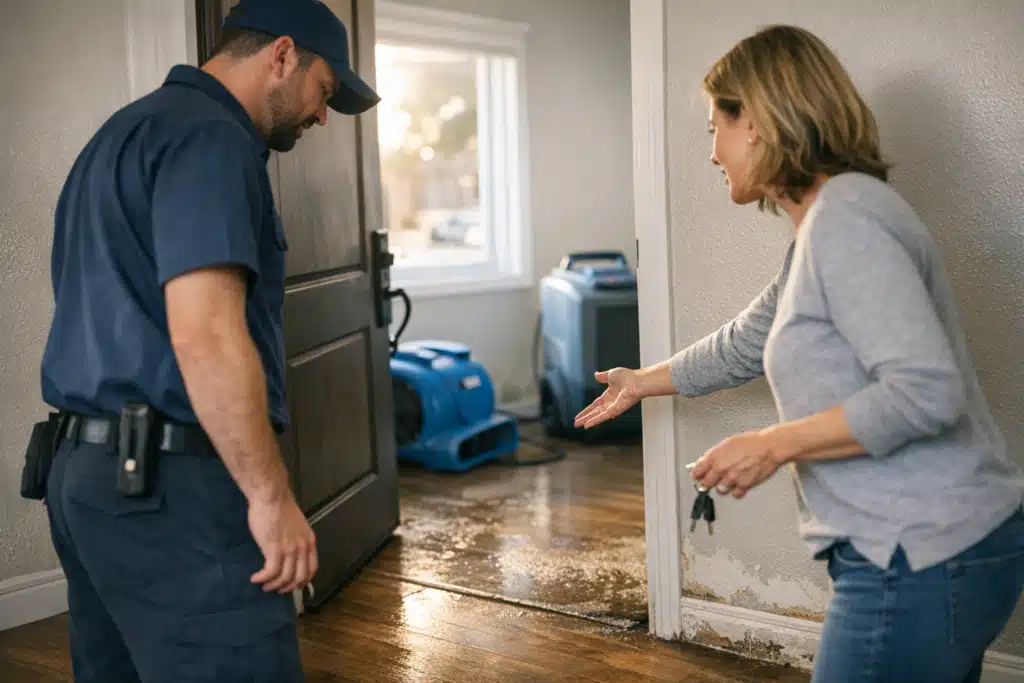
Restoration marketing differs from plumbing or HVAC here. A leaking faucet is a clear job. “Water damage” attracts homeowners, renters, landlords, insurance-only shoppers, and DIY crowds all at once.
Broad service selection is the single biggest source of bad restoration leads.
The Four Bad-Lead Patterns We See Most
- Renters — They call about water or mold, but the property owner makes the decision. The call goes nowhere.
- DIY shoppers — They want advice, a rental fan, or a moisture reading, not a mitigation contract.
- Estimate collectors — Insurance told them to get three quotes. They rarely pick the LSA caller.
- Out-of-scope jobs — Someone wants a handyman to fix drywall you flagged during a job three months ago.
Each pattern maps to a setting you can adjust. Match the fix to the pattern.
Fixing Your Service Types to Cut Unqualified Restoration Leads
Service type selection is your first filter. Google shows your ad based on which boxes you check in the LSA dashboard.
Most restoration accounts leave every box checked because more coverage feels safer. It is not. Broad coverage feeds you the exact calls you cannot close.
Audit Your Selected Service Types First
Log into your LSA profile and open your job types. Look for anything that pulls low-intent traffic.
- Uncheck “cleaning” categories if you only do mitigation. These pull maid-service and carpet-cleaning shoppers.
- Separate water, fire, mold, and storm so you can pause weak performers by season.
- Drop “inspection only” job types unless you charge for and want inspection revenue.
- Remove residential handyman-adjacent labels that invite repair-only callers.
Tighter service types cost you volume but raise your close rate and protect your budget.
Use Job Type Language That Screens Callers
The wording Google shows searchers shapes who dials. “Emergency water removal” attracts urgent, ready-to-book homeowners. “Water damage help” attracts everyone.
Choose job types that signal paid, urgent, contracted work. Avoid soft language that reads as free advice or a small favor.
Business Hours and Bidding: The Overlooked Lead-Quality Levers
Your LSA hours decide when Google sends calls. Running 24/7 sounds smart for restoration, but overnight calls skew toward panic questions and non-emergencies.
If your team cannot answer live at 3 a.m., missed calls hurt your ranking and waste spend. A missed LSA call still counts against your responsiveness score.
Set Hours You Can Staff Live
- Keep full hours during storm season when true emergencies spike.
- Route after-hours calls to a live answering service, not voicemail.
- Track which hours produce booked jobs versus dead-end calls.
- Trim hours that only generate estimate shoppers and renters.
A live human answering every LSA call inside 30 seconds does more for lead quality than any bid change.
How to Write Intake Notes That Win LSA Disputes
Google refunds charges for leads that fall outside your service area, service type, or that were spam. The catch: you must prove it. Your intake notes are the evidence.
Vague notes lose disputes. Specific, timestamped notes win them.
Capture These Details on Every Call
- Caller relationship to property — owner, renter, or tenant. Renter calls qualify for disputes on many job types.
- The address or ZIP code — proves out-of-area leads instantly.
- What they asked for — record if they wanted advice, a part, or a free estimate only.
- Whether it matched your job type — a handyman request against a water job is disputable.
- Call outcome and time — short calls with no service need support your case.
Train your intake staff to log these in one line while the caller talks. A note like “Renter, 80014, wanted landlord’s number, no decision authority” wins a dispute fast.
How to Dispute Local Service Ads Restoration Charges
When you dispute local service ads restoration charges, submit inside Google’s window and cite the exact reason category. Attach your intake note details in the description field.
Use Google’s approved dispute reasons:
- Geo — caller was outside your service area.
- Job type — request did not match your listed services.
- Spam or no interaction — silent calls, wrong numbers, solicitors.
Dispute every qualifying lead within 30 days, every week, without exception. Owners who dispute consistently recover a meaningful share of wasted spend.
Build a Weekly LSA Review Routine
Lead quality decays if you set LSAs and walk away. A short weekly review keeps your close rate high.
Run this routine every Monday for last week’s leads:
- Pull every charged lead and tag it booked, unqualified, or disputable.
- File all disputes for renter, geo, and job-type mismatches.
- Note recurring bad patterns tied to one service type.
- Pause or narrow the service type feeding those bad calls.
- Compare booked-job cost against your target per season.
Fifteen minutes of weekly review beats months of blind spending.
Why Seasonal Timing Changes Your Settings
Storm season floods your LSA with real emergencies. Off-season sends more estimate shoppers and small mold questions.
Widen service types and hours during peak demand. Tighten them during slow months to protect your cost-per-job when urgent calls thin out.
The Difference This Makes to Your ROI
Restoration owners depend on insurance-driven work and unpredictable weather. Every wasted LSA dollar during a slow month hurts more than it would for a general home-service company.
Tight service types, screened job language, staffed hours, and disciplined disputes turn a leaky LSA account into a predictable booking channel.
You keep the ready-to-book homeowners and stop paying for renters and estimate collectors.
Turn Your LSA Leads Into Booked Restoration Jobs
Better LSA results start with narrower service types, screening job language, staffed live hours, and weekly disputes backed by specific intake notes. Do those four things and your unqualified lead rate drops within a month.
The Restoration Marketers manages LSA accounts built for restoration economics, not generic home services. Call or text us at 720‑885‑0749, or visit https://restorationmarketers.com to tighten your account and win back wasted spend.
Sources
- Google Local Services Ads Help – Dispute a lead
- Google Local Services Ads Help – Edit your job types and service area
- IICRC – S500 Standard for Water Damage Restoration