
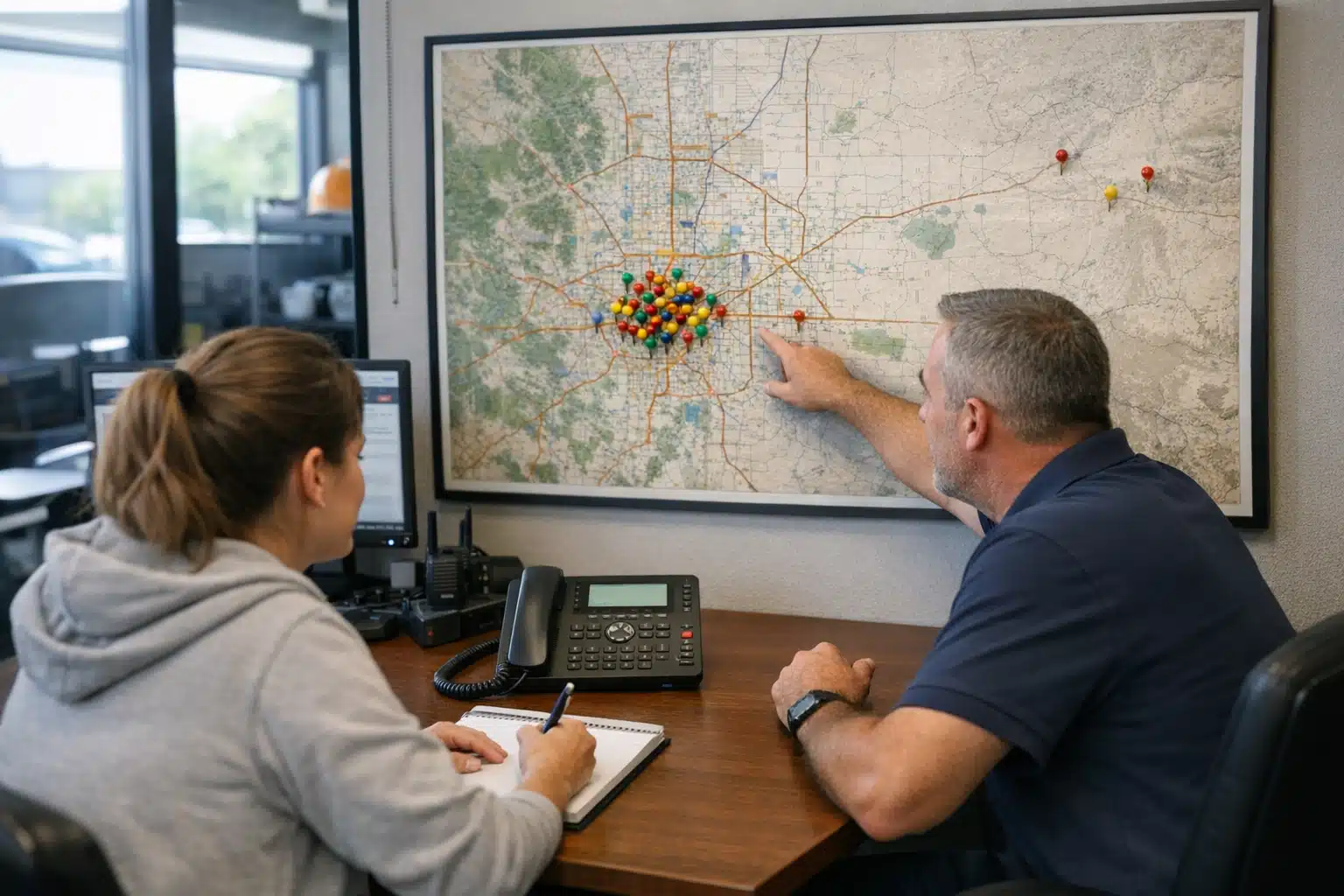
A restoration owner in Denver once told me half his phone calls came from towns two hours away. He was paying to answer them, quoting them, then losing the job on drive time. If your Google Maps calls outside service area restoration problem is draining your team, you are not alone.
Bad-fit calls waste dispatch time during storm season, when every minute counts. The good news: you can fix this without moving your address or watching your map rankings drop.
This post breaks down the exact levers you control—your service area boundaries, categories, wording, and ad targeting. Each one improves service area lead quality while keeping your visibility intact.
Why Your Map Listing Attracts the Wrong Calls
Google shows your Business Profile based on proximity, relevance, and prominence. A strong profile can rank in nearby cities you never wanted to serve.
That reach feels like a win until the phone rings. A water damage call 90 minutes out means fuel cost, delayed response, and a customer frustrated by your ETA.
Out-of-area calls are usually a signal that your profile is over-broadcasting, not that it is broken. The fix is precision, not shrinking your presence.
The Restoration-Specific Twist
General home service businesses can afford loose targeting. A plumber taking a job across town loses 20 minutes.
Restoration is different. Water spreads by the hour, and insurance adjusters expect fast mitigation start times. A late arrival can cost you the claim entirely.
Response speed is part of your product. That makes tight geographic targeting a revenue decision, not a preference.
How to Fix Google Maps Calls Outside Service Area for Restoration Firms
You have four practical levers. None of them require changing your physical address, and none of them tank your rankings when done right.
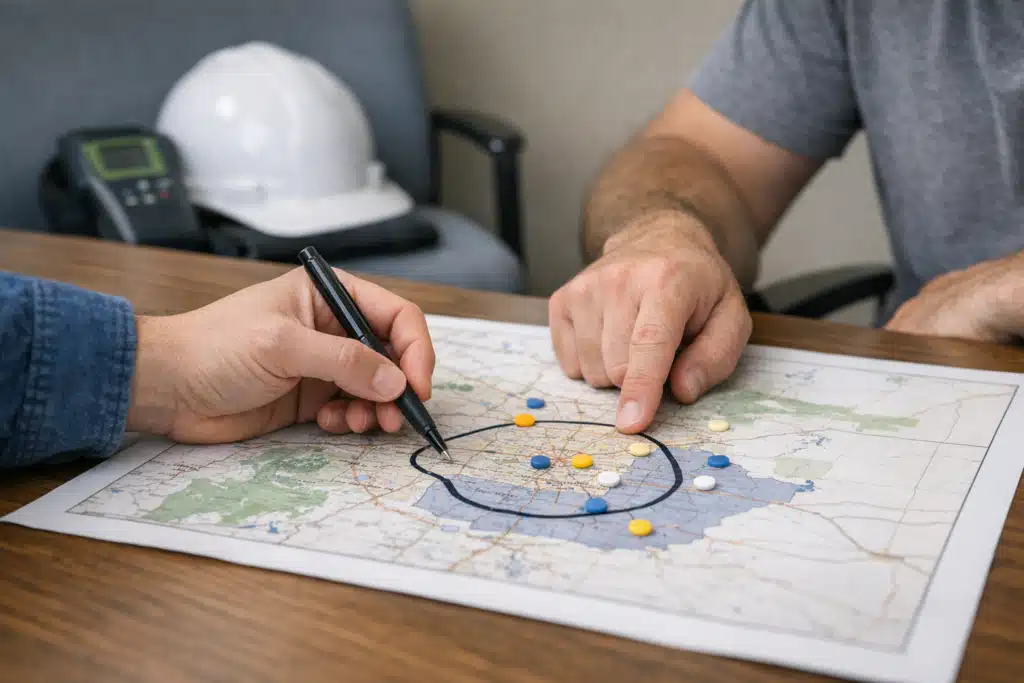
- Set accurate service area boundaries in your Business Profile.
- Choose categories that match your actual jobs.
- Rewrite your profile and site copy to name the cities you want.
- Tighten paid ad location targeting to filter poor-fit calls.
Work them in order. Boundaries and categories affect organic map reach. Wording and ad targeting shape which callers pick up the phone.
1. Define Service Areas Without Losing Local Rank
If you serve customers at their location, list your service areas instead of showing a pin only. Google lets you add up to 20 areas by city, ZIP, or region.
List the cities you truly cover. Adding a town two hours out tells Google to show you there—and invites the calls you dislike.
Your ranking strength comes from proximity to the searcher, not from how many areas you list. Trimming distant areas rarely hurts nearby rank.
One mitigation company in a metro suburb removed six far-flung cities from its profile. Local rankings held. Out-of-area calls dropped by roughly a third within two months.
2. Match Categories to the Jobs You Want
Your primary category carries the most ranking weight. Pick the one that names your best work.
- Water Damage Restoration Service for flood and pipe-burst work
- Fire Damage Restoration Service for smoke and structure fires
- Waterproofing Company only if you truly sell that
Avoid vague picks like “Contractor” or “Building Restoration Service.” Broad categories pull broad calls from people who need something you do not sell.
A precise primary category filters intent before the phone rings. Someone searching “fire damage cleanup” is a better fit than someone searching “general contractor near me.”
3. Rewrite Copy to Name Your Real Coverage
Callers read your profile and website before dialing. If your text says “serving the greater metro region,” you invite everyone in a 60-mile radius.
Name your cities plainly. On your Business Profile description and website, write the specific towns you cover.
Try phrasing like: “24/7 water damage response in Aurora, Centennial, and Parker.” That line tells the wrong caller to look elsewhere and confirms you for the right one.
Specific city names double as local SEO signals and caller filters. They help you rank where you want and repel calls where you do not.
Build City Pages That Do the Filtering
Create one page per city you serve. Each page should name the town, local ZIP codes, and response times you can honestly promise.
A page titled “Water Damage Restoration in Littleton” ranks for that city and screens out visitors from outside it. Vague, region-wide pages do neither.
4. Tighten Paid Ad Location Targeting
Google Ads is where out-of-area calls get expensive fast. A single wasted click on a competitive water damage keyword can cost or more.
Set your location targeting to “Presence” rather than “Presence or interest.” The interest setting shows ads to people merely searching about your area from elsewhere.
- Target by city or radius that matches your true coverage
- Add distant towns as excluded locations to block them outright
- Use call-only campaigns with your city named in the ad text
- Set ad schedules that match your crew availability
Excluded locations are the fastest paid-ad fix for out-of-area calls. They stop the spend before a bad-fit caller ever sees you.
What Not to Do (These Tank Rankings)
Some quick fixes cause more harm than the problem itself. Avoid them.
- Do not change your business address to a fake location closer to distant work. Google penalizes this hard.
- Do not delete and recreate your profile. You lose review history and rank momentum.
- Do not remove all nearby areas in a panic. Over-trimming shrinks legitimate reach.
- Do not hide your address if customers visit you. Storefront restoration shops need the pin.
Fixing lead flow is about precision edits, not drastic ones. Small, correct changes protect the rankings you built.
Track Where Calls Come From
You cannot fix what you do not measure. Set up call tracking to see the origin of every lead.
Use a call tracking number on your website and a separate one in Google Ads. Tag each call by city and job type.
After 30 days, you will see patterns. Maybe most bad calls come from one distant ZIP or one broad keyword.
Data turns guesswork into targeted edits. Cut the exact area or keyword feeding poor-fit leads instead of trimming blindly.
A Simple Monthly Review
- Pull your call log and sort by caller location.
- Flag every call outside your service area.
- Trace each to its source: map, website, or ad.
- Adjust the matching lever—boundary, copy, or exclusion.
- Recheck the ratio next month.
Repeat until your out-of-area rate sits under 10 percent. That is a realistic target for a well-tuned restoration profile.
Balancing Reach and Relevance During Storm Season
Storm season changes the math. When demand spikes, some restoration firms widen coverage to catch overflow work.
That can make sense—if your crews can meet response times. The mistake is widening ad targeting and forgetting to narrow it again after the surge.
Treat coverage as a seasonal dial, not a fixed setting. Widen for storm overflow, then tighten once local demand normalizes.
Set a calendar reminder to review targeting after each major weather event. This keeps your service area lead quality steady year-round.
Putting It All Together
Fixing out-of-area calls comes down to four controllable levers: boundaries, categories, wording, and ad targeting. Adjust them with data, not panic, and your local rankings stay intact.
Precise city names, accurate categories, and excluded ad locations filter poor-fit callers before they cost you dispatch time. Track every call, review monthly, and adjust the season dial as storms come and go.
Want your map listing to pull the right calls from the right cities? The Restoration Marketers builds map and ad strategy for restoration firms that need fast, local leads. Call or text us at 720‑885‑0749, or visit https://restorationmarketers.com to get started.
Sources
- Google Business Profile Help – Add or edit your service area
- Google Ads Help – About location targeting
- Google Business Profile Help – Choose your business categories