
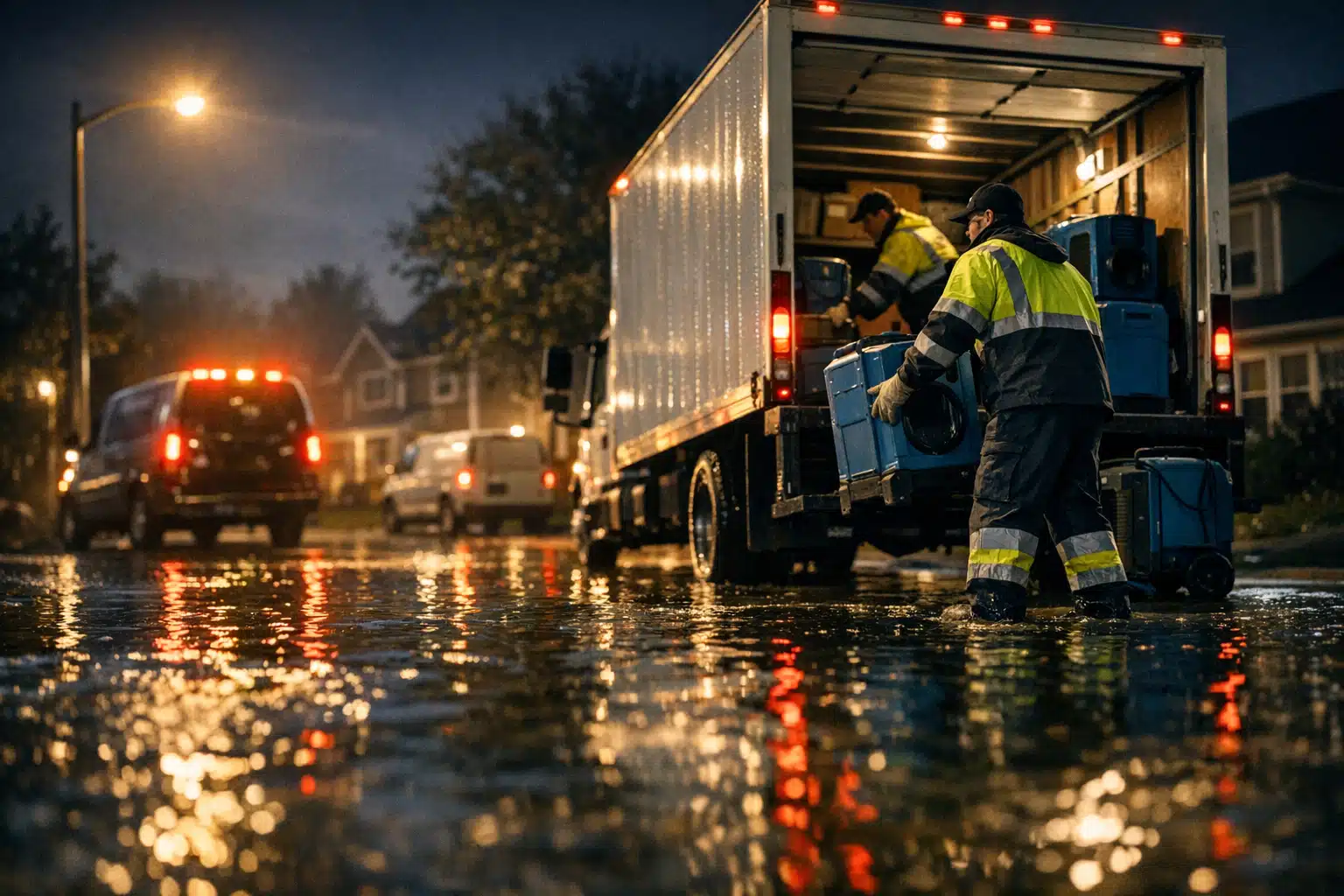
Restoration companies waste 40% of their Google Ads budget targeting customers outside their service area. When water damage strikes at 2 AM, homeowners search for help within driving distance — not three counties away.
Geotargeting in Google Ads fixes this problem by showing your restoration ads only to people in your service radius. This guide walks through the exact setup process for restoration companies.
You’ll learn how to define service boundaries, adjust bids by location, and exclude areas where you can’t respond quickly enough for emergency calls.
Why Geotargeting Matters for Restoration Companies
Emergency restoration calls require fast response times. **A water damage lead 50 miles away becomes worthless if you can’t arrive within two hours.**
Restoration businesses face unique geographic challenges. Storm systems create demand surges in specific zip codes while leaving nearby areas untouched. Your ad spend needs to follow the weather, not blanket entire metro areas.
Poor location targeting creates three expensive problems:
- Wasted clicks from homeowners outside your service area
- Lost leads when response times exceed customer expectations
- Diluted ad relevance scores that increase cost-per-click
Setting Up Geotargeting in Google Ads for Restoration Services
Google Ads offers four location targeting options. Restoration companies should use radius targeting around their shop location for fastest response times.

Choose Your Primary Service Radius
Start with a 25-mile radius from your main location. This typically provides 45-60 minute response times in suburban areas. Urban restoration companies can tighten this to 15 miles for faster arrival.
**Document your actual drive times to recent jobs.** Use this data rather than estimating service areas. A 30-mile radius might take 90 minutes during rush hour traffic.
Add Multiple Location Targets
Set separate radius targets around each of your offices or storage facilities. Click the “+ Add Location” button for each additional service point.
Weight your bids based on proximity. Locations within 15 miles of your main shop should receive 20-30% higher bid adjustments since you can respond faster.
Exclude Problem Areas
Urban restoration companies often need to exclude specific neighborhoods where parking restrictions slow response times. Rural companies might exclude areas beyond reasonable drive distances.
Add exclusions by clicking “Excluded” then entering zip codes or city names. **Common exclusions include toll road zones where emergency vehicles face delays.**
Advanced Location Strategies for Storm Response
Seasonal weather patterns require dynamic location adjustments. Hurricane-prone areas see demand spikes that justify temporary service area expansion.
Expand Targeting During Weather Events
Monitor weather forecasts and expand your radius 24 hours before predicted storms. Increase coverage from 25 miles to 40 miles when major weather systems approach.
**Set calendar reminders to revert targeting after storms pass.** Extended service areas work during emergencies but waste budget during normal periods.
Target Competitor Locations
Add small radius targets around major competitors’ business addresses. Use 3-5 mile radiuses with modest bid increases to capture overflow demand.
This strategy works best during peak demand periods when established companies reach capacity limits.
Bid Adjustments by Location Performance
Location data reveals which areas generate the highest-value restoration jobs. Commercial districts often produce larger water damage claims than residential neighborhoods.
**Analyze your completed jobs by zip code over the past 12 months.** Calculate average project value and response time for each area.
Premium Location Bid Increases
Increase bids 15-25% for zip codes with average job values above your company median. Upscale residential areas and commercial zones typically justify premium bidding.
Areas with repeat customers or insurance adjuster relationships deserve bid premiums. **Long-term customer value exceeds single-job profit margins.**
Reduce Bids for Low-Value Areas
Decrease bids 10-20% in areas where average job size falls below company standards. Maintain presence for market share but avoid overpaying for small jobs.
Consider time-of-day adjustments for distant locations. Reduce evening and weekend bids when response times stretch beyond customer expectations.
Mobile vs Desktop Location Targeting
Restoration emergency searches happen primarily on mobile devices. Mobile users accept slightly longer response times when calling from affected properties.
**Set mobile bid adjustments 10-15% higher than desktop for emergency keywords.** Mobile searchers convert faster but expect immediate callbacks.
Desktop searches often indicate research mode rather than active emergencies. Users comparing multiple restoration companies may accept longer service radiuses.
Tracking Location Performance Data
Google Ads location reports show which areas generate calls versus conversions. Raw click data doesn’t reveal lead quality differences between neighborhoods.
Connect Location Data to Job Values
Import completed job revenue into Google Ads conversion tracking. This reveals which zip codes produce profitable projects versus time-wasting calls.
**Track conversion data by location for at least 90 days before making major targeting changes.** Seasonal patterns affect different areas at varying times.
Monitor Competitor Activity by Area
Use auction insights reports to see where competitors bid most aggressively. High competition areas may require increased budgets during storm seasons.
Identify underserved locations where few restoration companies maintain consistent ad presence. These areas often provide lower-cost lead generation opportunities.
Common Geotargeting Mistakes to Avoid
Restoration companies frequently make targeting errors that waste ad spend and reduce lead quality.
Setting Service Areas Too Large
**Never set location targeting broader than your realistic service capacity.** Emergency restoration requires resource allocation planning, not wishful thinking about coverage areas.
Large service radiuses dilute ad relevance and increase competition with better-positioned local companies.
Ignoring Population Density
Rural restoration companies need larger radiuses to reach sufficient search volume. Urban companies should focus on smaller, densely populated areas for faster response times.
A 25-mile radius covers vastly different markets in Manhattan versus rural Montana. Adjust targeting based on actual customer density, not arbitrary distance measurements.
Forgetting About Drive Time Reality
Map distance differs significantly from actual drive time during traffic hours. **Test your response times during rush hour, not off-peak periods.**
Bridge locations, mountainous terrain, and urban traffic patterns create response delays that radius targeting doesn’t account for.
Integration with Local SEO Efforts
Location-targeted ads work best when supported by strong local search presence. Google Business Profile optimization reinforces geographic relevance signals.
**Maintain consistent NAP (Name, Address, Phone) information across ads and local listings.** Geographic inconsistencies confuse both customers and search algorithms.
Local restoration companies benefit from running geotargeted ads alongside organic local SEO efforts. Paid and organic results working together increase total market capture.
**Effective restoration marketing requires precise geographic targeting that matches actual service capabilities.** Geotargeting in Google Ads ensures your emergency response ads reach customers you can actually help when disasters strike.
Ready to optimize your restoration company’s local ad targeting? Contact The Restoration Marketers at 123-456-7890 for specialized geotargeting strategies that increase lead quality while reducing wasted ad spend.
Sources
- Google Ads Help – About location targeting
- FEMA – Hazard Mitigation Assistance
- IICRC – Find Certified Restoration Professionals