
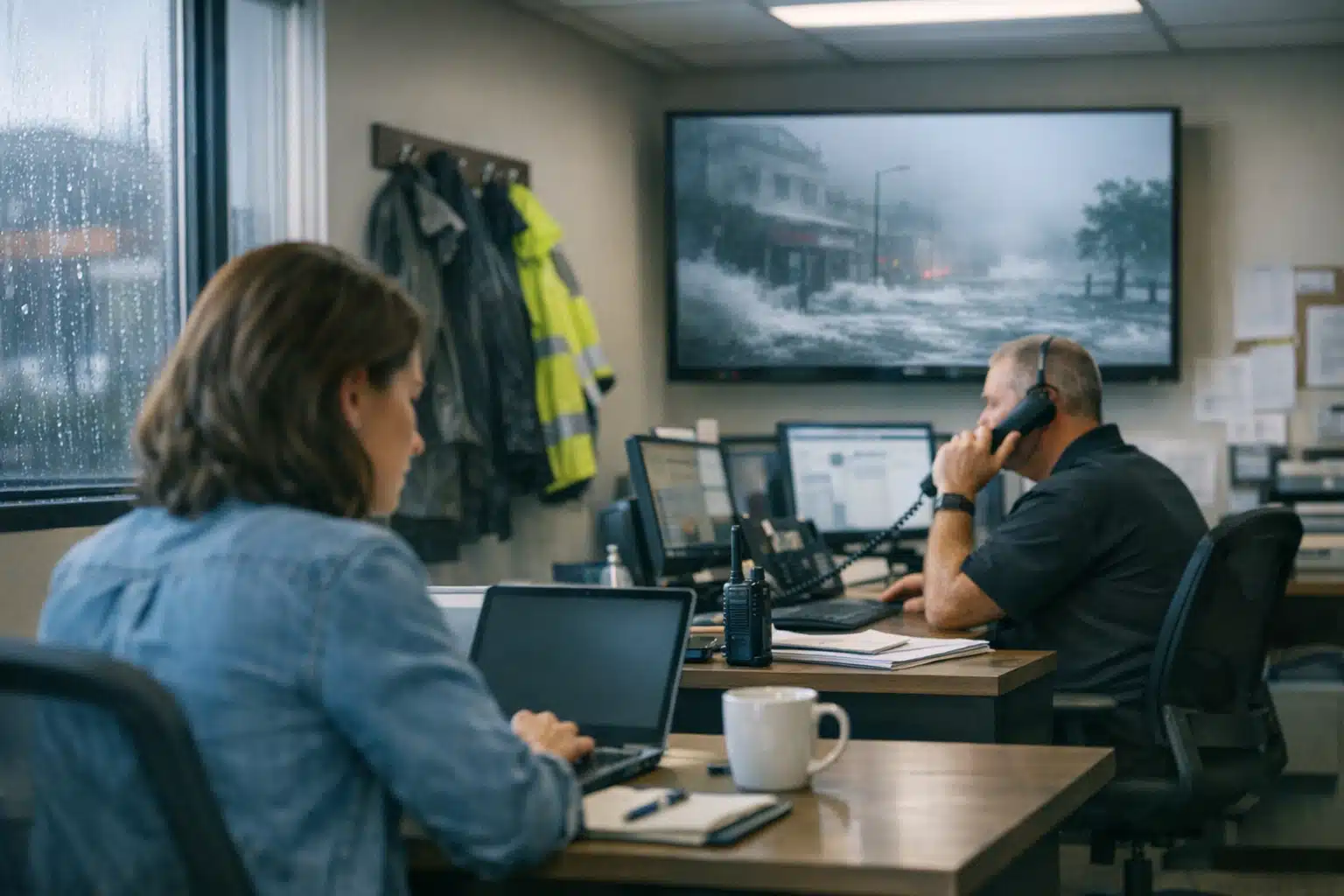
After a major storm, a restoration company can field 300% more calls in 48 hours than a normal week. Most of those callers are scared, wet, and skeptical. The words you put on your Google Business Profile during that window decide whether they trust you or scroll to the next name on the list.
Getting google business profile posts restoration owners publish during a surge right means sounding calm and useful, not opportunistic. This article shows you five post types you can pre-write before storm season, so you respond in minutes instead of hours.
You will learn what to say, what to avoid, and how honest updates reduce bad reviews when you are slammed.
Why Google Business Profile Posts Matter More During a Surge
When a flood or wind event hits your area, people search “water damage near me” from their phones before they call insurance. Your profile is the first thing they read.
Google Posts show up directly in your profile panel on both Search and Maps. During high-demand events, a fresh post signals you are open, active, and paying attention.
A stale profile during a disaster reads as “closed” or “overwhelmed,” even when you are working around the clock. Empty space gets filled by competitor ads and confused assumptions.
The Ethics Line You Should Never Cross
Restoration marketing during disaster events sits closer to healthcare than home remodeling. People are in crisis, not shopping for a kitchen.
Avoid urgency language that manufactures panic. Phrases like “act now before it’s too late” or “prices going up fast” damage trust and invite scrutiny.
The goal is to be the steady voice, not the pushy one. Calm, factual posts convert better and protect your reputation long after the water dries.
The 5 Google Business Profile Posts Restoration Teams Should Pre-Write
Write these before the sky turns dark. When your crews are dispatched, you want to paste and publish, not draft from scratch.
- Availability update — states whether you are taking new jobs
- Immediate safety steps — protects homeowners while they wait
- Documentation checklist — helps their insurance claim
- Service area clarity — sets honest geographic limits
- Wait-time transparency — reduces angry follow-up calls
Each one earns trust by giving value first. Below is exactly how to write them.
1. The Availability Update Post
Tell people the truth about capacity. If you can take jobs, say so plainly. If you are booked for two days, say that too.
Example copy: “Our crews are responding to storm calls across [County] now. We are booking water extraction appointments for the next 24 hours. Call 720‑885‑0749 to get on today’s dispatch list.”
Update this post every 12 hours during peak surge. A time-stamped availability note stops callers from assuming you ghosted them.
2. The Immediate Safety Steps Post
Give homeowners something to do while they wait for a truck. This positions you as the helper, not the salesperson.
Example copy: “Waiting for our crew? Shut off electricity to flooded rooms. Do not walk through standing water near outlets. Move small valuables above the water line.”
Safety-first posts earn saves and shares, which raise your profile’s local ranking. They also cut liability by nudging safer behavior.
3. The Documentation Checklist Post
Insurance dependency is a real pressure point for restoration firms. Help the homeowner build a strong claim and they remember you.
Post a short list they can act on before cleanup begins:
- Photograph every damaged room from the doorway
- Take close-ups of water lines on walls
- Save damaged items until the adjuster visits
- Write down the date and time flooding started
A documentation post turns your profile into a resource, not a billboard. That builds the trust that converts calls into signed jobs.
4. The Service Area Clarity Post
Nothing generates one-star reviews faster than driving a call an hour out, then declining the job. State your storm-response boundaries.
Example copy: “This week our crews are focused on [City], [City], and [Zip codes]. Outside that zone? Call us and we will refer you to a vetted partner nearby.”
Honest geographic limits prevent wasted calls and protect your review score. A referral offer keeps goodwill even when you say no.
5. The Wait-Time Transparency Post
Angry reviews after a surge usually trace back to one thing: silence. People forgive a delay they were warned about.
Example copy: “High call volume right now. Current response window is 18 to 30 hours for non-emergency water damage. Active flooding and safety risks jump the line.”
Publishing your wait time cuts repeat calls and sets fair expectations. Fewer surprises means fewer furious reviews to clean up later.
How to Time and Format Your Surge Posts
A great message posted too late loses its power. Match your posting rhythm to the storm timeline.
- 48 hours before landfall: post safety prep and documentation tips
- During the event: post availability and service-area updates
- First 72 hours after: post wait times and rotate availability every 12 hours
- Week two: shift to recovery updates and reduced-backlog notices
Keep each post under 1,500 characters and lead with the most useful line. Google truncates posts, so front-load the value.
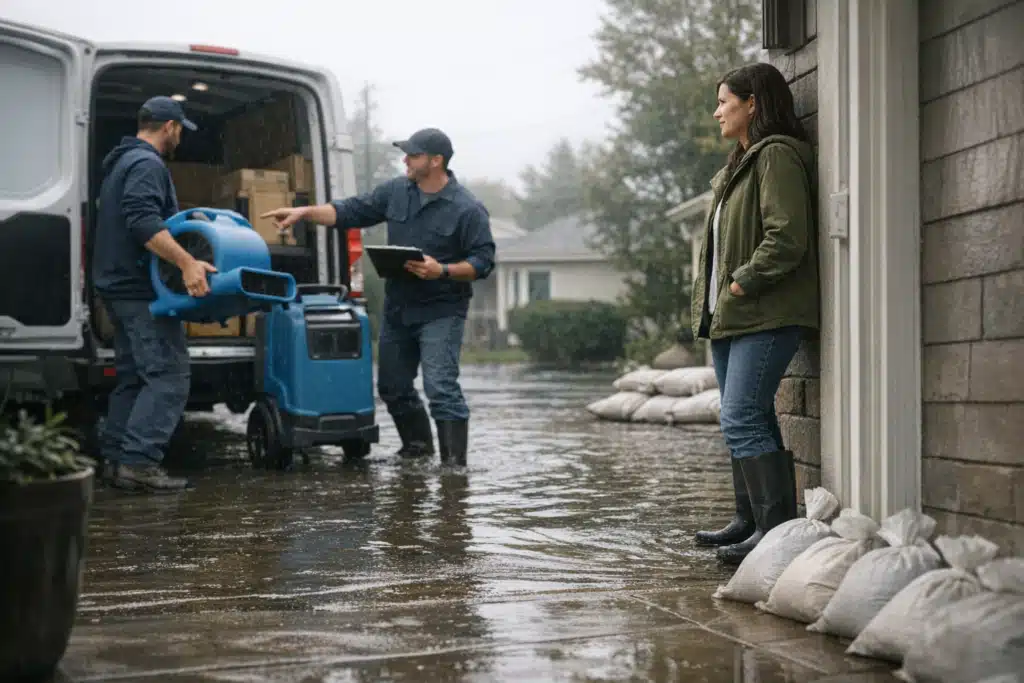
Add one photo of a real crew on a real job, never stock imagery. Genuine field photos outperform polished graphics during a crisis.
Add a Clear Button, Not a Sales Pitch
Every Google Post lets you attach an action button. During a surge, “Call now” beats “Learn more” every time.
Point the button at a phone line answered by a human, not a voicemail. A missed call during peak demand is a lost job and a likely bad review.
Mistakes That Make You Look Like You’re Exploiting a Disaster
Even well-meaning posts backfire when the tone slips. Watch for these traps during high-demand events.
- Countdown pressure: “Only 2 slots left” reads as manipulation during a crisis
- Price bait: mentioning discounts next to a disaster looks like profiteering
- Overpromising speed: “We respond in 60 minutes” invites reviews when you cannot
- Vague location claims: “Serving the whole state” triggers wasted, angry calls
- Radio silence: going dark for days signals you stopped caring
The safest surge strategy is transparency plus usefulness, published on a schedule. That combination protects your name when demand fades and reviews catch up.
Turn Surge Posts Into Long-Term Local Ranking
Storm posts do double duty. Consistent, helpful updates train Google to see your profile as active and relevant to local emergency searches.
Track which post types drive the most calls using the button-click data inside your profile dashboard. After each storm, keep the winners and cut the rest.
Every surge is a chance to bank reviews and ranking signals for the quiet months ahead. Restoration demand rises and falls, but a strong profile carries value year-round.
Final Takeaways
Effective google business profile posts restoration owners publish during a surge lead with usefulness, state honest wait times, and set clear service boundaries. Pre-write your five post types before storm season, then paste and publish in minutes when the calls pour in. Calm, transparent updates cut angry reviews and win the jobs your competitors lose by staying silent.
Want your profile primed before the next storm hits your service area? The Restoration Marketers builds surge-ready Google Business Profile systems for restoration companies. Call or text us at 720‑885‑0749, or visit https://restorationmarketers.com.
Sources
- Google Business Profile Help – Create or edit posts on your Business Profile
- Ready.gov – Floods Safety and Preparedness
- Insurance Information Institute – How to File a Homeowners Claim