
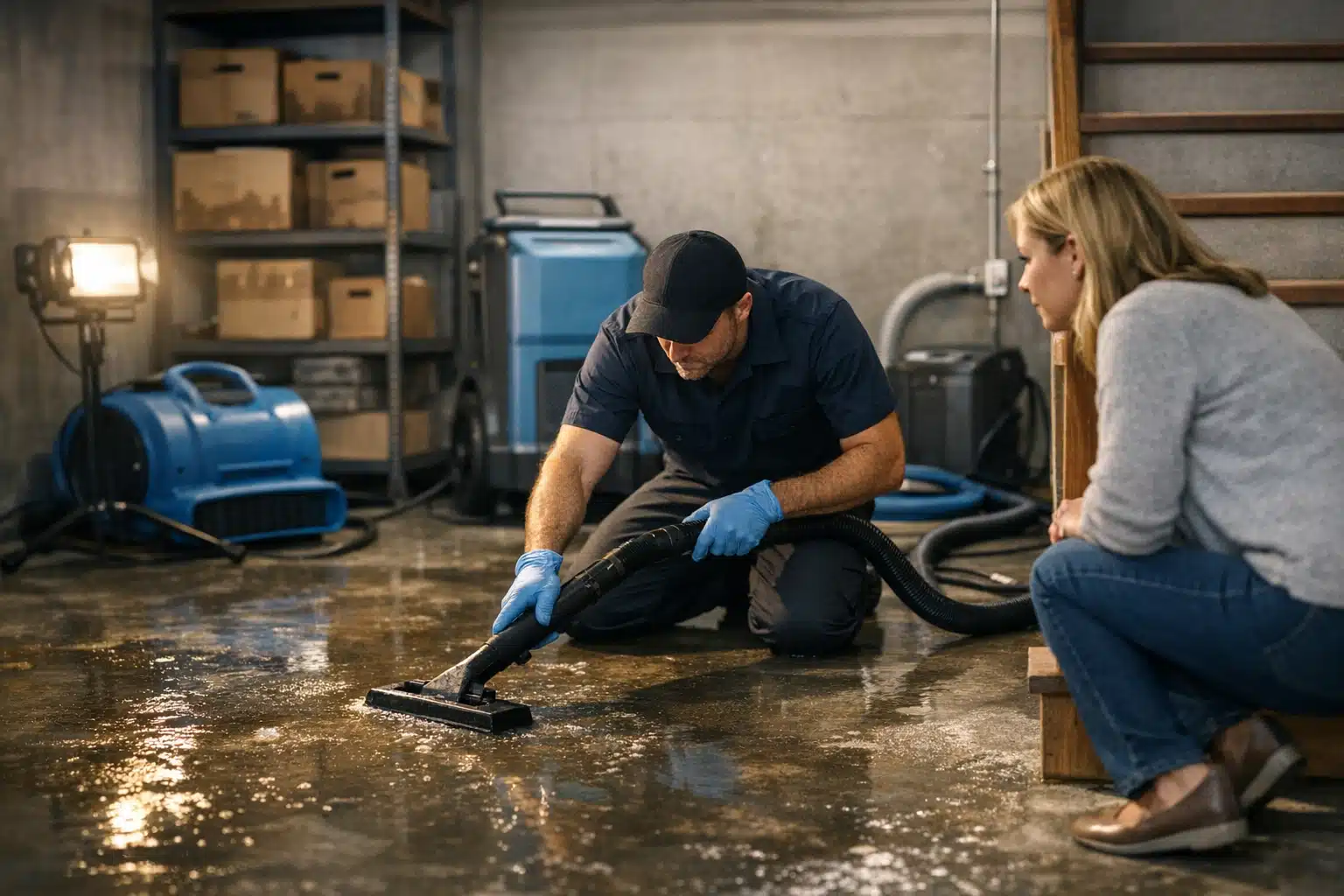
Your water damage company sits in the Google Maps 3-pack, but the phone stays quiet. That gap between visibility and calls frustrates restoration owners more than any ranking drop. If your Google Business Profile restoration not getting calls problem feels unsolvable, the issue is rarely your position — it’s caller confidence.
Ranking proves Google trusts you. Calls prove homeowners trust you. Those are two separate battles.
Below are the 7 trust signals missing from most restoration profiles, with fixes you can apply this week to increase Google Maps calls restoration customers actually make.
Why Ranking and Calls Are Two Different Problems
A homeowner with three feet of water in their basement is scared, not casual. They scan the 3-pack in seconds and pick the company that feels safest.
Visibility gets you seen. Conversion signals get you chosen. A profile can rank first and still lose the call to a competitor who looks more credible at a glance.
Key takeaway: If you rank but don’t ring, treat it as a conversion problem, not an SEO problem.
The 7 Trust Signals Missing From Your Google Business Profile
1. A Review Response Pattern That Shows You Answer Fast
Restoration is an emergency purchase. A reviewer wrote “they showed up at 2 AM” — but if you never replied, panicked callers assume you’re slow.
Reply to every review within 24 hours. Mention the specific damage type and response time in your reply.
- Thank the reviewer by first name
- Name the job: “water extraction,” “mold remediation,” “fire cleanup”
- Repeat your response window: “glad we reached you within the hour”
Key takeaway: Your review replies sell speed to the next reader, not just the past customer.
2. Photos That Prove Real Work, Not Stock Equipment
Generic van photos and logo graphics kill caller confidence. Homeowners want proof you handle damage like theirs.
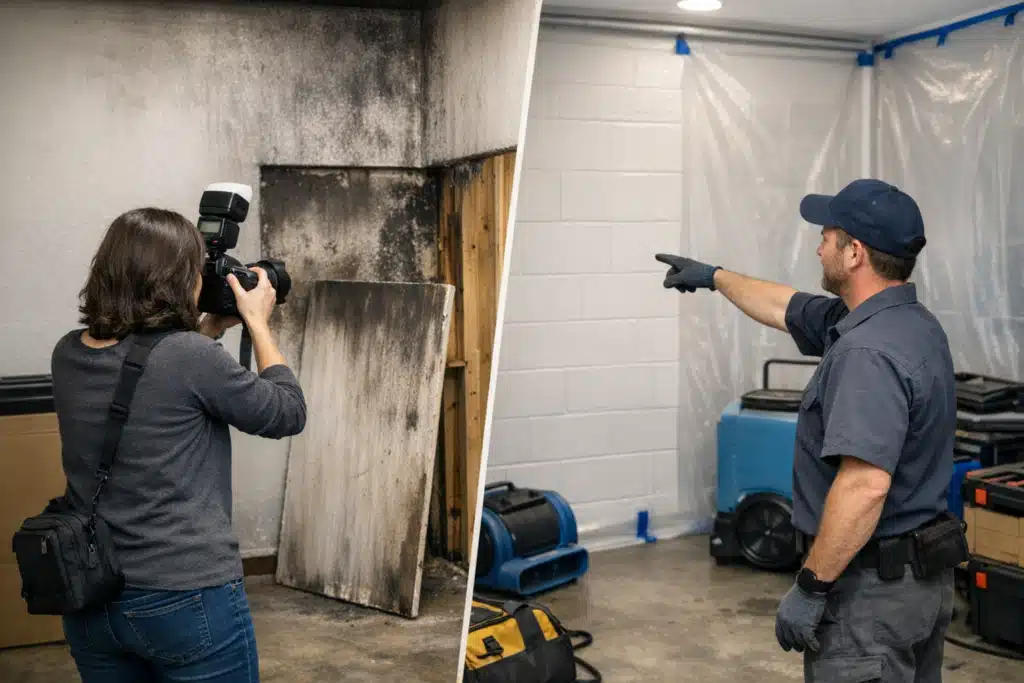
Upload before-and-after shots of real jobs: flooded basements, soot-stained walls, mold behind drywall. Geotag them and add them monthly.
One Denver restoration client swapped stock images for 20 real job photos. Their call volume from Maps climbed over the next eight weeks without any ranking change.
Key takeaway: Real damage photos answer the silent question: “Have they fixed this exact problem before?”
3. A Services Menu That Matches Emergency Searches
Most restoration profiles list “restoration” and stop. Callers search for exact problems, and your menu should mirror their words.
Build out your service list with the terms homeowners type during a crisis:
- Water damage restoration
- Emergency water extraction
- Mold remediation
- Fire and smoke damage cleanup
- Sewage cleanup
- Storm damage repair
Each service entry gives Google more context and gives the caller a reason to believe you handle their exact situation.
Key takeaway: A detailed services list turns a vague listing into a match for the caller’s emergency.
4. Attributes That Reduce Hesitation Before the Call
Attributes are the small checkboxes that answer a homeowner’s doubts before they dial. Restoration callers worry about availability, licensing, and insurance.
Turn on attributes that remove friction:
- “Open 24 hours” or “24-hour emergency service”
- “Online estimates”
- “Identifies as veteran-owned” if true
- Accessibility and language attributes where relevant
Key takeaway: Attributes answer objections silently, so the caller dials instead of scrolling to a competitor.
5. A Business Description That Names Your Area and Response Time
Your description is prime space most owners waste on vague claims. Use it to state what you do, where, and how fast.
Weak version: “We are a full-service restoration company dedicated to customer satisfaction.”
Strong version: “24/7 water, fire, and mold restoration across Aurora and the Denver metro, with crews on-site within 60 minutes.”
Key takeaway: A specific description tied to your city and arrival time beats generic praise every time.
6. Review Themes That Match What Scared Callers Want
Star count matters less than what reviews repeat. If every review praises politeness but none mentions speed, anxious callers stay nervous.
Shape review themes by asking the right questions after each job. Prompt past customers to mention the details that convert future ones.
- “How quickly did our crew arrive?”
- “Did we help with your insurance claim?”
- “How did we leave your home afterward?”
Insurance help is a recurring fear. When reviews mention “they handled the claim paperwork,” dependent-on-insurance callers relax.
Key takeaway: Guide review content toward speed and insurance help — the two things restoration callers fear most.
7. A Consistent NAP and an Accurate Service Area
Mismatched name, address, and phone details across the web signal risk. A caller who sees two different numbers assumes something is off.
Audit your citations and confirm your service area matches where you truly operate. Overclaiming 40 cities you can’t reach in an hour erodes trust and triggers bad reviews.
Key takeaway: Clean, consistent business details remove doubt and keep Google ranking you where you actually serve.
How to Fix a Google Business Profile Restoration Not Getting Calls
Work through the signals in order of impact. Start with the elements a panicked homeowner sees first.
- Add 15–20 real job photos this week
- Reply to every existing review within 24 hours
- Rewrite your description with city and response time
- Expand your services menu to match emergency searches
- Switch on 24-hour and estimate attributes
- Request three reviews that mention speed and insurance help
- Audit your NAP and service area for accuracy
Track calls by source so you know what’s working. Use a tracking number on your profile and watch weekly call volume after each change.
Key takeaway: Fix the visual and review signals first, then clean the technical details behind them.
Why Restoration Marketing Differs From General Home Services
A plumbing or landscaping caller compares and waits. A restoration caller is in crisis and decides fast.
That urgency means every trust signal carries more weight. Seasonal spikes raise the stakes further — during storm season, competitors flood Maps and callers get pickier.
Build your profile strength before peak season, not during it. Profiles with deep review histories and real photos win the storm-season rush.
Key takeaway: Restoration callers decide under pressure, so your profile must earn trust in seconds.
Turn Map Rankings Into Ringing Phones
Ranking on Maps is only half the win — caller confidence closes the gap between visibility and the phone. Fix your review responses, real photos, services menu, attributes, description, review themes, and business details, and the Google Business Profile restoration not getting calls problem starts solving itself.
The Restoration Marketers helps disaster restoration companies turn Maps visibility into steady call volume. Call or text us at 720‑885‑0749, or visit https://restorationmarketers.com to get your profile reviewed.