
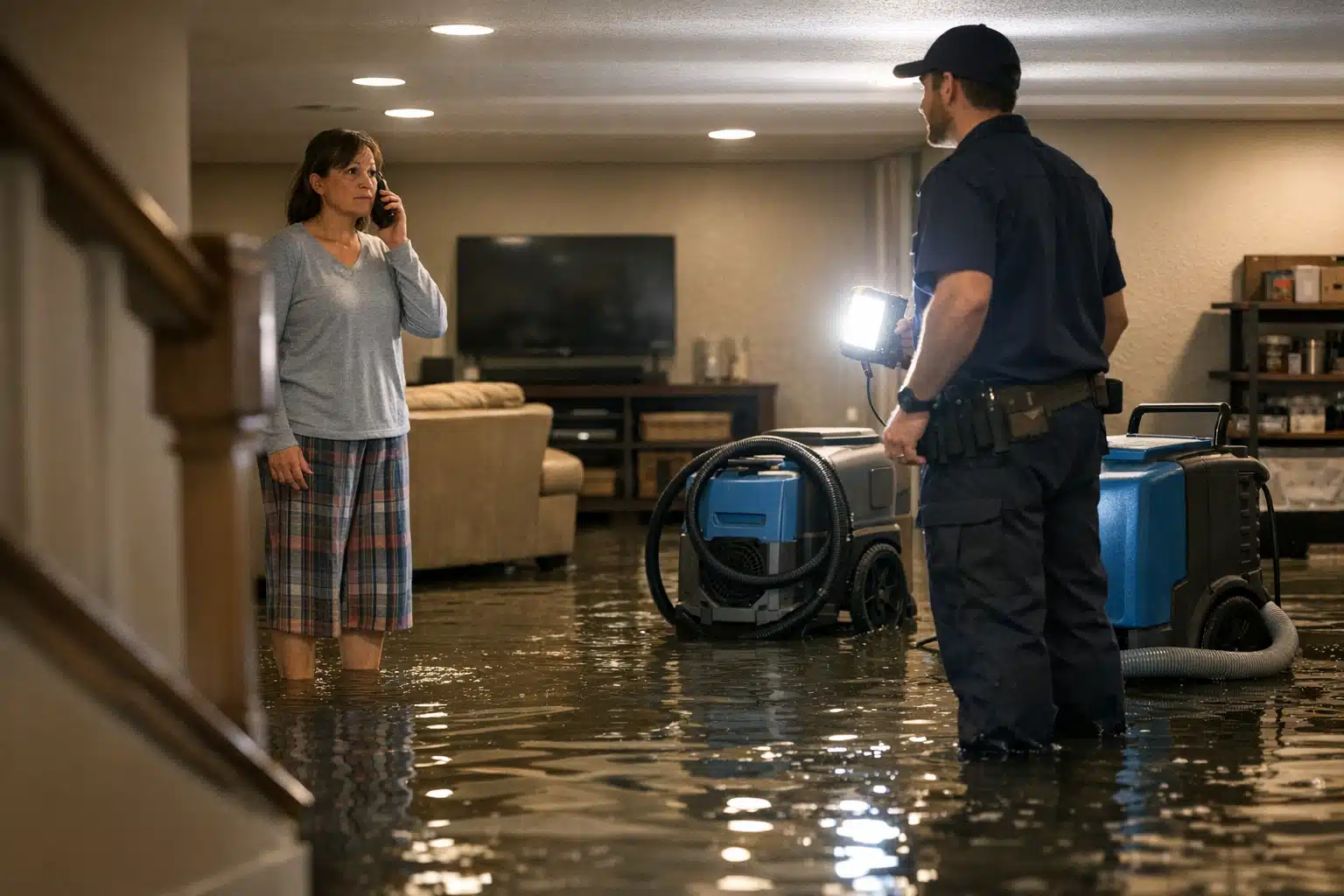
Most restoration companies waste Google Ads budget by sending every click to the same homepage. A flooded basement caller and a mold inspection caller need different pages, yet they land on identical generic content. Your restoration Google Ads landing page strategy decides whether those clicks become phone calls or bounce in seven seconds.
The question we hear most from restoration owners: should ads point to service pages or problem-specific pages? The answer is not “build 40 pages.” The answer is a matrix that tells you exactly when each page type earns its keep.
Below, you get a decision framework, real examples from storm season campaigns, and a page structure that converts emergency callers without draining your ad spend.
Service Pages vs Problem Pages: The Real Difference
A service page answers “what you do.” A problem page answers “what happened to me.” That gap changes how a panicked homeowner reacts at 11 PM with water rising.
A service page targets your offering. Examples: “Water Damage Restoration,” “Mold Remediation,” “Fire Damage Cleanup.” The language centers on your capabilities and certifications.
A problem page targets the customer’s exact situation. Examples: “Burst Pipe Flooded My Basement,” “Sewage Backup in My Home,” “Storm Flooded My First Floor.” The language mirrors what the person typed in a moment of panic.
Problem pages usually convert higher for emergency keywords. They match search intent word-for-word, which raises Quality Score and lowers cost-per-click.
Why Problem Pages Win Emergency Clicks
Someone searching “basement flooded what do I do” is in crisis mode. A page titled “Professional Water Mitigation Services” feels corporate and slow.
A page titled “Flooded Basement? We Arrive in 60 Minutes” matches their panic and offers relief. That match is the difference between a call and a back-button click.
The Restoration Google Ads Landing Page Strategy Matrix
Here is the framework that keeps you from building dozens of pages. Score every potential page across three variables, then decide its type and priority.

The three variables:
- Service type — water, fire, mold, storm, biohazard, reconstruction.
- Urgency — is the caller in an active emergency or planning ahead?
- Claim likelihood — will insurance pay, raising job value and competition?
Rate each on a simple high/low scale. The combination tells you whether to build a dedicated problem page or fold it into a broader service page.
How to Read the Matrix
High urgency + high claim likelihood = build a dedicated problem page. These jobs are worth the most and attract the most ad competition. A burst pipe flooding a finished basement fits here.
High urgency + low claim likelihood = problem page, lighter build. A small appliance leak may not involve insurance. Still worth a focused page, but share a template.
Low urgency + high claim likelihood = service page works fine. Mold remediation after a slow leak lets people shop around. A detailed service page with proof and pricing converts them.
Low urgency + low claim likelihood = fold into a service page. Odor removal or minor cleanup rarely justifies a standalone page or ad group.
A Worked Example
Take a mid-size restoration company running $6,000 monthly in Google Ads. They offer eight distinct job types but only have budget to build four landing pages.
Run the matrix and the winners become obvious:
- Burst pipe / flooded basement — high urgency, high claim. Dedicated problem page.
- Sewage backup — high urgency, high claim. Dedicated problem page.
- Storm and roof-leak flooding — high urgency, high claim, seasonal. Dedicated problem page.
- Mold remediation — low urgency, high claim. Service page with inspection offer.
Everything else routes to a general water damage service page. Four pages cover 90% of profitable clicks.
Water Damage Landing Page Structure That Converts Callers
Your water damage landing page structure must answer three questions above the fold: Can you help me? How fast? How do I reach you? Fail any one and the caller leaves.
A page built for emergency water calls follows this order:
- Headline matching the problem — “Flooded Basement? 24/7 Emergency Water Removal.”
- Click-to-call button in the first screen — thumb-sized on mobile, repeated every scroll.
- Response time promise — “On-site in 60 minutes across [metro area].”
- Trust signals — IICRC certification, insurance billing, years in business.
- Short form as backup — name, phone, address only.
- Local proof — reviews mentioning your city and job type.
Over 60% of emergency restoration clicks come from mobile. If your phone number is not tappable in the first second, you lose the call.
Insurance Language Belongs on High-Claim Pages
Homeowners with a big loss worry about cost before anything else. Address it directly: “We bill your insurance and handle the paperwork.”
That single line raises conversion on claim-heavy pages. It removes the fear that stops a call on a ,000 water job.
Seasonal Timing Changes Which Pages You Promote
Your page library stays stable, but which pages get ad budget shifts by season. This is where restoration marketing differs from steady home-service niches like HVAC tune-ups.
Match budget to demand:
- Winter freeze events — pour spend into burst pipe and frozen pipe problem pages.
- Spring storm season — shift to storm flooding and roof-leak pages.
- Summer humidity — raise mold remediation service page bids.
- Dry spells — scale back and protect profit per lead.
Build the pages once. Turn ad groups on and off as weather and claim volume move.
One Page, Many Ad Groups
A single storm-flooding problem page can serve several ad groups: “storm flooded house,” “hurricane water damage,” “flash flood cleanup.” The page stays the same; the keywords and headlines swap via dynamic text.
This keeps your build count low and your message relevance high. You get the conversion lift of a problem page without the maintenance burden of 20 separate URLs.
Common Mistakes That Burn Restoration Ad Budget
We audit restoration accounts every week. The same leaks show up repeatedly.
- Sending all ads to the homepage — generic content, weak match, low Quality Score.
- Building a page per keyword — dozens of thin pages that split tracking and effort.
- No call tracking by page — you cannot tell which page earns calls.
- Slow mobile load — a three-second delay drops emergency conversions sharply.
- Hiding the phone number — buried below the fold on a crisis call.
Track calls at the page level with a different number per landing page. Without that, you are guessing which structure actually drives revenue.
How to Decide for Your Own Company
Run this four-step check before building anything new:
- List every job type you run ads for.
- Score each on urgency and claim likelihood.
- Build dedicated problem pages for high-urgency, high-claim winners.
- Fold everything else into two or three service pages.
Most restoration companies need four to six landing pages, not twenty. The matrix keeps your effort focused on the jobs that pay.
Conclusion
A strong restoration Google Ads landing page strategy routes emergency callers to problem pages and planners to service pages, guided by urgency and claim value. Build four to six focused pages, track calls per page, and shift budget by season. That approach turns panic clicks into booked jobs without a sprawling website.
The Restoration Marketers builds these campaigns for restoration companies every day. Call or text us at 720‑885‑0749, or visit https://restorationmarketers.com to map your page structure.