
Why Most Restoration Websites Fail to Generate Emergency Leads
Emergency restoration customers need help fast, yet most restoration websites make them work too hard to get it. **A visitor experiencing water damage should be able to contact you within seconds of landing on your site.** When your restoration website design doesn’t prioritize immediate contact, potential customers move on to competitors who make it easier.
This guide covers the essential elements of restoration website design that turn frantic property owners into paying customers. You’ll learn how to structure your site for emergency conversions and remove barriers that cost you leads.
Essential Elements of High-Converting Restoration Website Design
Effective restoration website design differs significantly from other service industry sites. Property emergencies create unique visitor behavior patterns that your design must accommodate.
Emergency Contact Information Above the Fold
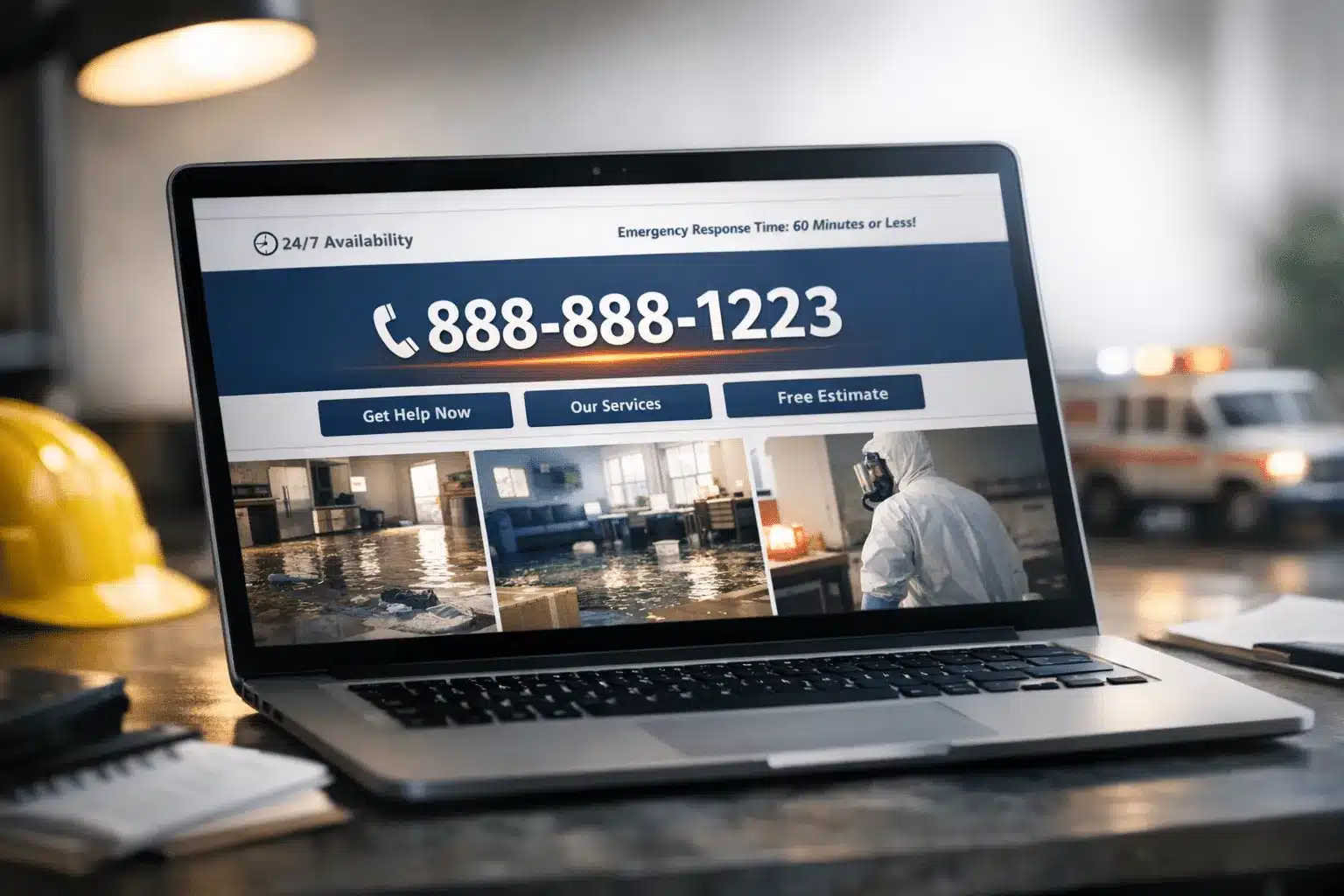
**Your phone number should be the largest element on your homepage.** Visitors experiencing water damage or fire loss are in crisis mode and scan for immediate help. Place your primary contact number in the header, center it prominently, and make it clickable for mobile users.
Include these contact elements in your header:
- Large, bold phone number (minimum 24px font)
- 24/7 availability indicator
- Emergency response time promise
- Click-to-call functionality
Trust Signals That Build Confidence
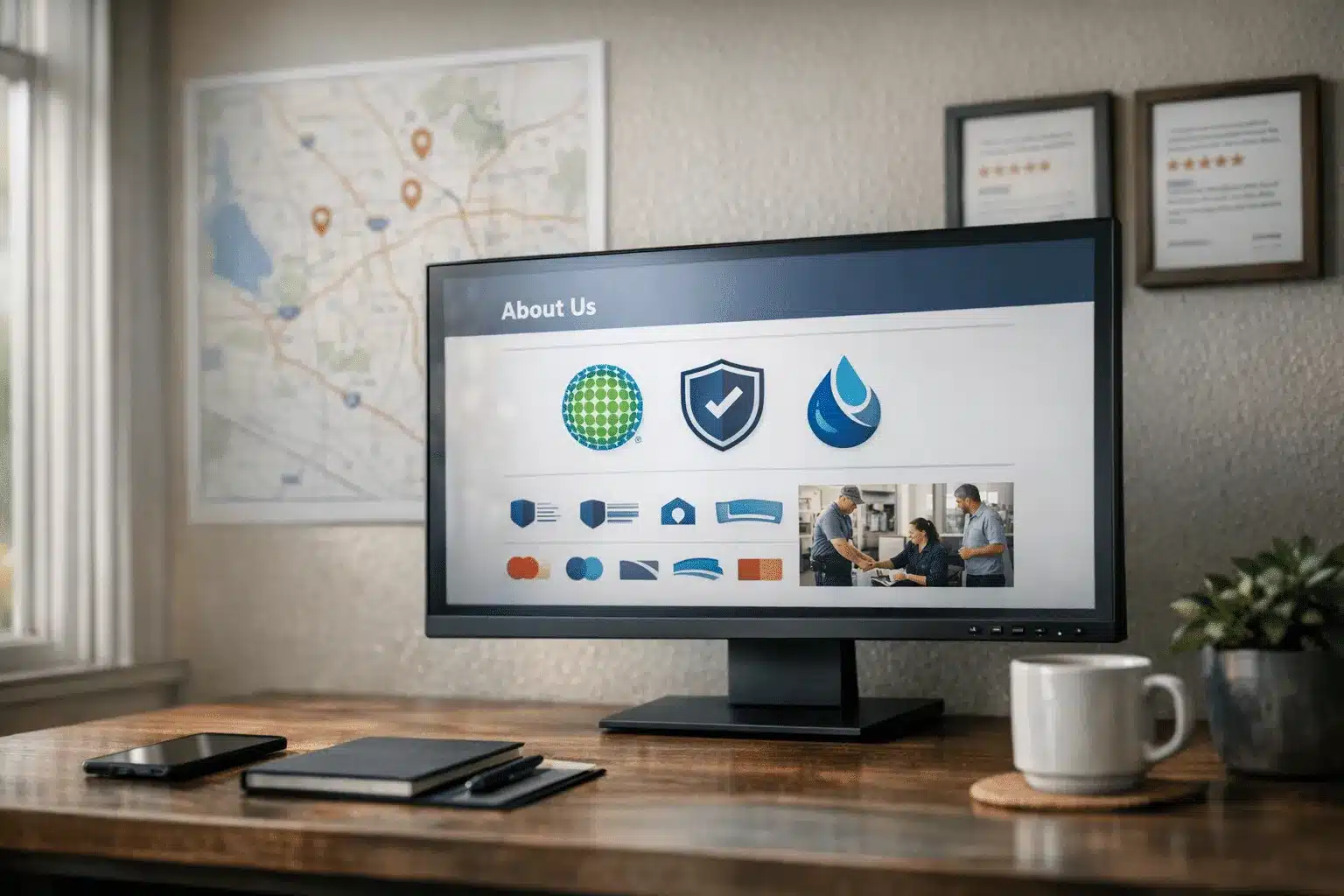
**Property owners need immediate proof you’re legitimate and capable.** Emergency situations make people more skeptical of service providers. Display trust indicators prominently to overcome this hesitation.
Critical trust elements include:
- IICRC certification badges
- Insurance company logos you work with
- Years in business
- Local service area maps
- Recent customer reviews
Optimizing Website Forms for Maximum Restoration Lead Conversion
Standard contact forms don’t work for emergency restoration situations. **Your form design must match the urgency visitors feel when their property is damaged.**
Simplified Emergency Request Forms
Keep emergency forms to three essential fields maximum. Ask only for information you need to respond immediately: phone number, damage type, and location.
Effective emergency form structure:
- Phone number (required, auto-formatted)
- Type of damage (dropdown menu)
- Property address (for dispatch)
- Brief damage description (optional)
Multiple Conversion Pathways
**Visitors in crisis want options for contacting you immediately.** Different people prefer different communication methods, even during emergencies. Provide multiple pathways to conversion without cluttering your design.
Include these contact options prominently:
- Click-to-call buttons on mobile
- Emergency chat widget
- Text messaging option
- Simple contact form
Mobile-First Design for Emergency Response
Most restoration leads come from mobile devices during active emergencies. **Your mobile design determines whether distressed property owners can reach you quickly.**
Thumb-Friendly Emergency Buttons
Design call-to-action buttons for stressed users with shaky hands. Make buttons large enough to tap easily and position them where thumbs naturally reach.
Button specifications for mobile:
- Minimum 44px height
- High contrast colors
- Clear, action-oriented text
- Positioned in thumb-reach zones
Fast-Loading Emergency Pages
**Page speed directly impacts lead conversion during emergencies.** Property owners won’t wait for slow pages when water is spreading through their home. Optimize for speed over visual complexity.
Speed optimization priorities:
- Compress all images to web-optimized sizes
- Minimize plugins and scripts
- Use fast, reliable hosting
- Enable browser caching
- Optimize for Core Web Vitals
Service-Specific Landing Pages That Convert
Generic restoration pages don’t convert as well as damage-specific landing pages. **Create dedicated pages for water damage, fire damage, and mold remediation that speak directly to each emergency type.**
Water Damage Landing Page Elements
Water damage visitors need immediate response assurance. Structure these pages around urgency and quick action.
Essential water damage page components:
- Response time guarantee
- Water extraction equipment images
- Insurance claim assistance
- Before/after restoration photos
- Emergency contact form
Fire Damage Restoration Pages
**Fire damage customers often feel overwhelmed and need comprehensive support information.** These pages should balance urgency with thorough service explanations.
Fire restoration page essentials include restoration timeline information, smoke damage expertise, and contents cleaning services. Display board-up and securing services prominently for immediate safety needs.
Local SEO Integration in Website Design
Your restoration website design must support local search visibility. **Emergency searches are almost always local, making geographic optimization crucial for lead generation.**
Location-Specific Content Structure
Build service area pages for each major city you serve. Include local landmarks, neighborhood names, and community-specific information to improve local search rankings.
Location page elements:
- City name in page title and headers
- Local service area map
- Community-specific damage risks
- Local customer testimonials
- Response time to that area
Schema Markup for Emergency Services
**Implement emergency service schema markup to help search engines understand your availability and services.** This markup can trigger special search result features for emergency queries.
Include schema for business hours, emergency availability, service types, and service areas. This structured data helps search engines connect your business with urgent local searches.
Website Conversion Testing for Restoration Companies
Regular testing reveals which design elements generate the most emergency leads. **Small changes in button placement or form design can significantly impact conversion rates.**
Critical Elements to Test
Focus testing efforts on elements that directly impact lead conversion. Test one element at a time to isolate what drives results.
Priority testing areas:
- Phone number size and placement
- Contact form field requirements
- Call-to-action button colors
- Trust signal positioning
- Emergency messaging
Measuring Website Conversion Success
**Track specific metrics that matter for restoration lead generation.** Standard website metrics don’t tell the complete story for emergency services.
Key conversion metrics include phone calls generated, form submissions, average time from visit to contact, mobile vs desktop conversion rates, and lead quality scores. Monitor these metrics monthly to identify improvement opportunities.
Common Restoration Website Design Mistakes
Many restoration websites contain design elements that actually hurt conversion rates. **Avoiding these common mistakes can immediately improve your lead generation.**
Overcomplicated Navigation Menus
Emergency visitors don’t browse complex menu structures. Simplify navigation to focus on immediate contact and core services.
Navigation best practices:
- Limit main menu to 5 items
- Lead with emergency contact
- Group services logically
- Include search functionality
Buried Contact Information
**Contact details hidden in footers or separate pages cost you emergency leads.** Make phone numbers and contact forms visible on every page without scrolling.
Emergency contact placement should appear in the header, sidebar, and footer of every page. Consider floating contact buttons that remain visible during scrolling.
Converting Your Restoration Website Design Into More Emergency Leads
**Effective restoration website design prioritizes immediate contact over visual complexity.** Focus on clear emergency messaging, simplified forms, and prominent trust signals to convert distressed property owners into customers.
Your website should make emergency contact effortless while building confidence in your restoration capabilities. Regular testing and optimization ensure your design continues generating quality leads.
The Restoration Marketers specializes in designing high-converting websites for restoration companies. Our restoration website design expertise helps emergency service businesses generate more qualified leads through optimized conversion pathways. Contact us at 123-456-7890 to transform your website into a lead-generating machine.