
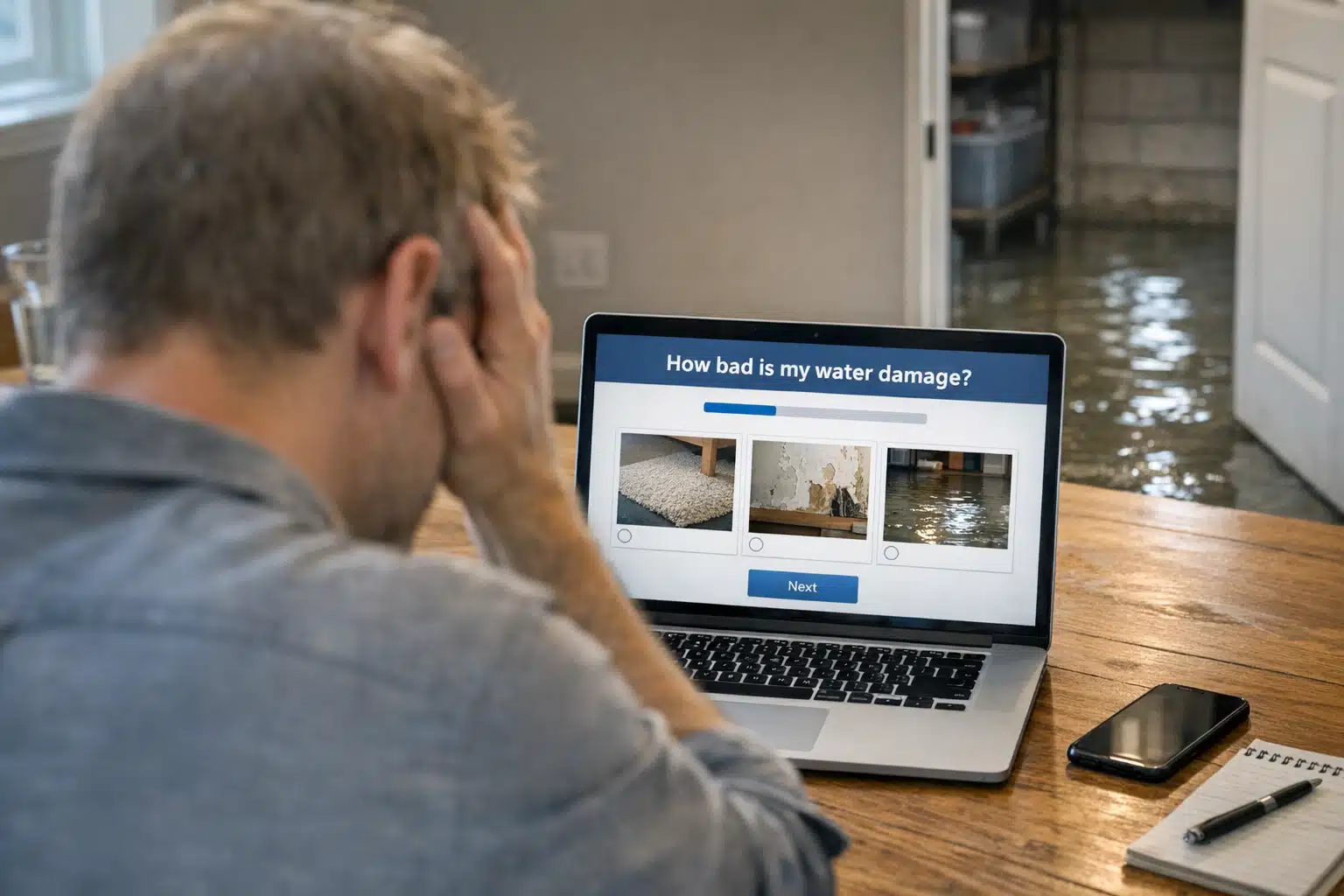
Most restoration website visitors leave within eight seconds without calling. They land on a static page after a flooded basement, skim a paragraph, and bounce to a competitor. Interactive content fixes that problem by giving panicked homeowners something to do instead of something to read.
This post shows restoration owners how quizzes, calculators, and self-assessment tools capture leads that static pages miss. You will learn which formats work for water, fire, and mold jobs, and how to track the leads they produce.
The payoff matters most during storm season, when traffic spikes but attention spans shrink. Interactive content helps you convert that surge before your phone lines get buried.
Why Interactive Content Works for Restoration Companies
Interactive content means any web element that responds to user input, such as a calculator, quiz, or self-diagnosis tool. It replaces one-way reading with a back-and-forth that pulls visitors deeper into your site.
Restoration marketing differs from general home services here. A homeowner picking a kitchen remodeler has weeks to compare. A homeowner with three inches of water in the basement wants answers in minutes.
Interactive tools give stressed visitors immediate value while they are deciding whether to call. That value builds trust faster than a wall of text about your certifications.
The Engagement Gap Static Pages Create
A standard “Water Damage Restoration” service page asks nothing of the reader. It talks at them. Most visitors scroll, feel overwhelmed, and close the tab.
An interactive element flips the dynamic. A “How Bad Is My Water Damage?” quiz asks about standing water, affected rooms, and time elapsed. Each answer keeps the visitor on the page and moving toward a phone call.
Five Interactive Content Types That Boost Engagement and Generate Leads
Not every interactive format fits restoration work. Below are the ones that produce measurable results for water, fire, mold, and storm cleanup companies.

- Damage severity quizzes — Ask visitors to rate their situation, then route them to an emergency call or a scheduling form based on urgency.
- Restoration cost calculators — Let homeowners estimate cleanup ranges by entering square footage, water category, and materials affected.
- Insurance claim readiness checklists — Walk users through documentation steps before they file, positioning you as the expert who handles claims daily.
- Mold risk self-assessments — Prompt questions about humidity, visible growth, and prior leaks to flag whether an inspection is warranted.
- Emergency response timers — Show how mold grows within 24 to 48 hours of water exposure, creating urgency tied to a real scientific window.
The best-performing tools end with a clear next step: a phone number, a booking button, or a form. An interactive element that entertains but never asks for contact info wastes the traffic it earns.
Building a Water Damage Cost Calculator That Converts
A cost calculator answers the question every flooded homeowner asks first: what will this run me? Give them a range instead of dodging the question.
Keep inputs short. Ask for affected square footage, water source category, and number of rooms. Output a realistic band, such as “$2,800 to $5,400 for Category 2 water in two rooms.”
Always pair the estimate with a note that insurance frequently covers sudden water damage. Follow the result with a call button so the homeowner acts while the number is fresh.
Using Quizzes to Qualify Storm-Season Leads
During a hailstorm or hurricane surge, your site can get hundreds of visitors in a day. A severity quiz sorts them so your team calls the urgent jobs first.
Route quiz answers by urgency:
- Active flooding or sewage — Display an immediate call prompt with your emergency line.
- Recent water, no standing damage — Offer a same-day inspection booking.
- Old stains or musty smell — Send to a mold assessment tool or a scheduled callback form.
This routing prevents your intake team from drowning in low-priority calls during peak demand.
How to Track Leads From Interactive Content
Interactive content is worthless if you cannot prove it produces revenue. Tie every tool to measurable lead tracking from day one.
- Assign each tool its own form submission event in Google Analytics 4.
- Add a hidden field capturing which tool the lead used before submitting.
- Use a dedicated tracking phone number for call buttons inside each tool.
- Tag leads in your CRM by source so you can compare quiz leads to paid search leads.
- Review close rates monthly, not just lead volume, since tool leads may convert at different rates.
A quiz that produces 40 leads a month but closes at 12 percent may outperform a form producing 60 leads at 6 percent. Track close rate, not vanity metrics.
Connecting Tools to Your Ad Campaigns
Interactive content lowers cost per lead when it becomes a paid ad landing page. Send Google Ads traffic to a calculator instead of a generic service page.
Homeowners clicking a “flooded basement” ad want to solve a problem. A calculator gives them a task and a reason to stay, which raises conversion rates and lowers wasted ad spend.
We have seen restoration accounts cut cost per lead by routing storm-season ad clicks to a severity quiz rather than a static contact form.
Interactive Content for Reputation Recovery
Interactive tools help restoration companies rebuilding trust after negative reviews. A transparent cost calculator signals honesty that a defensive review response cannot.
When a homeowner sees an upfront estimate range, they feel less risk of being overcharged. That perceived fairness counters the fear that a bad review might have planted.
Transparency tools do quiet reputation work that never shows up on your review profile but shows up in your booked jobs.
Pairing Tools With Review Requests
Add a short satisfaction check-in after a completed job. A quick interactive form asking “How did we do?” routes happy customers to your Google review link and unhappy ones to a private message.
This protects your rating during high-volume storm seasons when rushed jobs risk more complaints. It captures problems before they become public.
Common Mistakes Restoration Owners Make With Interactive Content
Poorly built tools cost more than they earn. Avoid the errors that sink most restoration company attempts.
- Too many questions — A ten-step quiz loses panicked homeowners. Keep it to three or four inputs.
- No mobile optimization — Most emergency searches happen on phones. A calculator that breaks on mobile loses the lead.
- Hiding the phone number — Every tool result should show your call button prominently.
- Fake precision — Do not promise an exact dollar figure you cannot honor. Give honest ranges.
- No follow-up — Capture the email or number and send a same-day response, not a three-day-later reply.
Speed of follow-up decides whether an interactive lead becomes a booked job. Aim to contact tool-generated leads within five minutes during business hours.
Getting Started Without a Big Budget
You do not need a developer to launch your first interactive tool. Start with one calculator or quiz tied to your highest-volume service.
For most companies, that means water damage. Build a simple cost calculator, place it on your main water damage page, and track its lead source separately.
Once it produces leads, expand into mold assessments and insurance checklists. Prove one tool works before adding more.
Conclusion
Interactive content turns anxious restoration website visitors into qualified leads by giving them a task instead of a text wall. Calculators, quizzes, and self-assessments boost engagement, sort storm-season demand, and quietly rebuild trust after bad reviews.
Track every tool by source and close rate, then follow up within minutes to win the job.
Ready to build interactive tools that book more restoration jobs? Call or text The Restoration Marketers at 720‑885‑0749, or visit https://restorationmarketers.com to get started.
Sources
- U.S. Environmental Protection Agency – Mold Cleanup in Your Home
- Centers for Disease Control and Prevention – About Mold and Your Health
- Google Analytics Help – About Conversions in GA4