
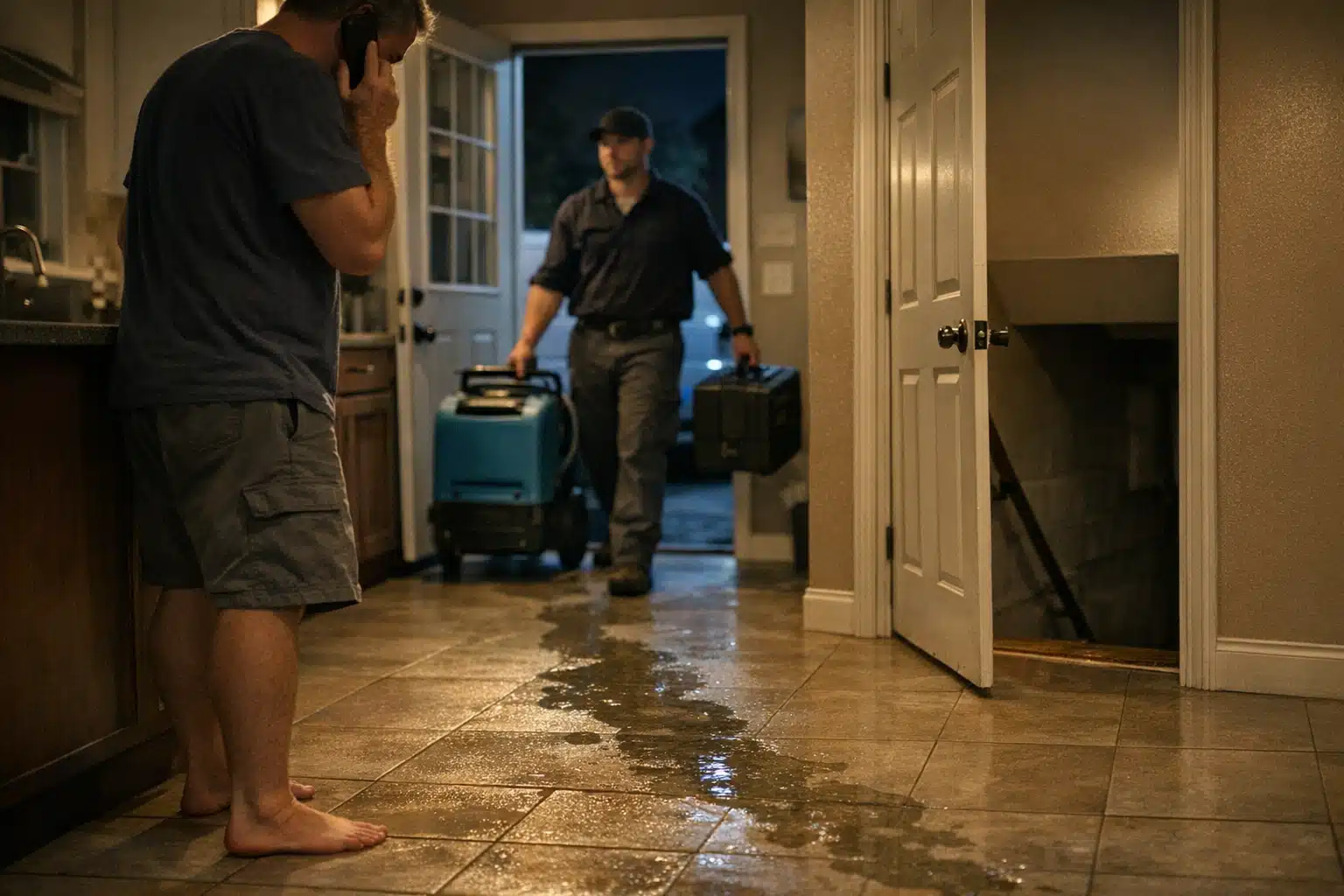
When a homeowner’s basement floods at 2 a.m., they grab their phone and search “water damage restoration near me.” Your competitor shows up twice: once in the map pack and once in the blue-link results below. You show up once, or not at all. The question of how to restore show up twice on google maps and organic listings is one restoration owners ask us weekly.
Appearing in both spots is called double-dipping. It roughly doubles your click share for high-intent emergency searches. That matters most when a flooded family is picking the first two names they see.
Below is a fix list built from working on restoration accounts. Each item is controllable. None requires you to be an SEO expert.
What Double-Dipping Means for Restoration Companies
Double-dipping means your business occupies both the local map pack and the organic results on a single search page. Google treats Maps and organic as separate systems with overlapping signals. You can win both when your Google Business Profile and your website both earn trust for the same emergency search.
For restoration, the stakes are higher than most trades. Emergency callers rarely scroll. They tap the first credible result, often a map listing, then verify with the website link right below it.
Two listings means two chances to get the call before your competitor does.
Why Restoration Is Different From General Home Services
A kitchen remodeler can wait days for a lead. A homeowner with sewage backup cannot. Restoration searches spike during storms, freezes, and burst-pipe season, then drop off.
That volatility changes your approach. Your map listing handles the panic search. Your organic page handles the research search, like “how much does mold remediation cost.” You need both covered.
Fix the Google Business Profile Signals First
Your map ranking depends on the strength of your Google Business Profile. Restoration owners lose the map pack over small, fixable mistakes. Start here before touching your website.
Choose Primary and Secondary Categories Correctly
Your primary category carries the most weight for map ranking. Many restoration owners pick the wrong one.
- Set your primary category to “Water Damage Restoration Service” if that is your main revenue driver.
- Add secondary categories like “Fire Damage Restoration Service” and “Water Mitigation Company.”
- Avoid vague categories like “Contractor” that dilute your emergency relevance.
- Match your categories to the searches that bring your best jobs.
One restoration client in a freeze-prone market jumped into the map pack after we switched his primary category from “General Contractor” to “Water Damage Restoration Service.” Nothing else changed that week.
Match Review Themes to Your Target Searches
Google reads the words inside your reviews. Reviews that mention “flooded basement” and “quick response at night” tell Google what you handle.
Ask recent emergency customers to name the problem you solved. A review saying “they dried our water-damaged floors in two days” beats a generic “great service” every time.
Review content is a ranking input, not just social proof.
Confirm Service Area and Location Relevance
Map rankings favor proximity to the searcher. If you serve three counties, your single office address limits how far your pin reaches.
- List accurate service areas inside your profile.
- Build dedicated city pages on your website for each area you cover.
- Keep your name, address, and phone identical everywhere online.
Fix Your Website So You Can Restore Show Up Twice on Google Maps and Organic
The organic blue-link result comes from your website, not your profile. If your site is thin or poorly structured, you forfeit the second listing. Your competitor who ranks twice almost always has a stronger site architecture.
Build a Real Page for Each Service
One page listing every service you offer will not rank for all of them. Google wants a dedicated page per topic.
- Create separate pages for water damage, fire damage, mold remediation, and storm cleanup.
- Write each page to answer the questions a panicked homeowner asks.
- Add response-time promises, insurance billing details, and local proof.
- Include a phone number at the top and bottom of every page.
A restoration company covering both water and fire work should never bury fire damage inside a paragraph. Give it its own page with its own title.
Use Internal Links to Pass Authority
Internal links tell Google which pages matter. Many restoration sites leave their service pages orphaned with no links pointing to them.
Link your homepage to each main service page. Link service pages to related city pages. This simple structure helps the right page rank for the right search.
An orphaned page rarely ranks, no matter how good the writing is.
Match the Page to the Search Behind It
Emergency searchers and research searchers behave differently. Your water damage page should load fast and push the call. Your cost or mold-prevention page can carry longer explanations.
When your map listing and a matching service page both target “water damage restoration [city],” you create the conditions to appear twice.
Google Ads vs Local SEO for the Second Spot
Restoration owners ask whether paid ads can buy the double listing. Here is the honest difference.
- Local SEO: Earns the map pack and organic spots over weeks to months. Lower cost per lead once established. Compounds over time.
- Google Ads and Local Services Ads: Buys top placement instantly. Strong during storm surges. Costs stop the moment you pause spending.
The strongest restoration accounts run both. Ads capture demand during a freeze event. Restoration local SEO dominance captures the steady leads between storms without a per-click fee.
Track Which Listing Earns the Call
You cannot improve what you do not measure. Restoration owners waste budget because they never learn which listing drove the job.
- Use a tracking number on your Google Business Profile.
- Use a separate tracking number on your website.
- Review call recordings to confirm emergency intent.
- Compare lead volume before and after each fix.
This tells you whether your map listing or organic page is pulling weight. It also shows which service pages drive real revenue, not just clicks.
A Realistic Timeline for Restoration Owners
Profile fixes can move your map ranking within days to a few weeks. Website structure and review building take longer to compound.
Plan your biggest push before your peak season, not during it. A company in a freeze market should fix everything by early fall, not after the first burst-pipe wave hits.
The time to earn both listings is before the storm, not during the chaos.
Conclusion
Appearing twice on Google starts with correct GBP categories, review themes that match emergency searches, and a website with a real page per service. Track every call by source, run ads during surges, and build local SEO for the quiet weeks. Restoration owners who fix these controllable items earn the map pack and the organic spot at the same time.
Want help earning both listings before your next storm season? Call or text The Restoration Marketers at 720‑885‑0749, or visit https://restorationmarketers.com.