
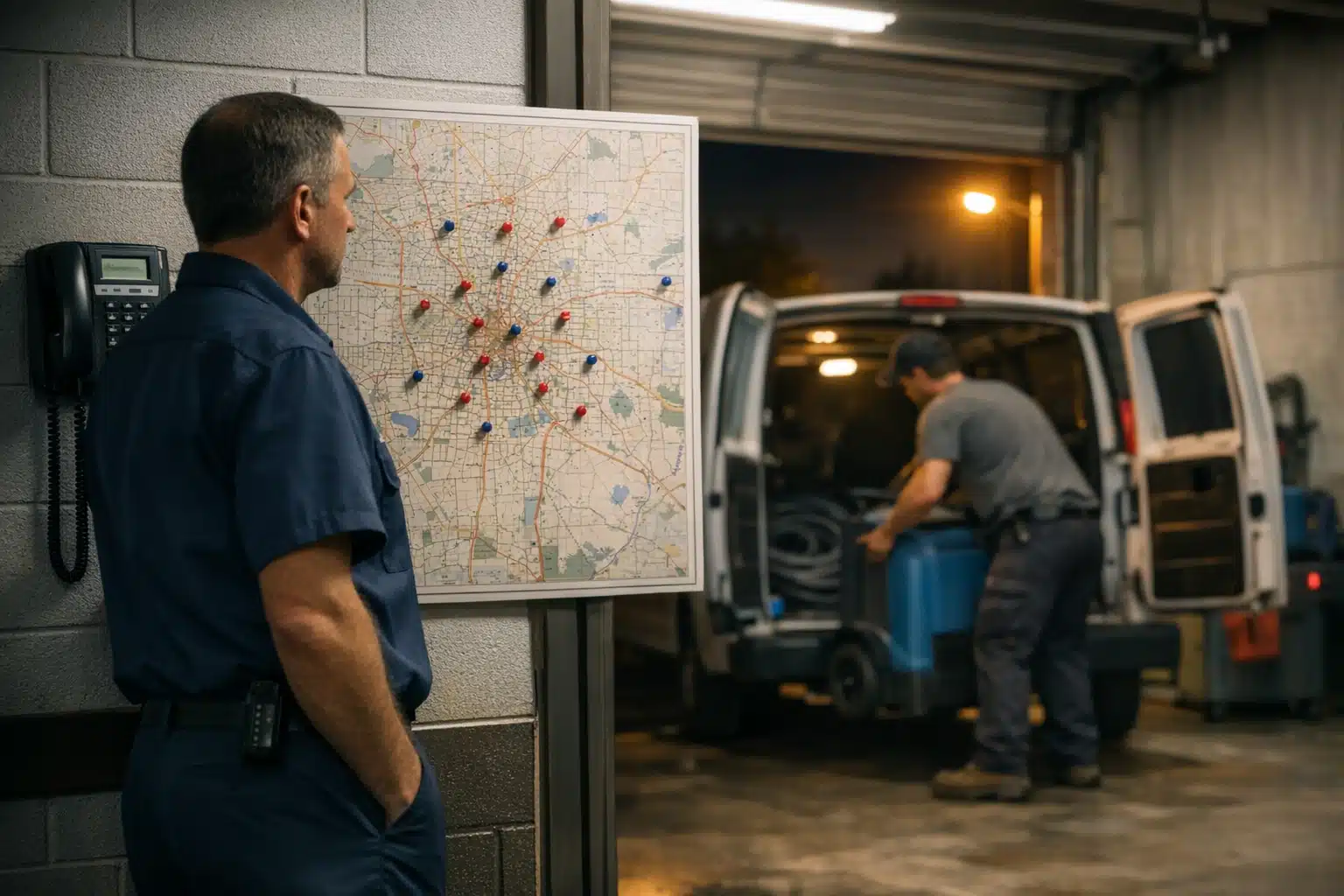
A water damage call at 2 a.m. is worth hundreds. A “how far is your office?” map click at noon is worth nothing. Yet many restoration owners run Google Ads location extensions restoration settings that treat both the same way, then wonder why their cost-per-lead climbs during storm season.
Location assets (Google renamed extensions to “assets”) attach your address, distance, and a map pin to your ads. That sounds helpful. For restoration companies, it cuts both ways.
This post breaks down when location assets bring emergency callers and when they attract browsers who cost you money. You get radius rules, after-hours routing tips, and a filtering checklist built from real restoration campaigns.
What Google Ads Location Extensions Do for Restoration Companies
Location assets add your business address, a map marker, and a distance figure to your search ads. Someone searching “water damage repair near me” sees how close you are before clicking.
For a walk-in shop, that proximity signal drives foot traffic. For restoration work, customers rarely visit your office. They want a crew at their flooded basement, not directions to yours.
Key point: restoration is a come-to-you business, not a come-to-us business. Location assets built for retail logic can misfire here.
The Map Click Problem
When a location asset shows a map pin, Google counts a tap on that pin as a “map click.” The person is checking your address or getting driving directions.
In restoration, a map click almost never signals a hot lead. It signals someone confirming where you sit, comparing distances, or an existing customer finding your office.
You pay for that click. Those map clicks junk leads add up fast during high-volume months when your ad spend is already stretched.
When Location Extensions Help Your Restoration Ads
Location assets earn their place in specific situations. Turn them on when the following conditions match your business.
- You serve a tight, local radius. A single-city restoration firm benefits from proximity signals that reassure nearby callers.
- You have strong Google Business Profile reviews. The map pin links to your profile, and 4.8 stars with 200 reviews builds trust at the click.
- You want to reinforce local presence against national franchises. A local address beats an out-of-town 800 number for homeowners who prefer neighbors.
- You track calls, not just clicks. If your reporting separates phone calls from map taps, you can measure real value.
In these cases, the address and distance figure lift ad rank and click-through rate. A closer, reviewed business wins the emergency click.
A Real Scenario: Single-Market Water Damage
Take a restoration owner covering one metro of 400,000 people. His office sits central to the service area. Homeowners searching “flooded basement help” see he is 6 miles away, with 180 reviews.
Location assets here raised his click-through rate and his after-hours call volume. The proximity number matched what customers wanted: someone close who could arrive fast.
When Location Extensions Attract Junk Calls and Wasted Clicks
Location assets hurt when your geography or search mix pulls in low-intent traffic. Watch for these red flags.
- You cover a wide multi-county territory. A distance figure showing “38 miles away” scares off legitimate emergency callers and invites price-shoppers.
- Your office is far from your best service zones. The map pin advertises the wrong location and confuses buyers.
- You run informational keywords. Searches like “what causes mold” or “how much does water damage cost” produce map clicks from researchers, not buyers.
- You share an address with an unrelated business or a home office. The map pin sends mixed signals and erodes trust.
Key point: a wide radius plus a visible distance number is the fastest path to junk clicks. Homeowners assume a far crew arrives slow.
How Informational Searchers Drain Your Budget
Restoration searches split into two groups: emergency buyers and researchers. Emergency buyers type “burst pipe cleanup now.” Researchers type “signs of water damage in walls.”
Location assets show map pins to both. The researcher taps your pin out of curiosity, generating a paid map click with zero dispatch value.
Filter informational terms into a separate campaign or block them as negatives. Keep location assets on emergency-intent campaigns only.
Tying Location Settings to Real Dispatch Outcomes
The setting that matters most is not the asset itself. It is how that asset connects to your crew’s ability to respond.
Radius Limits That Match Drive Time
Set your location targeting to the zones a crew can reach inside your promised response window. If you advertise “60-minute arrival,” do not target areas 90 minutes out.
When your radius matches your true response range, the distance number in your ad supports your promise instead of contradicting it. Match your ad radius to your dispatch radius, not your dream radius.
Trim outer zones where you rarely win jobs. Those edges produce map clicks and long-drive calls you decline anyway.
After-Hours Routing for 2 a.m. Emergencies
Most water and fire losses happen outside business hours. If a nighttime caller reaches voicemail, that lead is gone by morning.
Pair location assets with call assets that route to a live answering service or on-call tech after hours. The map pin means little if nobody picks up.
Key point: a live answer at 2 a.m. beats a perfect map pin at noon. Route every after-hours call to a human.
Bid and Schedule Adjustments by Search Intent
Raise bids during storm windows and overnight hours when emergency intent peaks. Lower or pause spend during slow midday research hours.
Layer location assets onto the high-intent time blocks. Pull them back during hours that draw browsers checking your address.
How to Filter Emergency Buyers From Junk Map Clicks
Use this checklist to keep location assets working for dispatch, not against your budget.
- Split campaigns by intent. One for emergency terms, one for informational. Assets on the first only.
- Add negative keywords. Block “jobs,” “salary,” “DIY,” “cost calculator,” and “how to” phrases.
- Enable call reporting. Separate phone conversions from map clicks in your data.
- Set location targeting to “presence,” not “interest.” Reach people physically in your zone, not those merely researching it.
- Review the search terms report weekly. During storm season, junk queries spike alongside real ones.
- Match radius to response time. Cut zones your crew cannot serve fast.
Run this review monthly in slow seasons and weekly during surges. Storm spikes bring both gold and garbage in the same wave.
Measuring What a Map Click Actually Costs You
Pull a 90-day report. Compare map click volume to booked jobs from those clicks. In most restoration accounts we audit, map clicks convert far below phone calls.
If map clicks eat 15% of spend and book almost nothing, that budget belongs on call assets and emergency keywords. Move dollars from map taps to phone calls.
Google Ads Location Extensions Restoration: Quick Decision Framework
Use this fast comparison to decide.
- Turn location assets ON if: single-market coverage, strong reviews, office central to service area, call tracking active, emergency-only campaign.
- Turn location assets OFF if: wide multi-county radius, office far from service zones, mixed informational keywords, weak or few reviews, no call reporting.
Most restoration firms fall somewhere between. The right move is often to keep assets on tight emergency campaigns and off broad ones.
Conclusion
Location assets help restoration companies when proximity matches a fast promise and reviews back it up. They attract junk clicks when a wide radius, informational searches, and voicemail routing collide. Match your ad radius to your true dispatch range, split campaigns by intent, and route every after-hours call to a live person.
Want your Google Ads built around real dispatch outcomes instead of guesswork? Call or text The Restoration Marketers at 720‑885‑0749, or visit https://restorationmarketers.com.
Sources
- Google Ads Help – About location assets
- Google Ads Help – About location targeting settings
- IICRC – Institute of Inspection Cleaning and Restoration Certification