
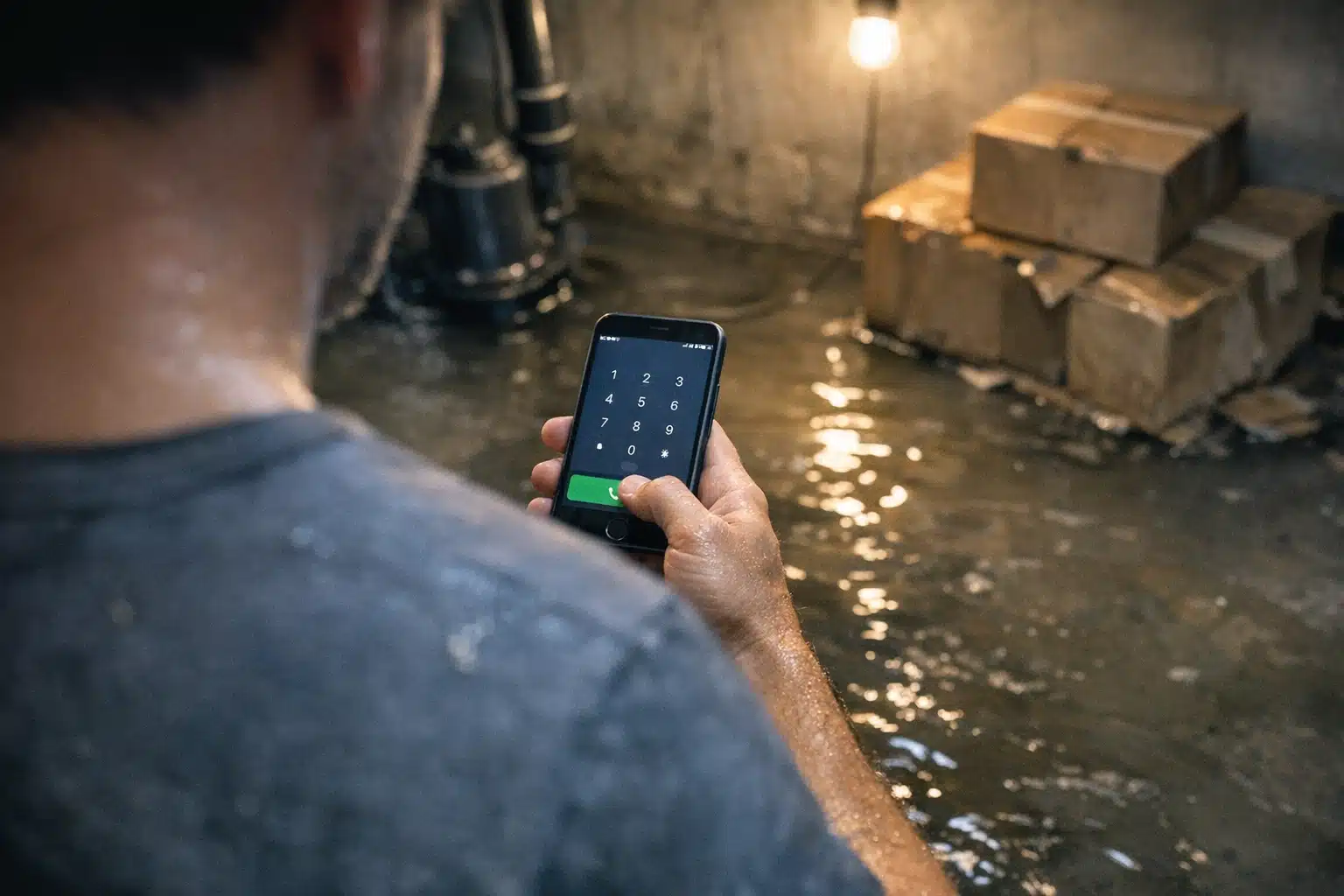
Your restoration site gets 2,000 visits a month, yet the phone stays quiet. That gap between traffic and booked jobs is the most common reason a restoration website is not getting calls. Traffic without conversion means you paid for clicks that walked away.
Water and fire damage buyers act on panic and urgency. They tap, scan, and dial within seconds. If anything slows them down, they hit the next result.
Below are 9 fixes you can apply this week to increase restoration phone call leads without rebuilding your entire site.
Why a Restoration Website Is Not Getting Calls (Even With Traffic)
A restoration website not getting calls almost always points to a conversion breakdown, not a traffic problem. The visitor arrives ready to act but hits friction.
Restoration buyers differ from typical home service shoppers. A flooded basement at 2 a.m. is an emergency, not a weekend project. Your site must match that panic-driven urgency.
Key takeaway: More traffic will never fix a page that fails emergency buyers. Fix the conversion path first.
Fix 1: Make Your Phone Number Tap-to-Call on Mobile
Over 70% of restoration searches happen on mobile during an active emergency. A number that cannot be tapped forces the visitor to memorize and dial it.

Wrap your phone number in a clickable tel: link across every page. Test it on an actual phone, not a desktop browser.
Place a sticky call bar at the bottom of the mobile screen. It follows the visitor as they scroll, keeping the call action one thumb-tap away.
Fix 2: Put Your Phone Number Above the Fold
Many restoration sites hide the phone number in a small header or footer. Panicked buyers should never scroll to find it.
Position your number in the top-right corner and inside the hero section. Use a font size larger than your body text.
- Header: bold, clickable, top-right
- Hero section: paired with “24/7 Emergency” text
- Sticky mobile bar: always visible
- Footer: repeated for good measure
Key takeaway: If a stranger cannot find your number in 3 seconds, redesign the header.
Fix 3: Answer the Phone After Hours
Restoration demand spikes at night and during storms. A missed call at 11 p.m. usually becomes a competitor’s booked job by midnight.
Studies show restoration leads that reach a live person convert far more than voicemail leads. Voicemail feels like a dead end to a frightened homeowner.
Set up one of the following before this weekend:
- A 24/7 answering service trained on your intake script
- Call forwarding to an on-call technician’s cell
- A rotating after-hours schedule among your crew
Track your missed-call log for one week. The number of after-hours misses will likely shock you.
Fix 4: Fix Page Speed Before the Visitor Bounces
Page speed directly affects whether a panicked buyer stays long enough to call. Google research links a load time jump from 1 to 3 seconds to a 32% higher bounce rate.
Restoration sites suffer from oversized hero videos and uncompressed job photos. Both drag load times past the point of patience.
- Compress every image under 200 KB
- Remove autoplay background videos on mobile
- Enable browser caching and a content delivery network
- Test on Google PageSpeed Insights and aim under 3 seconds
Fix 5: Remove Trust Blockers That Kill Calls
Homeowners inviting a stranger into a damaged property need proof you are legitimate. Missing trust signals stop the call before it happens.
Trust Signals Emergency Buyers Look For
- Google review count and star rating near the top
- IICRC certification badges
- Photos of real crews and trucks, not stock images
- “Licensed and insured” stated plainly
- A local address proving you serve their area
Key takeaway: A face and a review score beat a slogan every time. Add both above the fold.
Fix 6: Match Your Landing Page to the Emergency
Sending a burst-pipe searcher to your generic homepage wastes the click. The page should mirror their exact problem.
Build separate pages for water damage, fire damage, mold, and storm cleanup. Each headline should name the emergency and promise a fast response.
A water damage page that opens with “Flooded? We arrive in 60 minutes” outperforms a homepage listing all your service lines. The visitor sees themselves instantly.
Fix 7: Cut the Contact Form as Your Only Option
A long contact form asking for insurance details signals a wait. Emergency buyers want to talk now, not type.
Keep forms short for the small group that prefers typing. Lead every page with the phone number as the primary action.
If you run a form, trim it to name, phone, and problem. Every extra field lowers your completion rate.
Fix 8: Track Every Call by Source
You cannot increase restoration phone call leads if you do not know where calls originate. Guessing drains your budget on the wrong channels.
Install call tracking numbers for each traffic source. Assign one number to Google Ads, one to organic search, and one to your Google Business Profile.
- Google Ads calls: measure cost per booked job
- Organic calls: prove your SEO investment
- Google Business Profile calls: gauge local map strength
Key takeaway: Call tracking turns vague traffic reports into real job counts.
Fix 9: Optimize Your Google Business Profile for Emergencies
Local SEO for restoration companies means winning the map pack when someone searches “water damage near me.” Many emergency calls come straight from that map listing, never touching your website.
Google Business Profile Steps to Complete This Week
- Set your hours to 24/7 if you offer emergency response
- Add service categories like Water Damage Restoration Service
- Upload 10 recent job photos with geotags
- Request reviews from your last 5 completed jobs
- Turn on the call button and confirm it rings your line
A profile with 100 reviews and current photos pulls calls that a bare listing never will. This matters most during storm season, when search volume climbs.
Seasonal Timing That Turns Fixes Into Jobs
Restoration demand swings hard with weather. Frozen pipes in January and hurricanes in September create predictable spikes.
Apply the fixes above before the next spike, not during it. A site optimized in August captures the October storm rush at full strength.
Raise your ad budget two weeks ahead of forecasted storms in your region. Pull it back during quiet stretches to protect your cost per lead.
How These Fixes Work Together
Each fix removes one point of friction between a scared homeowner and your phone. Alone, each helps. Combined, they change your booked-job total.
Start with tap-to-call and after-hours answering, since those recover lost calls fastest. Then work down the list across the week.
A restoration website not getting calls is a solvable problem when you treat conversion as seriously as traffic.
Conclusion
Traffic means nothing if a panicked homeowner cannot reach you in seconds. Fast tap-to-call access, after-hours coverage, quick page speed, and visible trust signals turn visitors into booked jobs. Track every call by source so your budget follows the leads that pay.
The Restoration Marketers helps restoration owners fix these exact gaps and increase restoration phone call leads. Call or text us at 720‑885‑0749, or visit https://restorationmarketers.com to get started.
Sources
- Think with Google – Find out how you stack up to new industry benchmarks for mobile page speed
- Google Business Profile Help – Edit Your Business Information
- IICRC – Restoration Certification Standards