

When a hailstorm hits your metro, your phone can ring 300% more in 48 hours. That flood of calls sounds great until your crews are booked three weeks out and you’re paying for leads you cannot service. A restoration marketing throttle plan lets you slow low-value leads during a spike without shutting down the visibility you spent years building.
Going fully dark is the mistake I see restoration owners make every storm season. They pause everything, rankings slip, and the phone stays quiet long after crews catch up.
Below is the surge triage plan I walk clients over the phone during a live event: what to pause, what to keep, how to rewrite your messaging, and how to ramp back up.
What a Restoration Marketing Throttle Plan Actually Does
A restoration marketing throttle plan is a set of pre-built rules that reduce paid lead flow during a surge while protecting organic rankings and reputation. You dial demand down, not off.
The difference matters. Paid channels can be paused and restarted in minutes. Organic visibility and reviews take months to rebuild if you neglect them.
Your goal during a surge is to filter, not to vanish. You want fewer bad-fit calls and the same steady stream of the jobs that pay.
Why Restoration Is Different From General Home Services
An HVAC company can space out installs. Water and fire damage jobs are time-sensitive and emotional.
During a regional event, every restoration firm in your market floods the same auction and answers the same panicked homeowners. Demand spikes and quality drops at the same moment.
That combination is why blanket ad pauses backfire. You need surgical control over which leads you turn away.
Surge Triage: What to Pause, What to Keep
Not all marketing channels behave the same during a spike. Treat them in three buckets.
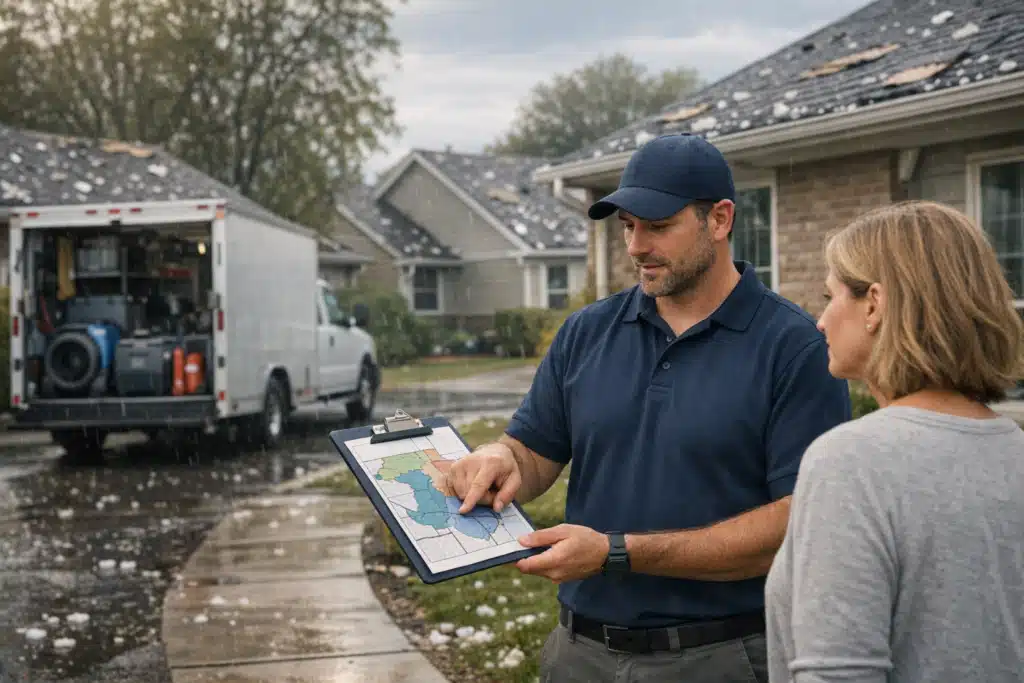
Pause or Reduce First
- Broad-match Google Ads keywords like “water damage near me” that pull mixed-intent traffic.
- Out-of-radius campaigns targeting zip codes your crews cannot reach in a spike.
- Low-margin service ads such as small mold jobs or minor cleanups.
- Lead aggregator spend where you pay per shared lead you cannot answer fast.
This is the smart way to pause Google Ads during storm surge restoration without killing your account history. Reduce daily budgets or pause specific ad groups, never the whole account.
Keep Running Always
- Google Business Profile — your map presence and review flow.
- Organic landing pages for water, fire, and mold damage.
- Branded search ads so competitors do not bid on your name.
- Retargeting for homeowners who visited but did not call yet.
Branded search is the last thing you ever pause. It is cheap, it protects your name, and it catches the customers already sold on you.
Increase If Margins Allow
Some spikes are worth chasing harder. If a storm brings large-loss commercial work, raise bids on high-value keywords like “commercial water extraction.”
Throttling works both directions. You pull back on $200 cleanups and lean into $40,000 restoration contracts.
Rewrite Your Messaging Before You Cut Spend
Most owners cut ads before they update the message. Flip that order. A honest message filters leads better than a paused campaign.
Update Three Things on Every Emergency Page
- Wait times. Add a banner: “Current response time: 24–48 hours due to storm volume.” Panic buyers self-select out.
- Service radius. State the counties you serve now. This stops calls from 40 miles away.
- Job minimums. If you only want jobs over a certain size, say “Now prioritizing insurance-covered losses.”
This messaging shift alone can cut junk calls by a third during a surge. The people who still call are the ones who match your capacity.
Match Your Ad Copy to Reality
Change your Google Ads headlines during a spike. Swap “24/7 Emergency Response” for “Accepting New Storm Damage Claims — 24hr Callback.”
The click still costs you money. Make the click count by setting expectations before the call.
Track Leads by Source So You Throttle the Right Channel
You cannot throttle what you cannot measure. Before storm season, tag every lead by its origin.
- Use call tracking numbers for each channel: Google Ads, GBP, organic, referral.
- Score leads by value after the job closes, not at first contact.
- Review which sources bring the small cleanups versus the large losses.
The channel that clogs your phone with $150 jobs is your first throttle target. The channel that lands insurance work stays wide open.
A Real Surge Scenario
One Denver client faced a hail-and-water event last spring. Calls tripled in two days, crews maxed out, and cost-per-lead climbed as every competitor raised bids.
We paused two broad ad groups, added a 48-hour wait banner, and kept branded search plus GBP live. Junk calls dropped, the crews stayed on large-loss jobs, and rankings held.
When crews cleared the backlog eleven days later, we restored full budgets in one afternoon. No ranking loss, no cold-start penalty.
How to Ramp Back Up After Crews Catch Up
Ramping back is where owners lose money by moving too slow or too fast. Follow a set sequence.
- Confirm crew availability first. Do not turn ads on until you can answer within your normal window.
- Restore branded and high-value campaigns. These convert fastest and rebuild momentum.
- Remove the wait-time banners. Return your pages to standard emergency messaging.
- Raise budgets in stages over 3–5 days. Sudden jumps confuse ad algorithms and spike your cost-per-click.
- Push for reviews from surge jobs. Every storm customer is a fresh review that lifts long-term rank.
The reviews you earn during a surge pay you back for months. Ask every satisfied homeowner within 24 hours of job completion.
Protect Your Reputation During the Rush
Rushed crews and stressed homeowners produce negative reviews. Build a follow-up call into your surge workflow.
A quick check-in call catches problems before they hit Google. One saved review protects your ranking more than a week of ad spend.
Build Your Throttle Plan Before the Next Storm
The owners who stay calm during a surge are the ones who wrote the rules ahead of time. Draft your throttle plan now, not mid-storm.
Your plan should name the exact campaigns to pause, the banners to publish, and the person who flips the switch. Store it where your office manager can find it fast.
A written throttle plan turns a chaotic spike into a controlled filter. You keep the good jobs, skip the bad-fit calls, and hold your rankings.
Key Takeaways
Effective restoration marketing during a surge means throttling low-value leads, not going dark. Pause broad ad groups and out-of-radius spend, keep branded search and your Google Business Profile live, and update wait times and service radius on your pages.
Ramp back in stages once crews catch up, and chase reviews from every storm job. A restoration marketing throttle plan protects both your capacity and your long-term visibility.
Want a throttle plan built for your market before the next storm season? Call or text The Restoration Marketers at 720‑885‑0749, or visit https://restorationmarketers.com.
Sources
- Google Ads Help – Pause or resume campaigns and ad groups
- Google Business Profile Help – Edit your business information
- National Weather Service – Weather Safety