
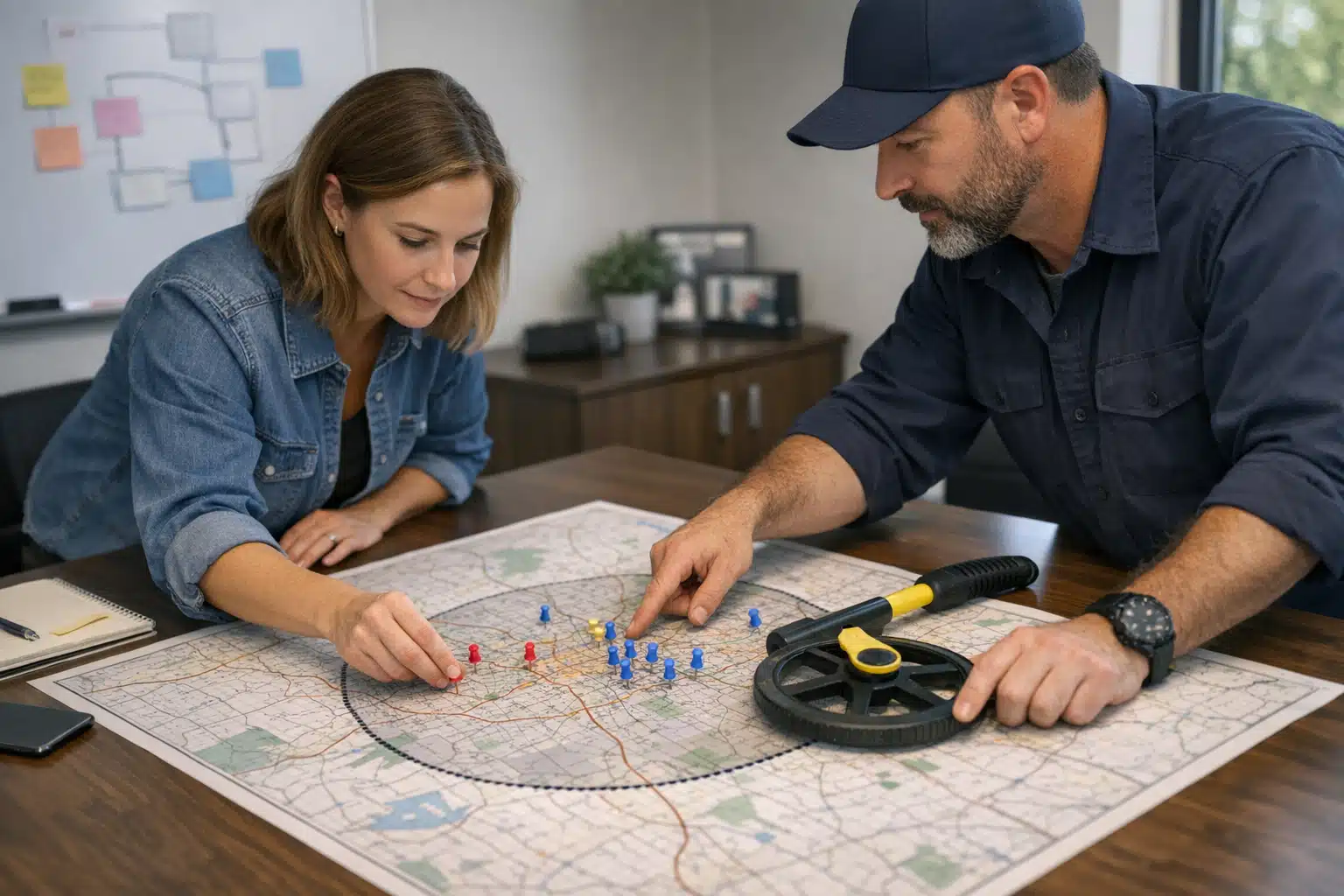
Why Your Service Area Settings Decide How Many Map Calls You Get
Most water damage calls come from people who need help in the next 60 minutes. If your Google Business Profile shows up for their location, your phone rings. If it does not, a competitor 20 minutes away wins the job.
The way you set up your google business profile service areas restoration listing directly affects which searches you appear in. Get it wrong, and you either disappear from real jobs or confuse Google into hiding you everywhere.
This post breaks down city names, zip codes, and neighborhoods—when each helps and when each hurts. You will get a plain decision tree built around drive time and crew coverage, not guesswork.
How Google Business Profile Service Areas Actually Work
A service area business lists the places it travels to, not a storefront customers visit. Restoration companies fit this model because crews drive to flooded basements and fire-damaged homes.
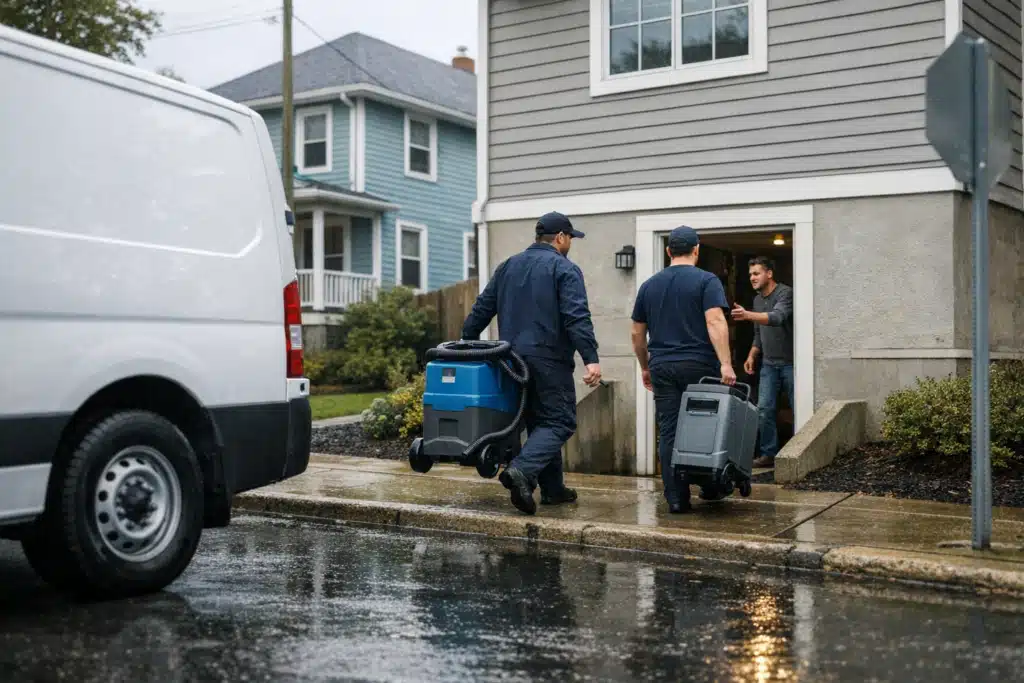
Inside your google maps service area settings, Google lets you add up to 20 areas. You can enter them as cities, zip codes, or regions. Google converts each entry into a coverage polygon behind the scenes.
Your service area does not set your ranking radius. That surprises most restoration owners. Your physical address and proximity to the searcher drive rankings far more than the areas you type in.
What Service Areas Do and Do Not Control
- They do: tell Google and customers which regions you cover
- They do: influence a small trust signal about your operating footprint
- They do not: force your listing to rank in every area you list
- They do not: replace proximity from your registered address
Knowing this changes your strategy. Padding your list with 20 far-flung zip codes will not make you rank in those zip codes. It can water down your relevance instead.
City Names vs. Zip Codes vs. Neighborhoods: The Real Comparison
Each format sends Google a different signal. Picking the right one depends on how customers in your market search and how far your crews drive.
City Names
City names cover the widest ground per entry. Adding “Aurora, CO” covers every zip code inside Aurora’s boundary. That efficiency makes cities the default choice for most restoration firms.
Use city names when your crews cover a full municipality. A water restoration company with two trucks based in Denver can list Denver, Aurora, Lakewood, and Centennial cleanly.
The weakness: cities can be too broad. If you list “Houston” but only cover the northwest quadrant, you claim territory you cannot service fast. That mismatch hurts response times and reviews.
Zip Codes
Zip codes give you surgical control. Instead of an entire sprawling city, you claim the exact postal zones your crews reach within your target drive time.
Use zip codes when a city is too large to cover fully. Los Angeles has over 80 zip codes. A single-location restoration firm serving the west side should list west-side zips, not the whole city.
The tradeoff: zip codes eat your 20-slot limit fast. Cover 15 zip codes and you have used most of your space with little room for growth.
Neighborhoods
Neighborhoods work best for search visibility and customer trust, not Google’s polygon logic. People search “water damage repair Highlands Ranch” or “mold removal in the Heights.”
Use neighborhood names in your descriptions and posts, not as primary area entries. Google treats many neighborhoods as parts of a city, so they add limited coverage weight.
Put neighborhood names where they earn attention: your business description, service pages, and Google posts about recent jobs in that area.
The Drive-Time Decision Tree for Restoration Crews
Response speed decides whether you win restoration jobs. A flooded home needs extraction now, not in three hours. Structure your areas around how fast a crew arrives.
Run every service area choice against one question: can a crew reach this location within your promised response window during a normal weekday?
- Under 20-minute drive time: List the full city name. Your crews own this zone and can respond fast.
- 20 to 40-minute drive time: Use zip codes for the specific pockets you cover, not the whole city.
- 40 to 60-minute drive time: Add only if you staff for it during storm season. Use zip codes.
- Over 60-minute drive time: Leave it off. Claiming it drags down relevance and review scores.
This tree keeps your footprint honest. Honest footprints earn faster arrivals, better reviews, and stronger local rankings over time.
Adjust for Crew Coverage, Not Ambition
A two-truck operation and a ten-truck operation should not list the same areas. Match your entries to the crews you can dispatch on a busy Tuesday.
List areas you can service with your current crews, not the crews you hope to hire. Overreach creates missed calls and one-star reviews about slow response.
When you add trucks, expand your areas. Growth in the field should come before growth in your google maps service area settings.
How Storm Season Changes Your Service Area Strategy
Restoration demand spikes when hail, hurricanes, and freezes hit. During those windows, jobs pour in from farther out than usual.
Some firms widen their areas during a storm surge, then pull back afterward. That works only if you bring in extra crews or subcontractors to hold response times.
Do not permanently list storm-season-only areas. An area you cover once a year for hail damage will hurt your everyday relevance the other eleven months.
A Better Storm-Season Play
- Keep your permanent areas matched to normal crew coverage
- Publish Google posts about active storm work in outer neighborhoods
- Run paid search targeting the storm zones for short bursts
- Add landing pages for the hardest-hit cities during the event
Paid ads flex faster than profile edits and carry no ranking penalty when you turn them off. That makes them the right tool for temporary demand.
Common Mistakes That Confuse Google and Cut Your Calls
Restoration owners repeat the same errors when setting up areas. Each one quietly costs map calls.
- Listing 20 areas to “cast a wide net.” Broad, thin coverage dilutes relevance and rarely ranks in the far entries.
- Mixing your hometown zip with distant cities. The scatter signals a fuzzy footprint Google struggles to place.
- Copying a competitor’s area list. Their address and crew count differ from yours, so their footprint does not fit you.
- Hiding your address when you have a real office. Restoration firms with a verified location gain proximity ranking power. Do not throw that away.
- Never updating areas after adding trucks. Your coverage grew but Google still sees your old footprint.
Fewer, accurate areas beat many stretched ones. Google rewards listings that match real operating patterns.
What to Do This Week
Audit your current setup against your real drive times. Pull up your Google Business Profile and check each listed area.
- Map the drive time from your office to each listed area
- Remove anything over 60 minutes on a normal weekday
- Swap oversized cities for the zip codes you truly cover
- Move neighborhood names into your description and posts
- Add recent job posts naming the areas you serve
Recheck after 30 days. Watch your call volume by area in your profile insights to confirm the shift.
Conclusion
City names fit full-municipality coverage, zip codes fit partial-city coverage, and neighborhoods belong in your content, not your area list. Build every choice around drive time and the crews you can dispatch on a busy day. Honest, accurate service areas bring faster response, stronger reviews, and more map calls.
The Restoration Marketers helps restoration companies set up profiles that match real coverage and win emergency calls. Call or text us at 720‑885‑0749, or visit https://restorationmarketers.com to get your profile audited.
Sources
- Google Business Profile Help – Set your service area
- Google Business Profile Help – Improve your local ranking on Google
- U.S. Census Bureau – ZIP Code Tabulation Areas (ZCTAs)