
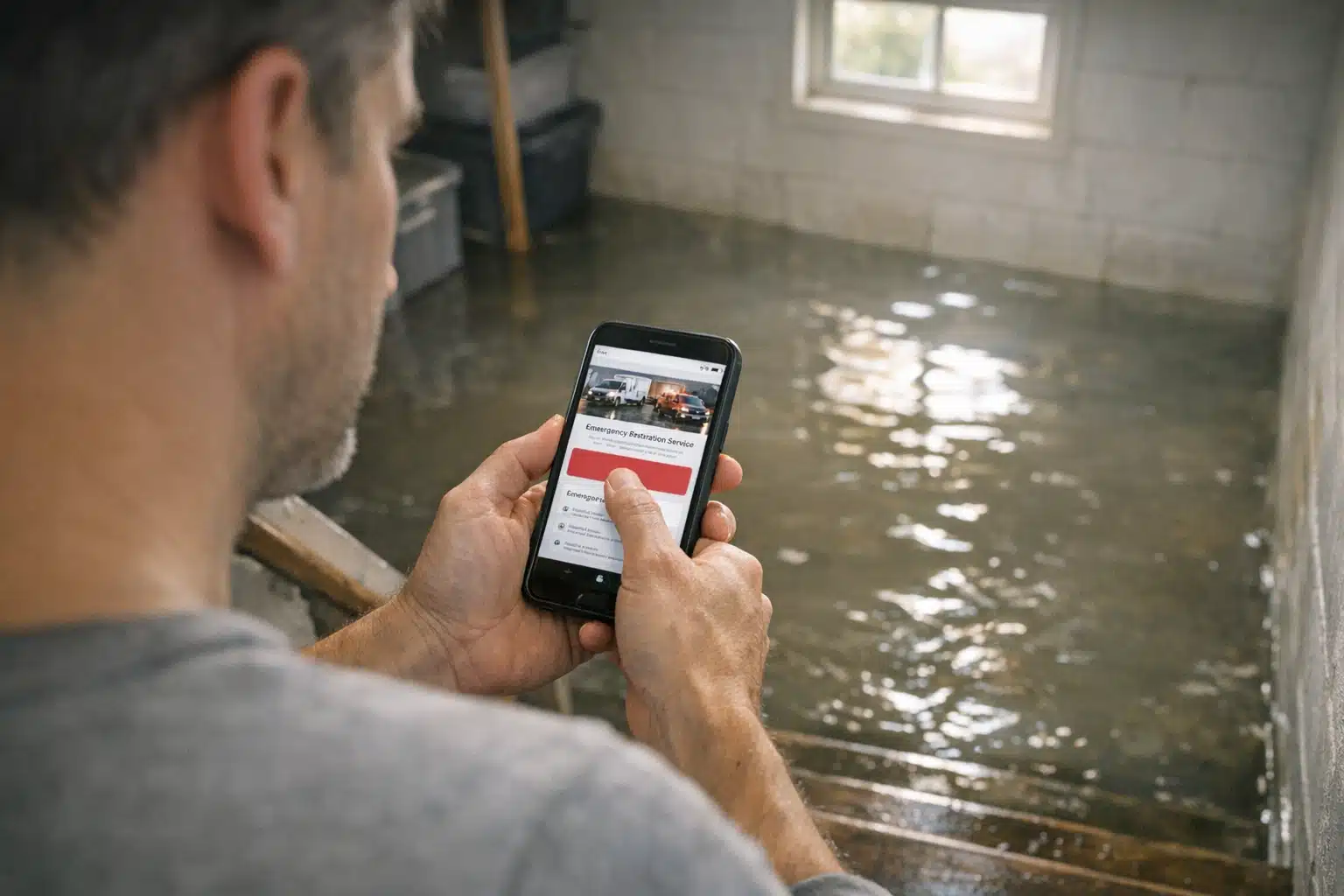
A homeowner standing in three inches of water is not reading your company history. That person wants one thing: proof you can arrive fast, then a phone number big enough to tap without thinking. Most restoration companies lose that visitor because their emergency restoration service page reads like a brochure instead of a lifeline.
Water damage, fire, and mold calls come from people in a panic. They scan for two or three signals, then either call or bounce. This post breaks down exactly what to put on the page so more of that traffic picks up the phone.
You will get a section-by-section layout built for high-stress visitors, plus a quick checklist you can hand to your web person this week.
Why an Emergency Restoration Service Page Is Different
A general home services page sells over days or weeks. An emergency page sells in under 15 seconds. The visitor’s basement is flooding while they read it.
Restoration website call conversion depends on removing friction, not adding persuasion. You are not convincing anyone they need help. They know. You are proving you are the fastest safe choice within reach.
Three things separate emergency pages from standard service pages:
- Speed cues — response time promises, 24/7 language, “dispatch now” buttons
- Reassurance cues — service area confirmation, insurance help, licensing
- Zero scroll dependence — the call action sits at the top, not buried below
The Above-the-Fold Promise: Your First 15 Seconds
The top of the page must answer one question before anything else: “Will they come, and how fast?” If a visitor scrolls to find your phone number, you already lost calls.
What belongs above the fold
- A response-time headline. Use something concrete like “Water Damage Crews On-Site in 60 Minutes” instead of “Quality Restoration You Can Trust.”
- A tap-to-call button. On mobile, it must be a real click-to-call link, not a printed number.
- A 24/7 badge. State availability in plain text near the button.
- One reassurance line. “We work directly with your insurance” removes a major fear instantly.
Keep the hero image simple. A crew member with equipment beats a stock photo of a happy family every time.
If a stressed visitor cannot find your phone number in two seconds, the rest of the page does not matter.
Service Area Reassurance: “Do You Even Come Here?”
A flooded homeowner in a suburb worries you only cover the main metro. Answer that fear before they close the tab.
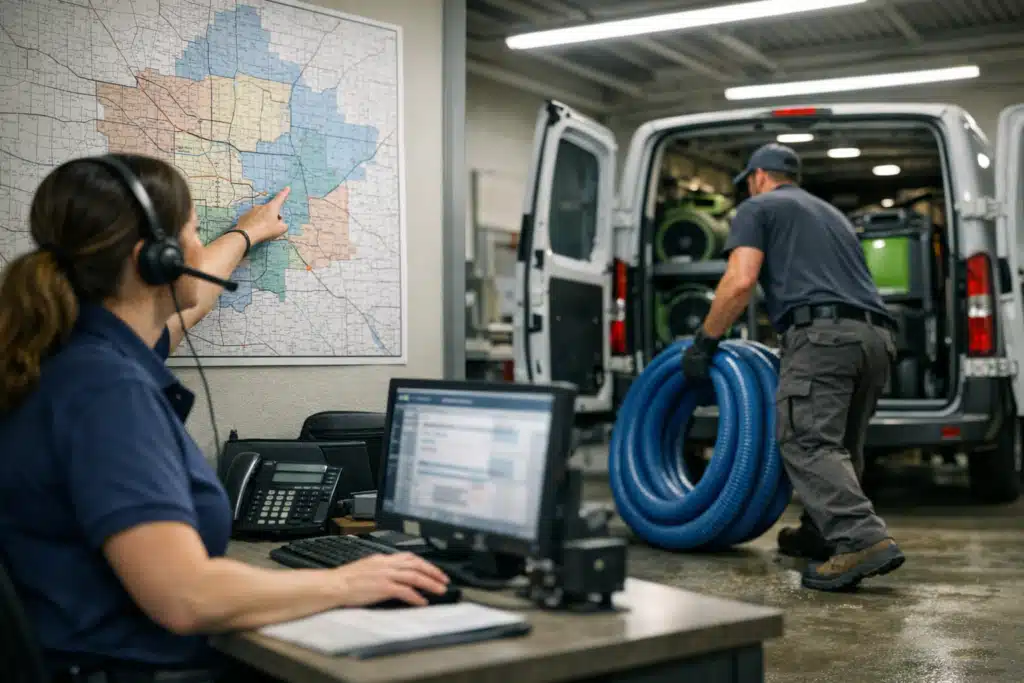
Name the towns, counties, and ZIP codes you serve in readable text near the top. This helps two audiences at once: the panicked visitor and Google’s local ranking system.
How to write service area copy that converts
- List real place names, not just “the greater area”
- Add a short line like “On-call crews positioned across [County]”
- Include drive-time context: “Teams within 30 minutes of downtown”
Specific geography builds trust faster than any award badge. Someone in a fringe zip needs to see their town named.
Insurance Cues That Calm the Money Panic
After the water itself, cost is the second fear. Many homeowners hesitate to call because they assume a huge bill. Your page must address insurance before they ask.
Restoration is unlike most home repair. Much of the work runs through a claim, and buyers rarely know how that works.
What to state plainly on the page
- “We bill your insurance directly” when true
- “We document damage for your claim“ with photos and moisture readings
- “We work with all major carriers” if accurate
- A short line on what to do before crews arrive, like shutting off water
These cues do double duty. They reduce hesitation and position you as the expert who handles the paperwork stress.
The “Dispatch Now” Call to Action
A weak CTA says “Contact Us.” A strong one matches the emergency: “Call Now for Immediate Dispatch.” Match the words to the panic.
Place a call action after every major section, not just at the top. A visitor might decide to call after reading your insurance line, not before it.
CTA rules for emergency pages
- Use action verbs tied to speed: dispatch, send a crew, get help now
- Repeat the phone number at least three times down the page
- Make buttons thumb-sized on mobile, with high contrast
- Add a text option for people who cannot talk during a crisis
Every CTA should feel like pressing an alarm button, not filling out a form.
Proof Elements That Work Under Stress
Reviews matter, but format them for scanning. A panicked reader will not study a wall of testimonials.
Show a star rating and review count near the top instead. “4.9 stars from 340 local reviews” carries more weight than three long quotes.
Add trust markers that reduce risk in one glance:
- IICRC certification badges
- Licensed and insured statement
- Years serving the specific area
- One short quote about response speed, not general praise
Reputation recovery matters here too. If you have worked past a rough patch of negative reviews, a strong recent rating on the page rebuilds confidence at the exact moment it counts.
Seasonal Timing: Match the Page to the Threat
Demand for restoration spikes with weather. Storm season, winter pipe bursts, and spring flooding each drive different searches.
Update your emergency page headline to match the active threat. During a freeze event, “Frozen Pipe Burst? Crews Dispatching Now” beats generic water damage copy.
A page that reflects the current emergency converts better than an evergreen one. Swap the hero message when a named storm approaches your area.
The Emergency Service Page Checklist
Hand this list to whoever manages your site. Each item ties directly to more calls.
- Response-time promise in the headline
- Tap-to-call button above the fold
- 24/7 availability stated in text
- Named service areas near the top
- “We bill insurance directly” line
- Star rating and review count visible early
- Licensing and certification badges
- Repeated phone number down the page
- Text-us option for silent emergencies
- Fast mobile load speed under three seconds
Run your current page against this list. Most restoration owners find three or four gaps costing them calls right now.
Track Which Elements Drive the Calls
Guessing wastes money. Set up call tracking so you know which page and source produced each lead.
Use a tracking number on the emergency page separate from your main line. Then watch which headline version earns more dials during a storm week.
What you measure, you can improve. A single headline swap has moved call volume by double digits on pages we have rebuilt for restoration clients.
Conclusion
An emergency restoration service page earns calls by proving speed, confirming your service area, and calming insurance fear within seconds. Put the phone number everywhere, match the message to the season, and track which changes lift your restoration website call conversion.
Ready to turn clicks into ringing phones? Call or text The Restoration Marketers at 720‑885‑0749, or visit https://restorationmarketers.com to rebuild your emergency page for more calls.